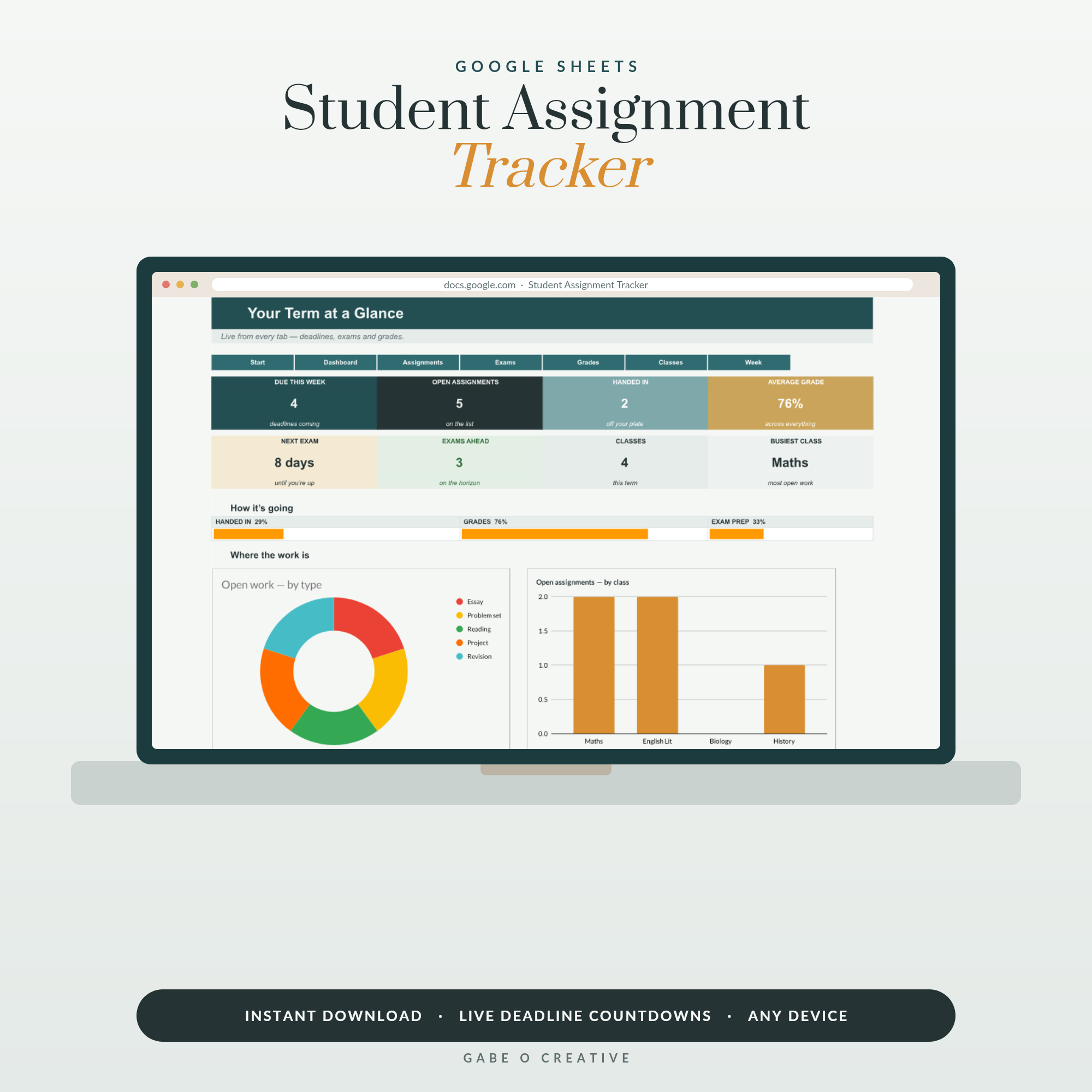
Every student knows the stomach-drop: it's 11pm, someone in the group chat mentions 'the essay', and you realise it's due at 9am. The 2am panic submission isn't a discipline problem — it's a visibility problem: deadlines scattered across handbooks, portals and half-remembered lecture announcements. An assignment tracker fixes it by putting every deadline for every module on one screen, sorted by what's due next. That's exactly what our Student Assignment Tracker does in Google Sheets — here's the full system.
Want it ready-made? The Student Assignment Tracker comes with the deadline board, status dropdowns and weighted grade calculator already built — make a copy and type in your modules tonight.
Why deadlines slip (it's not laziness)
A typical term hides fifteen to twenty-five deadlines across four to six modules — essays, labs, presentations, online quizzes, group projects. Each one was announced somewhere: a module handbook PDF, a slide in week two, an email, the portal. Your brain is being asked to be a database, and brains are terrible databases. The students who seem effortlessly organised aren't smarter — they've stopped storing deadlines in their heads. One hour in week one (more on that below) buys a whole term of never being surprised.
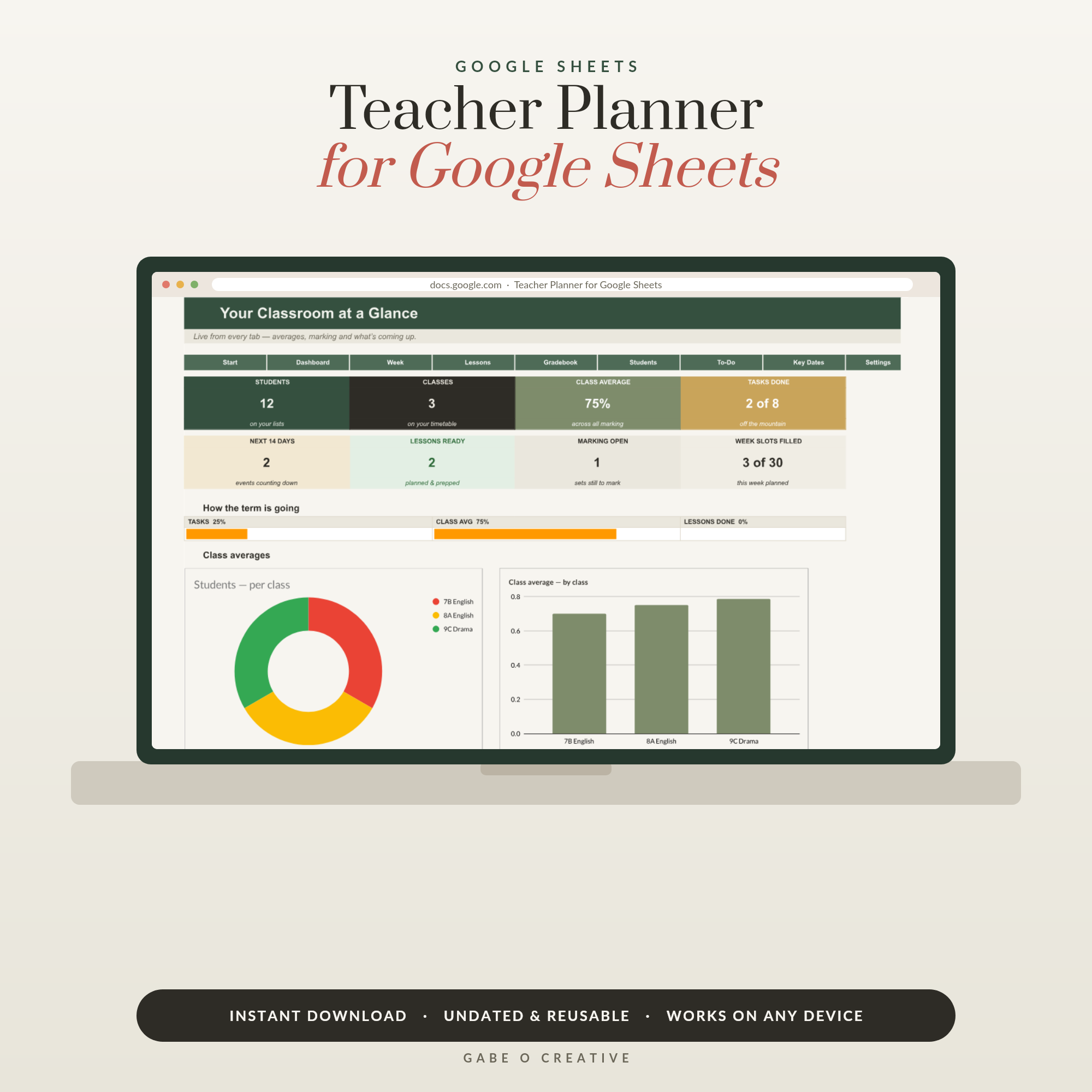 Shop Teacher Planner Google Sheets, Digital Lesson Planner Spreadsheet, Gradebook with Class Averages, Student Tracker, Undated & Reusable →
The columns that matter
A tracker earns its keep with seven columns:
| Column | Why it matters |
|---|---|
| Module | So you can filter to one course before a seminar |
| Assignment | 'Essay 2: media ethics' beats 'essay' |
| Due date | The heart of the sort — nearest first, always |
| Start by | The date the work needs to begin (the anti-all-nighter column) |
| Weight % | A 40% essay deserves more than a 5% quiz — visibly |
| Status | Not started → In progress → Submitted → Graded |
| Grade | Feeds your running module average |
The two most underrated are start by and weight. 'Start by' turns a deadline from a cliff-edge into a runway: a 2,500-word essay gets two weeks (research week, writing week) plus an editing buffer. 'Weight' stops the classic mistake of polishing a 5% quiz while a 40% essay waits.
The week-one hour that changes the term
The single highest-leverage hour of any term: the week handbooks drop, go through every module and type every deadline into the tracker. All of them, even the tiny quizzes. Two things happen immediately. First, the term's shape appears — you can see in September that week 9 has three deadlines stacked, and plan around it months early instead of discovering it the hard way. Second, checking one screen replaces monitoring six sources; the tracker becomes the term's single source of truth. From then on it's ten minutes on Sunday: update statuses, glance at the next fortnight, pick the week's starts.
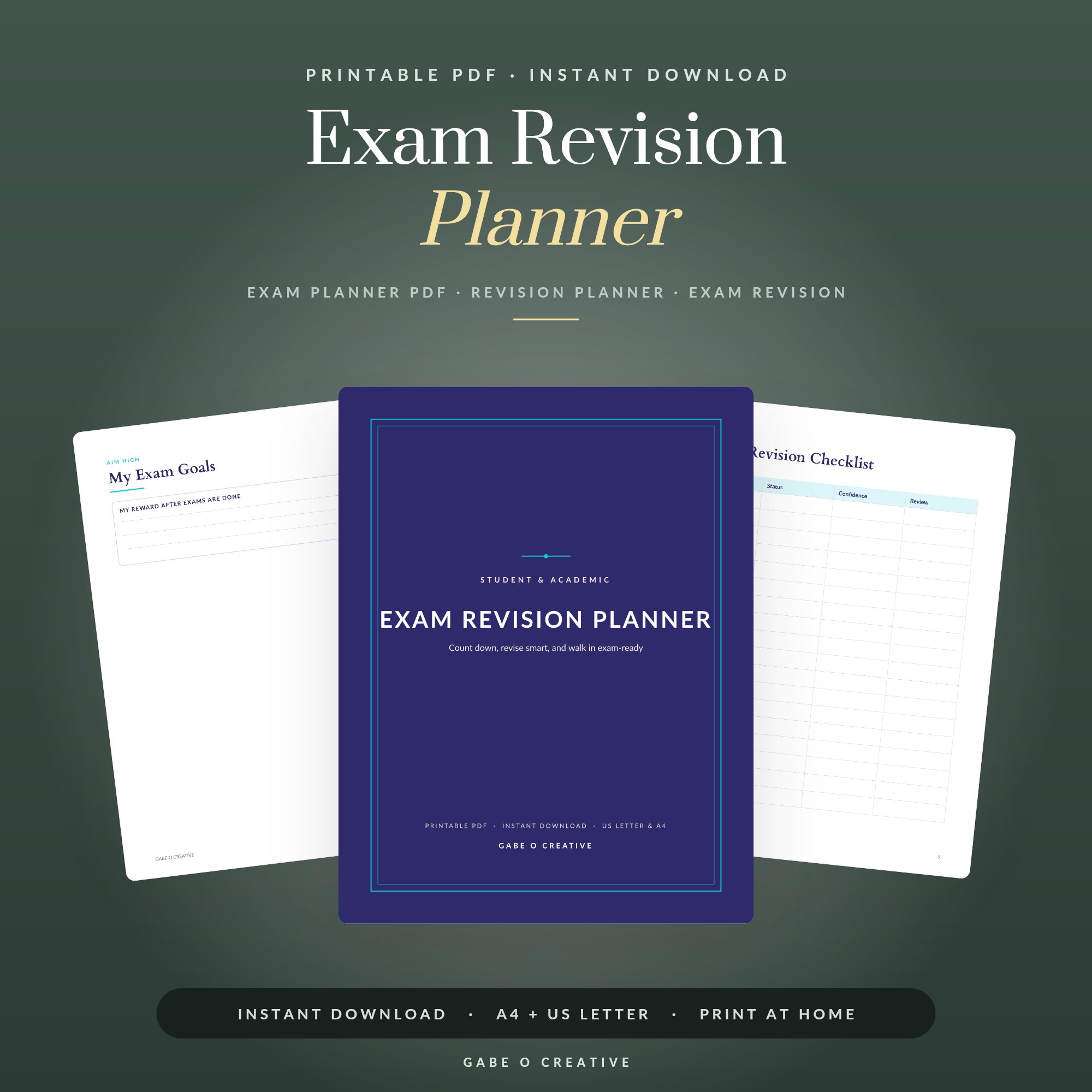 Shop Exam Revision Planner →
Working backwards: the anti-all-nighter method
Deadlines are immovable; start dates are where the control is. For each assignment, plan backwards from the due date: a big essay wants 14 days (7 research, 5 writing, 2 editing buffer), a lab report maybe 4, a presentation a week of building plus rehearsal time. Type the result into 'start by' and let the sheet sort by it — now the tracker tells you what to begin, not just what to panic about. That editing buffer matters more than it looks: work finished two days early survives printer failures, portal outages and flu; work finished at 8:47am survives nothing. When exam season replaces essay season, the same backwards logic drives a good study schedule, and the printable revision planner pairs nicely with the tracker.
Track grades like a strategist
Once grades flow in, the tracker becomes a strategy tool. With weights in place, it can answer questions that used to be anxiety-fog: What's my running average in each module? What do I need on the final to hit a 2:1? Which module rewards extra effort most? Maybe Politics sits at 68 with a 50% exam left, while History is safe at 71 with only 20% remaining — so the marginal hour belongs to Politics. Students who can see this stop spreading effort evenly (which feels fair but wastes marks) and start placing it where it moves the result. It also turns results day from a reveal into a confirmation.
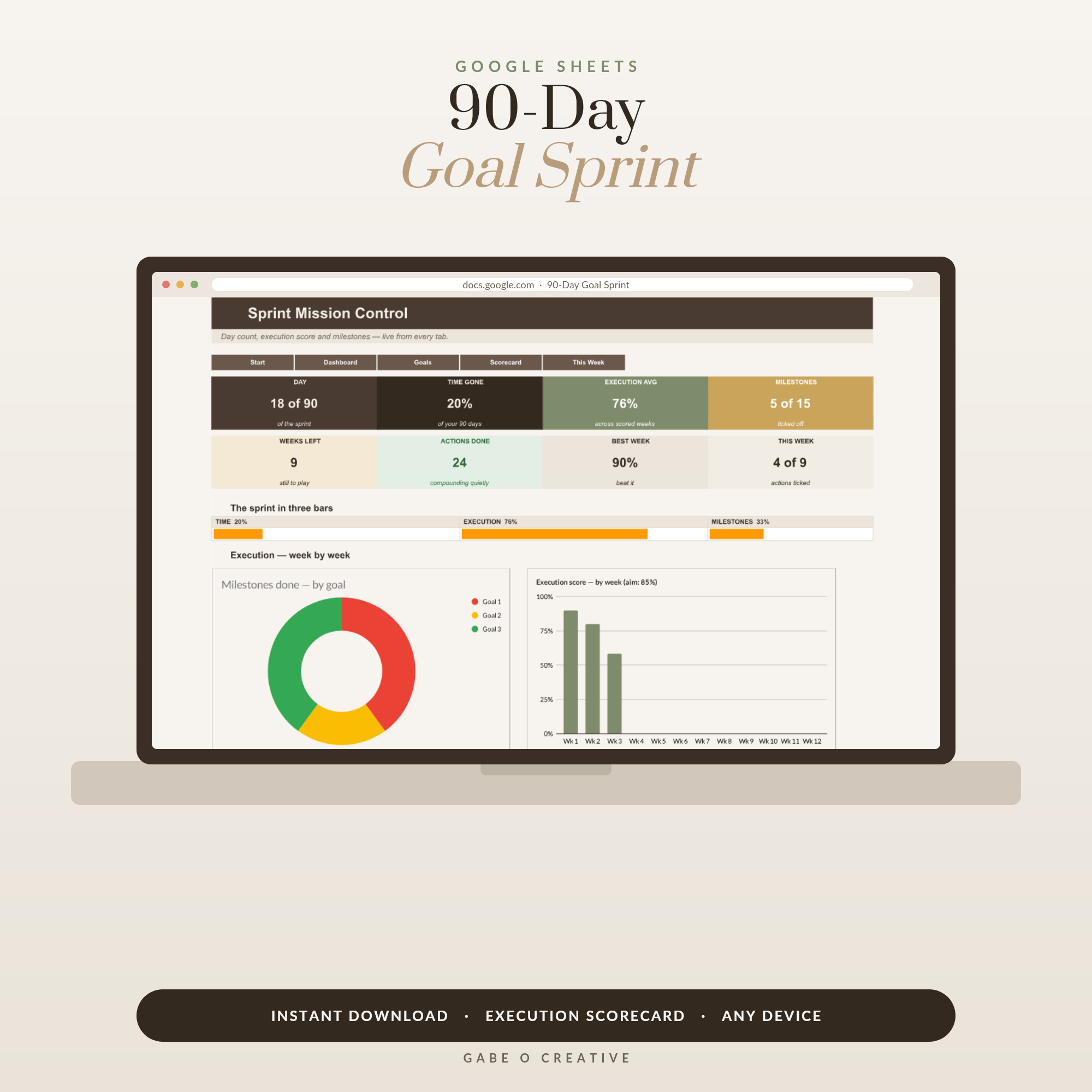 Shop 90 Day Goal Planner Google Sheets, Quarterly Goal Setting Spreadsheet with 12 Week Scorecard, Milestone Tracker & Weekly Action Planner →
Group projects: track the humans too
Group assignments deserve one extra column: who owes what, by when. Most group-work disasters aren't malice, they're the same visibility problem again — nobody wrote down that Sam has the data section due Friday. Put each member's piece in the tracker with its own mini-deadline a few days before the real one, share the sheet with the group, and the awkward chasing conversation becomes a neutral status colour everyone can see. The tracker takes the social heat so you don't have to.
Make it a term-long habit
The system, end to end: week one, enter every deadline from every handbook. Every Sunday, ten minutes — update statuses, check the fortnight ahead, choose what starts this week. Every grade, log it and glance at the average. That's the whole practice, and it makes term-time feel strangely calm. Build the sheet yourself, or make a copy of the Student Assignment Tracker with the board, dropdowns and grade maths pre-built. Pair it with the Daily + Weekly Planner for day-to-day focus, or a 90-day goal sprint if the term has one big personal target riding on it — and if you're the one setting the assignments, the Teacher Planner is the other side of the same coin. Moving into halls this autumn? The dorm checklist has the practical side covered.
Frequently asked questions
What is an assignment tracker?
One place — usually a spreadsheet — that lists every assignment across every module: what it is, when it's due, how much it's worth, its status, and the grade when it lands. Instead of deadlines living in six module handbooks, they live on one screen, sorted by what's due next.
Why do students miss deadlines even when they care?
Because deadlines are scattered — one in a PDF handbook, one announced in a lecture, one buried in the portal. Missing one is rarely laziness; it's a visibility problem. The tracker fixes visibility, and suddenly 'I forgot' disappears from your vocabulary.
When should I add assignments to the tracker?
All of them, in week one. The single most powerful hour of the term is going through every module handbook the week you get them and typing every deadline in. From then on, the term holds no surprises — you can see the November pile-up in September.
How do I plan backwards from a due date?
Give every assignment a 'start by' date, not just a deadline. A 2,500-word essay needs roughly two weeks: research week, writing week, plus an editing buffer of a few days. If the tracker shows the start date, the deadline stops being the thing you react to.
Should I track grades too?
Yes — with the weighting. Knowing an essay is worth 40% of the module changes how much time it deserves, and watching your running average per module tells you where a little extra effort moves your final result most. It also makes 'how am I actually doing?' a fact, not a feeling.
Is a spreadsheet better than a planner app for assignments?
A spreadsheet shows the whole term on one screen, sorts by due date, calculates weighted grades and costs nothing — and it can't send you a notification you'll swipe away. Many students pair a spreadsheet tracker (the system) with phone reminders (the nudge). Use paper for daily to-dos if you like; keep the master list digital.
End the 2am submissions this term: make your copy of the Student Assignment Tracker, spend one hour entering the handbooks, and watch every deadline become visible, planned and calm.