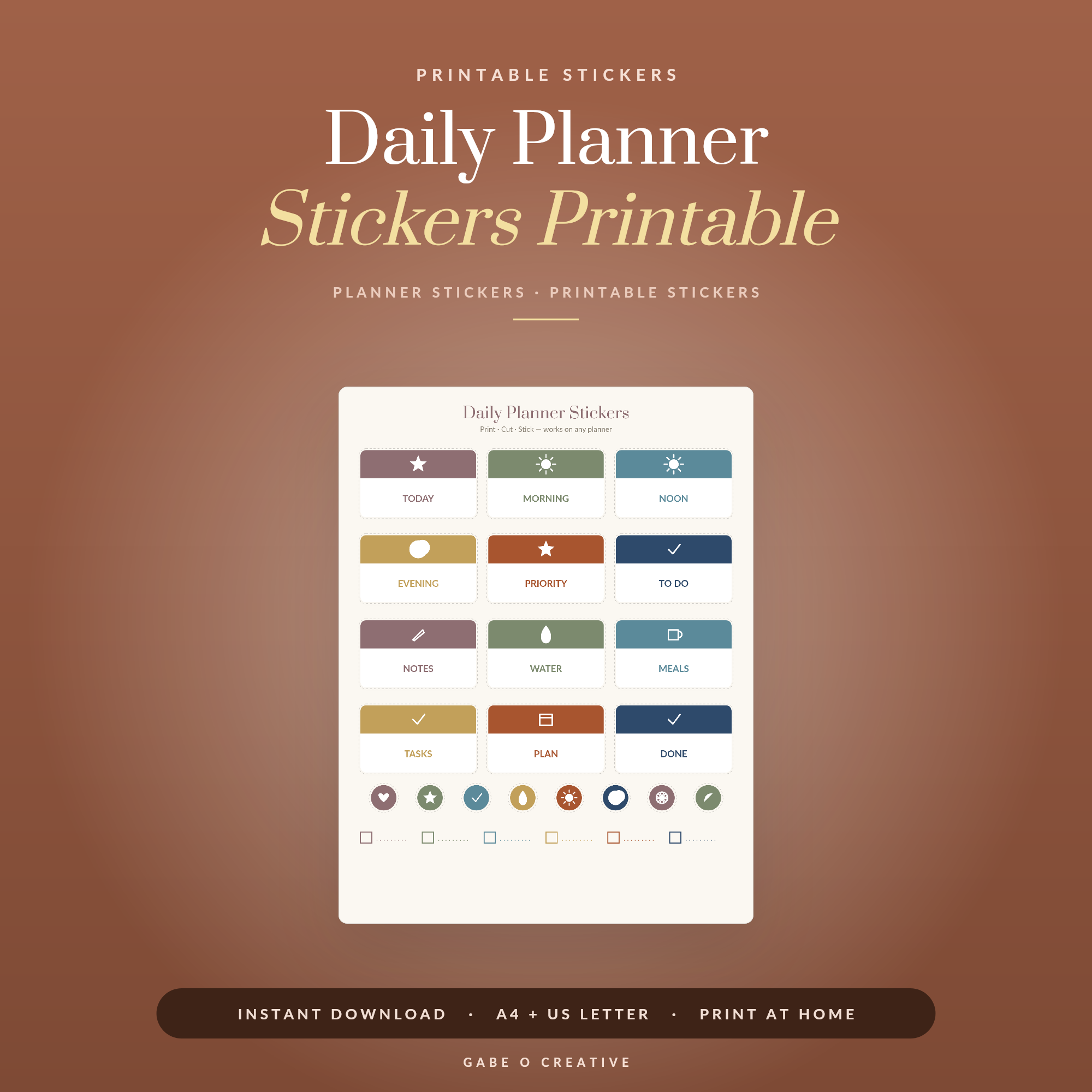
Learning how to print stickers at home is the point where printable planner sets stop being a small saving and start being a genuinely cheap habit — one sheet of sticker paper costs less than a single shop-bought sticker pack and gives you dozens. The catch is that three things have to line up: the right paper for your printer, settings that don't quietly resize everything, and a cutting method you can actually sustain. Get those right and it's a fifteen-minute job. Our printable daily planner stickers are drawn with clean outlines specifically so they're easy to cut by hand or by machine.
Want to try a sheet tonight? Grab the daily planner sticker set, print one page on ordinary paper first to check the sizing, then commit to the sticker sheet.
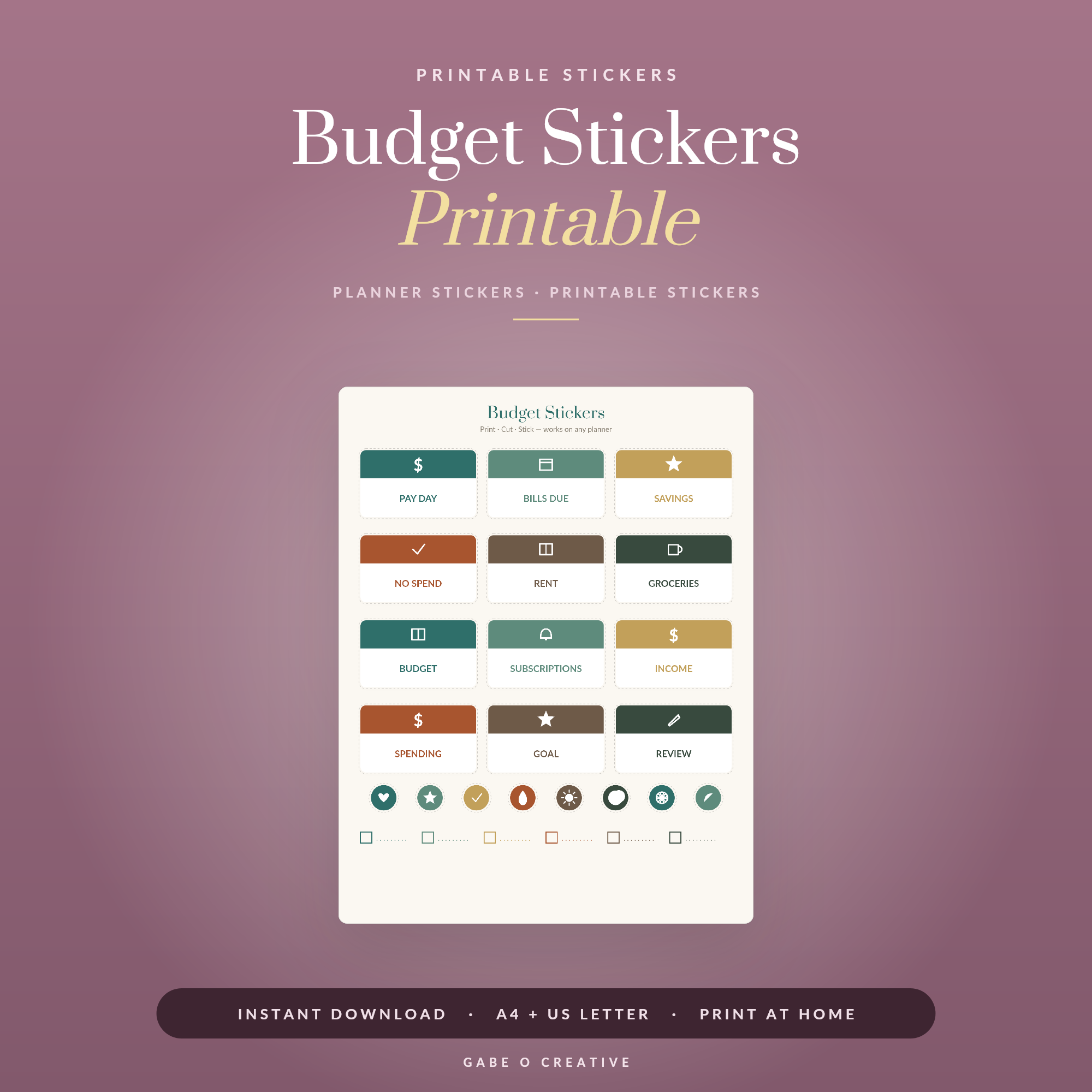 Shop Budget Stickers Printable →
Choosing the Right Sticker Paper
This is where most of the disappointment happens, and it's entirely avoidable. Sticker paper is sold specifically for inkjet or for laser printers, and they are not interchangeable — inkjet paper has a coating that absorbs liquid ink, while laser paper is built to survive the heat of a fuser. Put inkjet paper through a laser printer and the coating can melt; put laser paper through an inkjet and the ink sits wet on the surface and smudges permanently.
After that, the choice is about finish:
- Matte — write on it with any pen, no glare, forgiving of fingerprints. The default for planner stickers.
- Glossy — colours look richer, but most pens skid on it. Best for decorative pieces you won't write over.
- Waterproof vinyl — for water bottles, laptops and anything that leaves the house.
- Full-sheet label paper — one big sticker you cut into shapes yourself. Usually the cheapest per sticker.
A word on cost
Sticker paper is the expensive part, so test on plain paper first. Print one page, hold it against your planner, check the sizes are right — then load the real sheet. Everyone skips this once and wastes a sheet learning why not to.
Printer Settings That Actually Matter
Four settings do almost all the work, and one of them is responsible for most failures.
| Setting | Use | Why |
|---|---|---|
| Scaling | 100% / Actual size | The big one. 'Fit to page' resizes everything and your stickers no longer match their cut lines |
| Paper type | Matte photo / heavy / label | Tells the printer to slow down and lay ink properly |
| Quality | High or Best | Draft mode makes outlines fuzzy, which makes cutting harder |
| Colour | Colour, borderless off | Borderless stretches the image slightly on many printers |
Then let it dry. Inkjet stickers need a few minutes before you touch or stack them, and longer on glossy paper. More home-printed sticker sheets are ruined by an impatient thumb than by any printer fault.
If the colours look wrong
Home printers almost always print slightly darker than the screen. If a pastel set comes out muddy, it's usually the paper type setting rather than the file — set it to a photo or heavy paper and print again before adjusting anything else.
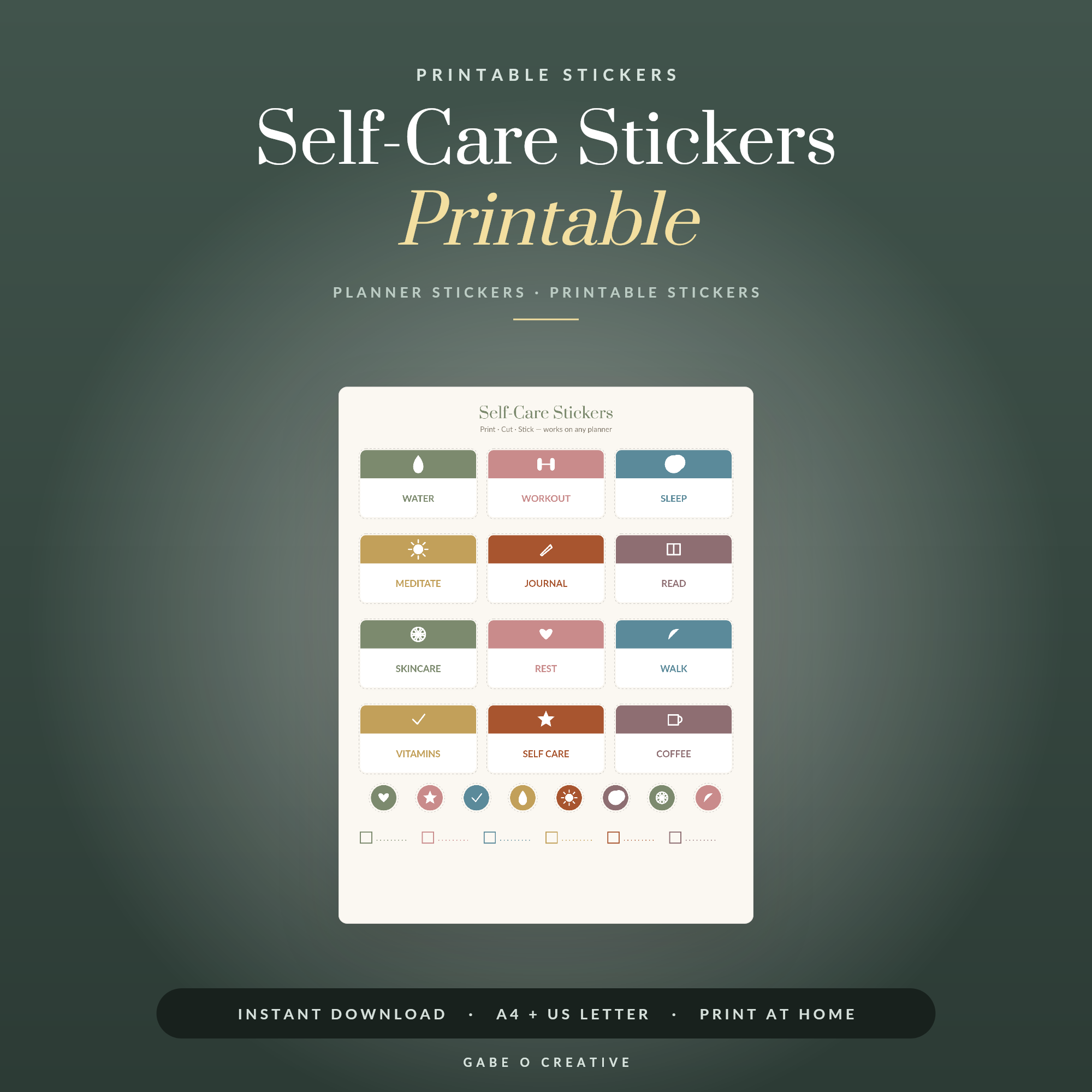 Shop Self-Care Stickers Printable →
Cutting: By Hand or By Machine
Cutting is the part that decides whether you keep doing this, so be honest about how much patience you have.
By hand
Small sharp scissors for simple shapes; a craft knife, metal ruler and cutting mat for straight edges. Two things make hand-cut stickers look professional: cut just inside the outline so no printed edge shows, and cut boxes and headers as strips rather than individually. A full sheet takes fifteen or twenty minutes in front of the television.
By machine
A Cricut (Print Then Cut) or Silhouette (Print and Cut) reads registration marks printed around the sheet and cuts each outline precisely. Worth it if you cut sheets regularly; overkill for one set. Three things to know: keep the registration marks clean and unobstructed, avoid glossy paper because the sensor can struggle with the glare, and cut a test sticker before committing the whole sheet.
Making Them Last
- Seal them if they'll get wet — a laminating sheet over the printed page before cutting, or a light clear sealant.
- Store flat, out of sunlight. Curled edges are what makes home-made stickers look home-made.
- Cut as you go rather than all at once — uncut sheets store far better than a pile of loose stickers.
- Reprint freely. That's the whole advantage: a printable set never runs out.
Once the process is routine, the sets are what make it worthwhile. The budget stickers pair with a bill tracker, the student stickers cover deadlines and exams, and the self-care and productivity sets cover the rest of the week. If you're not sure which suit your layout, our guide to printable planner stickers covers the different types, and how to use planner stickers covers actually working with them once they're cut.
Prefer to skip paper altogether? The same sticker sets drop straight into a digital planner as images — our GoodNotes digital planner guide explains how that works on a tablet.
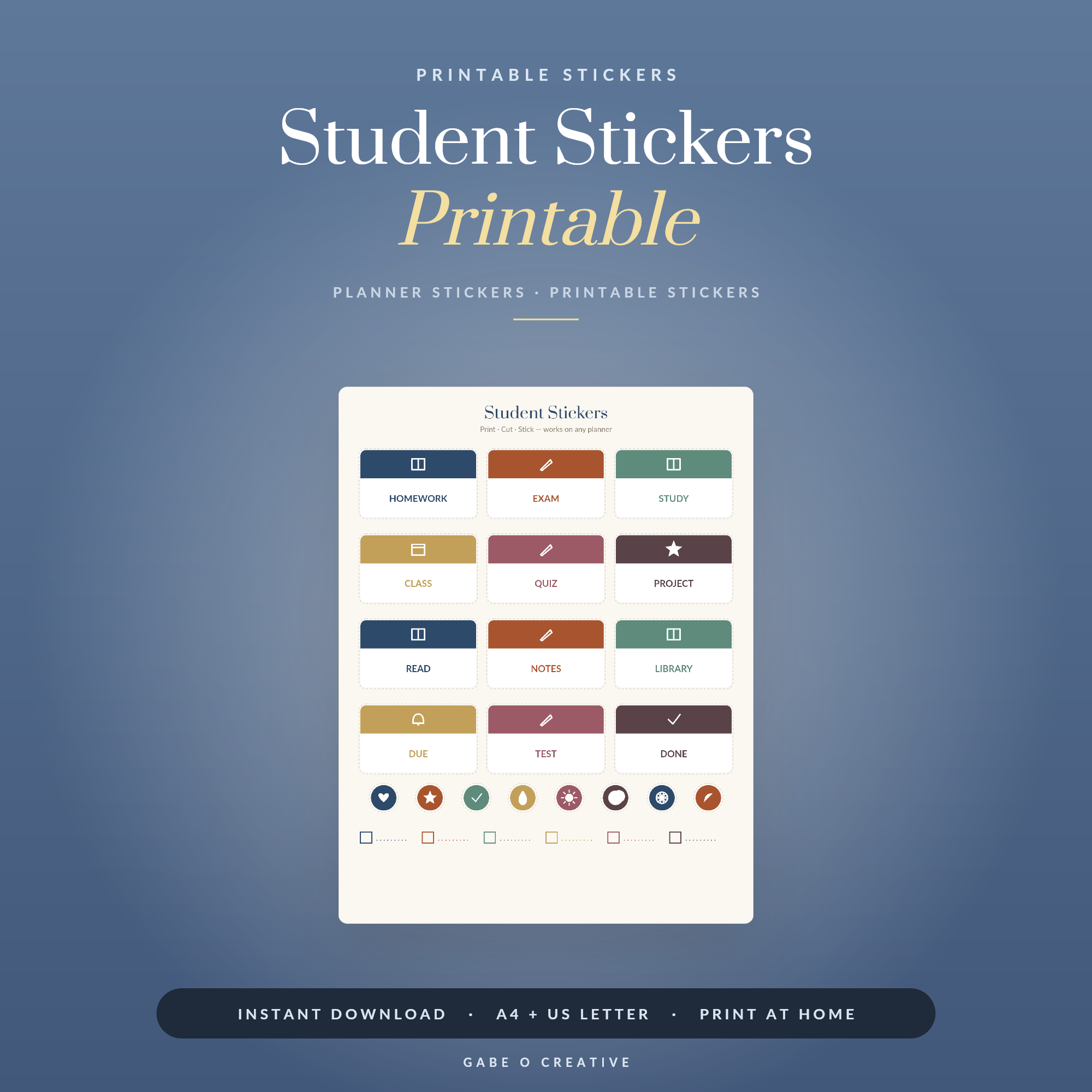 Shop Student Stickers Printable →
What It Actually Costs
The maths is the reason people switch. A pack of shop-bought planner stickers is typically £3–£5 for two or three sheets. A pack of twenty A4 sticker sheets costs roughly £8–£12, and one printable set reprints onto all twenty.
So the first sheet is expensive — you're buying the paper — and every sheet after that costs about 50p in paper plus a little ink. If you use a sheet a fortnight, a printable set pays for itself within the first month and then keeps going for years, because the file never runs out. That's a different proposition from a physical pack, which you use up.
Where the money actually goes
Ink, not paper, is the real cost on an inkjet — dense full-colour sticker sheets use noticeably more than text. Two habits keep it down: print in colour but not at maximum quality unless the design needs it, and lay several small sets on one sheet rather than printing a half-empty page. Most printable sticker files are designed to fill an A4 sheet for exactly this reason.
One warning about cheap sticker paper
Very cheap unbranded sticker paper tends to have weak adhesive and a coating that soaks up ink unevenly, which reads as muddy colour and edges that lift after a week. If your stickers look worse than the file did on screen, the paper is the first thing to change — not the printer, and not the file.
Printing Stickers at Home FAQs
What paper should I use to print stickers at home?
Matte sticker paper for anything you'll write on, glossy for decorative pieces. Check whether the pack says inkjet or laser and match it to your printer — the wrong pairing either smudges forever or melts in the fuser.
Do I need a special printer to print stickers?
No. Any home inkjet or laser prints stickers perfectly well on the right paper. The printer matters far less than the paper, the settings and letting the ink dry.
How do I stop my stickers printing blurry or oversized?
Turn scaling off — print at 100% or 'actual size', never 'fit to page'. Fit-to-page is the single commonest cause of stickers that no longer match their cut lines.
How do I cut planner stickers without a machine?
Small sharp scissors for simple shapes, or a craft knife and metal ruler on a cutting mat for straight edges. Cut just inside the outline rather than on it — a hair of white border looks deliberate, a wobble does not.
Can I use a Cricut or Silhouette to cut printed stickers?
Yes — that's Print Then Cut on a Cricut and Print and Cut on a Silhouette. Print the sheet with its registration marks, load it on the mat, and the machine reads the marks to cut precisely along each outline.
How do I make home-printed stickers waterproof?
Either print on waterproof vinyl sticker paper, or seal ordinary sticker paper with a laminating sheet or a light coat of clear sealant. Inkjet ink in particular will run the moment it meets water otherwise.
Ready to print your first sheet? Start with the daily planner stickers, or browse the full Stickers collection — budget, student, fitness, self-care and more, all reprintable forever.