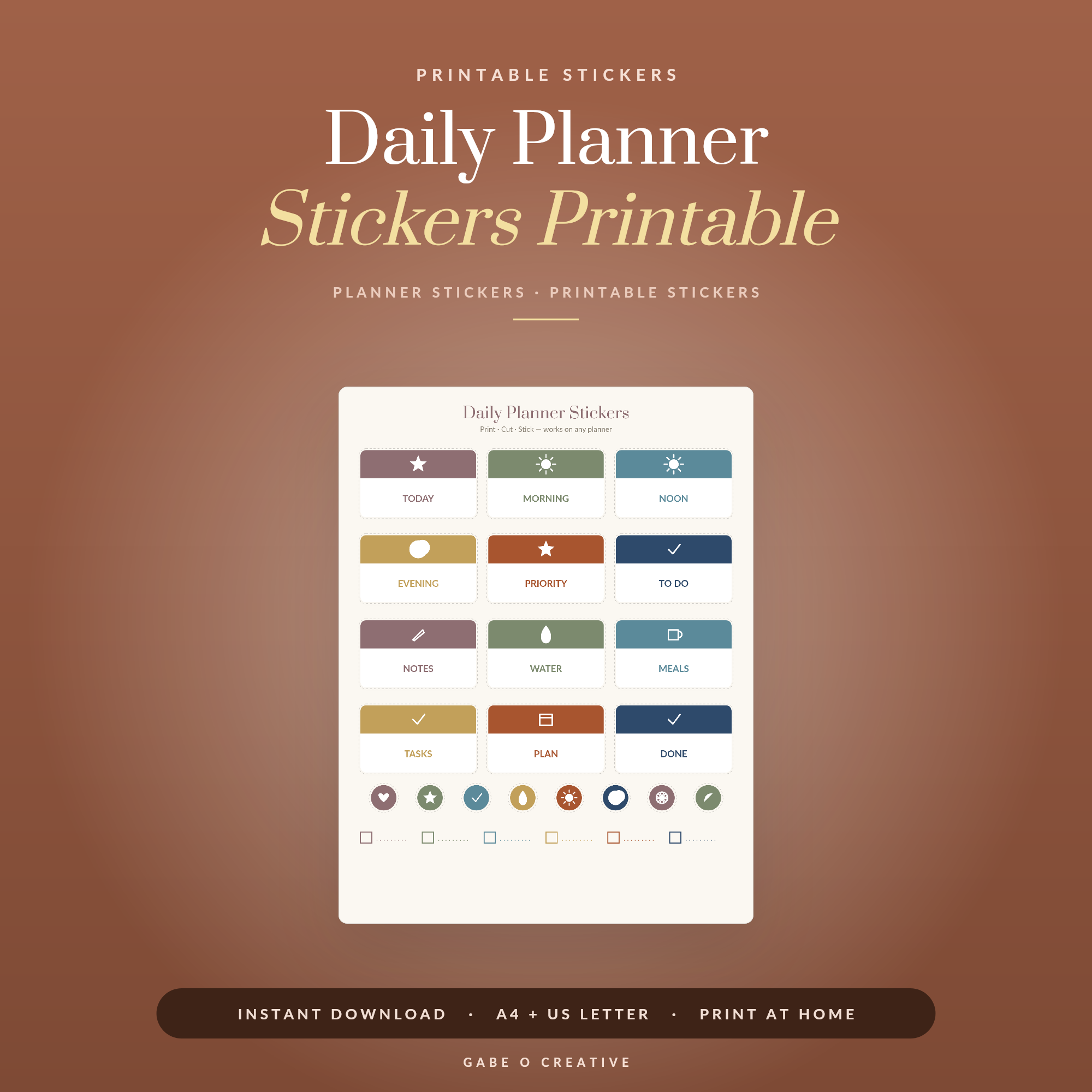
Most people learning how to use planner stickers start with the wrong question. They ask which stickers to buy, when the useful question is what job the sticker is doing. That is why so many sheets end up half-used in a drawer: they were bought as a collection rather than for a purpose, and a sticker with no purpose is a lovely thing you never quite reach for. The sheets that get finished are the boring ones — the bill reminders, the habit ticks, the appointment flags. Our daily planner sticker set is built around exactly those.
Want stickers that get used up rather than saved? The daily planner sticker set is built for the things you already track — print it, cut it, and it earns its place within a fortnight.
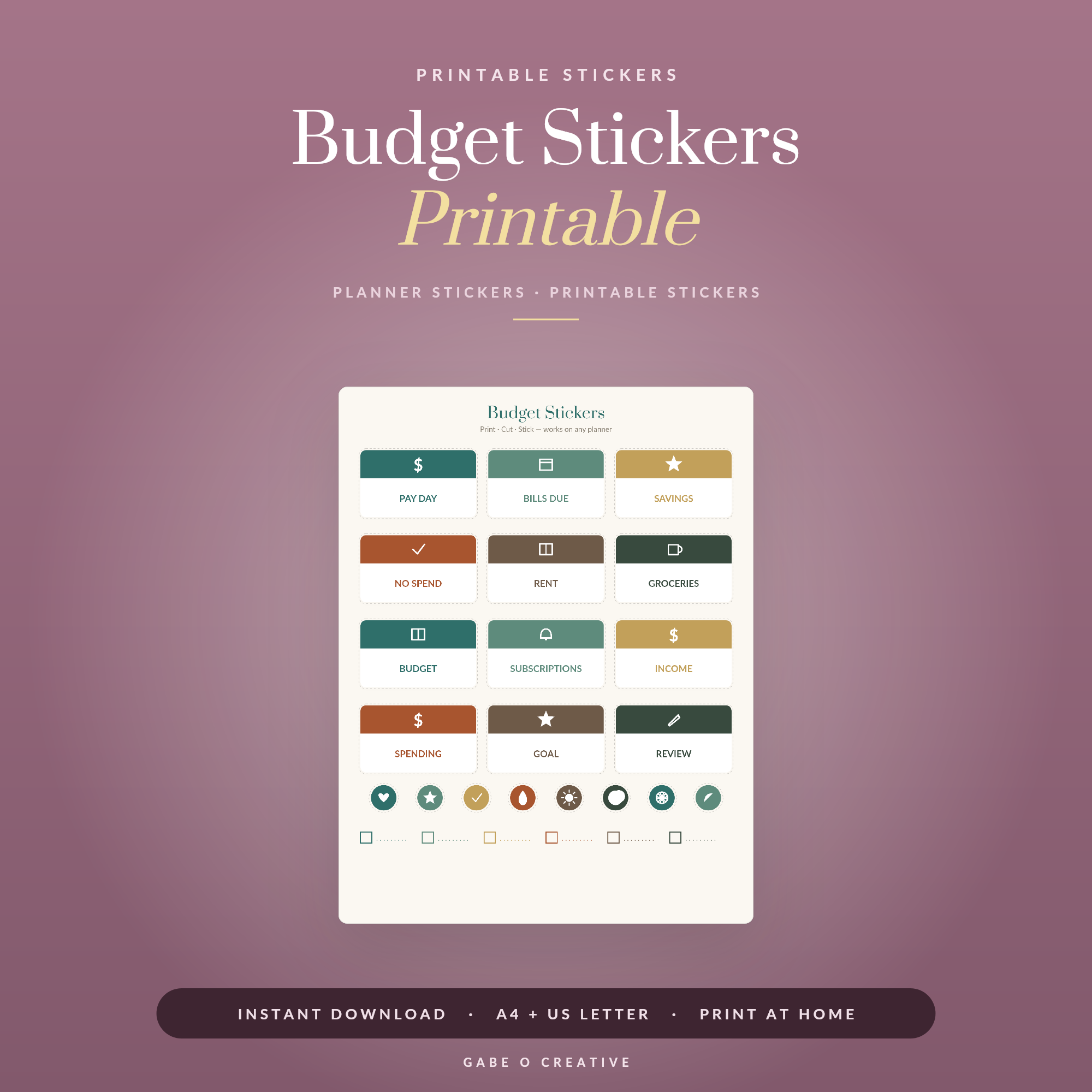 Shop Budget Stickers Printable →
Functional First, Pretty Second
There are two kinds of sticker and it helps to be honest about which you are buying. A functional sticker carries information: a bill is due, a shift starts at seven, that habit got done. A decorative one fills space and makes the page feel nice.
Both are legitimate. But only functional stickers change whether you open the planner, because only they answer a question you were going to ask anyway. Build the functional layer first and add decoration once the habit is established — do it the other way round and you will have a beautiful planner you have stopped consulting.
The test for whether a sticker earns its place
Would you have written that information anyway? If yes, the sticker is saving you handwriting and adding scannability, which is a real gain. If no, you have just added a task to your week in order to use a thing you bought. That is the moment sticker sheets start gathering dust.
A Colour System That Means Something
Four or five colours, each meaning exactly one thing, for as long as you use the planner. That is the entire system. Something like: work, home, money, health, and one for the things that will not fit anywhere.
The failure mode is choosing colour by mood. Once green means "health" on Monday and "nice green day" on Thursday, you have lost the ability to scan the week and see where your time went — which was the reason to colour-code in the first place. Write your key on the inside cover in week one and stick to it even when a different colour would look better.
What to Print On
The paper choice does more than people expect:
| Paper | Best for | Watch out for |
|---|---|---|
| Matte sticker paper | Anything you write on | Slightly less vivid colour |
| Glossy sticker paper | Decorative, no writing | Most pens smudge or bead |
| Full-sheet label paper | Cheapest option, cut your own | Cutting takes time without a machine |
| Ordinary paper + tape | Trying a set before committing | Edges lift within a week |
| Digital (no printing) | Tablet planners, reusable forever | Needs an annotation app |
If you take one thing from that table: matte, not glossy, unless you are certain you will never write on top. Glossy sticker paper repels most gel and rollerball ink, and finding that out after printing forty stickers is a genuinely annoying afternoon.
Cutting without a machine
You do not need a cutting machine. Small sharp scissors handle a month's worth in about twenty minutes in front of the television, and a craft knife with a metal ruler is faster for straight-edged boxes. Buy a machine when you know you are printing weekly — not before, because it is a common purchase in the pile of things bought to support a habit that never formed.
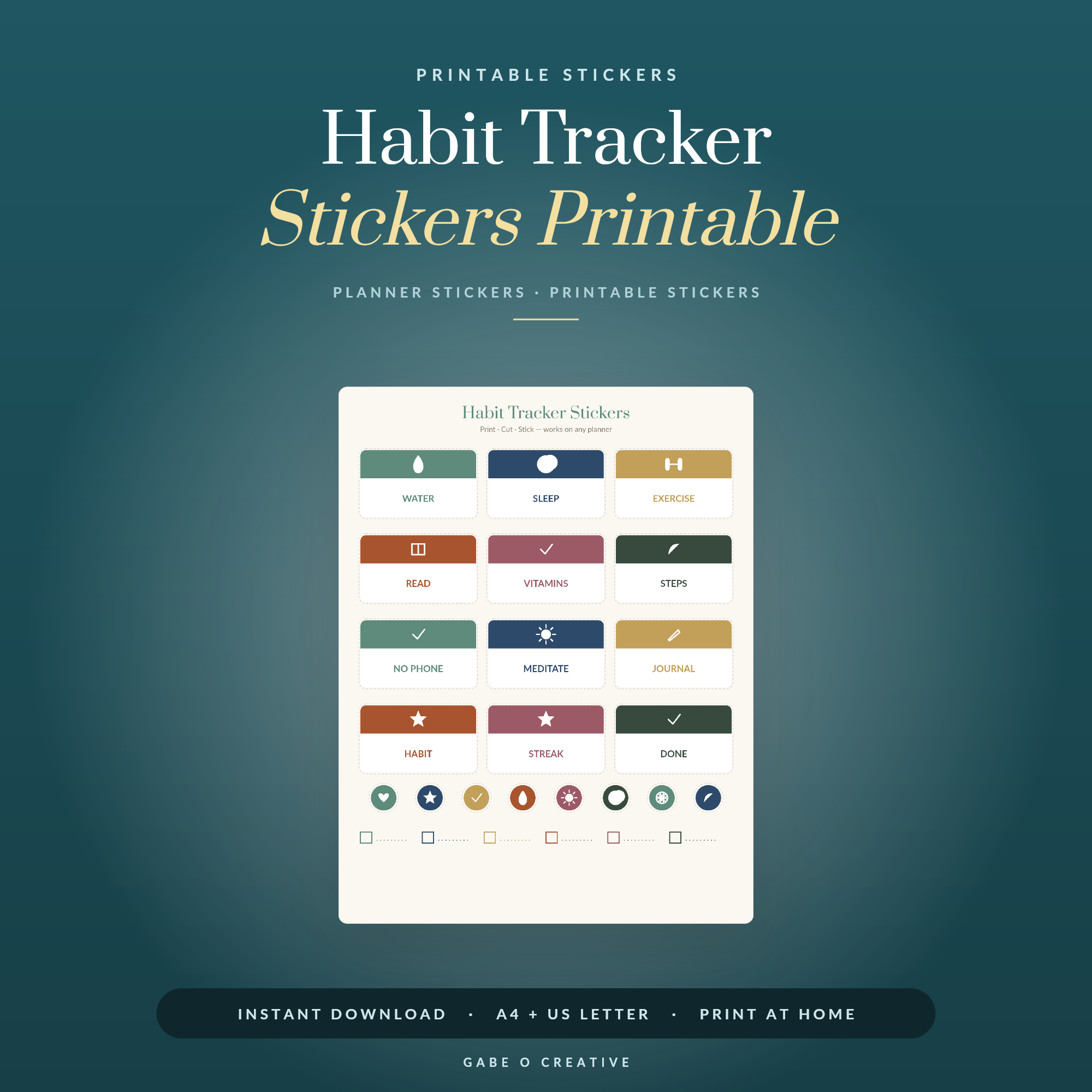 Shop Habit Tracker Stickers Printable →
Where They Actually Help
Three places stickers reliably beat handwriting. Recurring dates — bills, paydays, bin days — because you place them once a month instead of writing them out twelve times. Anything you scan for, like appointments, since a coloured flag is found faster than a line of text. And habit ticks, where the small physical act of placing the sticker is genuinely part of why the habit sticks.
Where they do not help: long notes, anything you will need to change later, and any week where placing the stickers becomes the reason you are avoiding the actual planning. If the decorating has become the task, take a week off the stickers entirely — the planner will tell you quickly whether they were helping.
Placement, so the week stays readable
Keep one type of sticker in one position and the page becomes scannable rather than busy. Appointments along the top edge of the day, habits in a strip down the right, money markers at the bottom. It sounds fussy for about a week, and then you stop reading the planner and start seeing it — a glance tells you Tuesday is heavy without you processing a single word.
Leave white space deliberately, too. A spread with every gap filled has nowhere for the thing that actually happens on Wednesday morning, and a planner with no room to write in is an ornament.
Storing the sheets so you use them
Half-used sheets get abandoned because they are out of sight. Keep the current month's cut stickers in a small plastic wallet clipped inside the planner cover, and the uncut sheets flat in a folder rather than rolled or bent. If you have to fetch the stickers from another room, you will simply not bother — the friction is small but it is enough, and it is the actual reason most sheets go unfinished.
Different trackers want different sets, which is worth matching up rather than buying one of everything. The budget sticker set suits bill and payday marking, and the habit tracker stickers are the ones where placing them is half the point. For a fuller look at what is available and how the sheets are laid out, see our guide to printable planner stickers; if you plan on a tablet, the same designs paste straight into a digital planner and never run out, and our GoodNotes guide covers how to paste them without the fiddle.
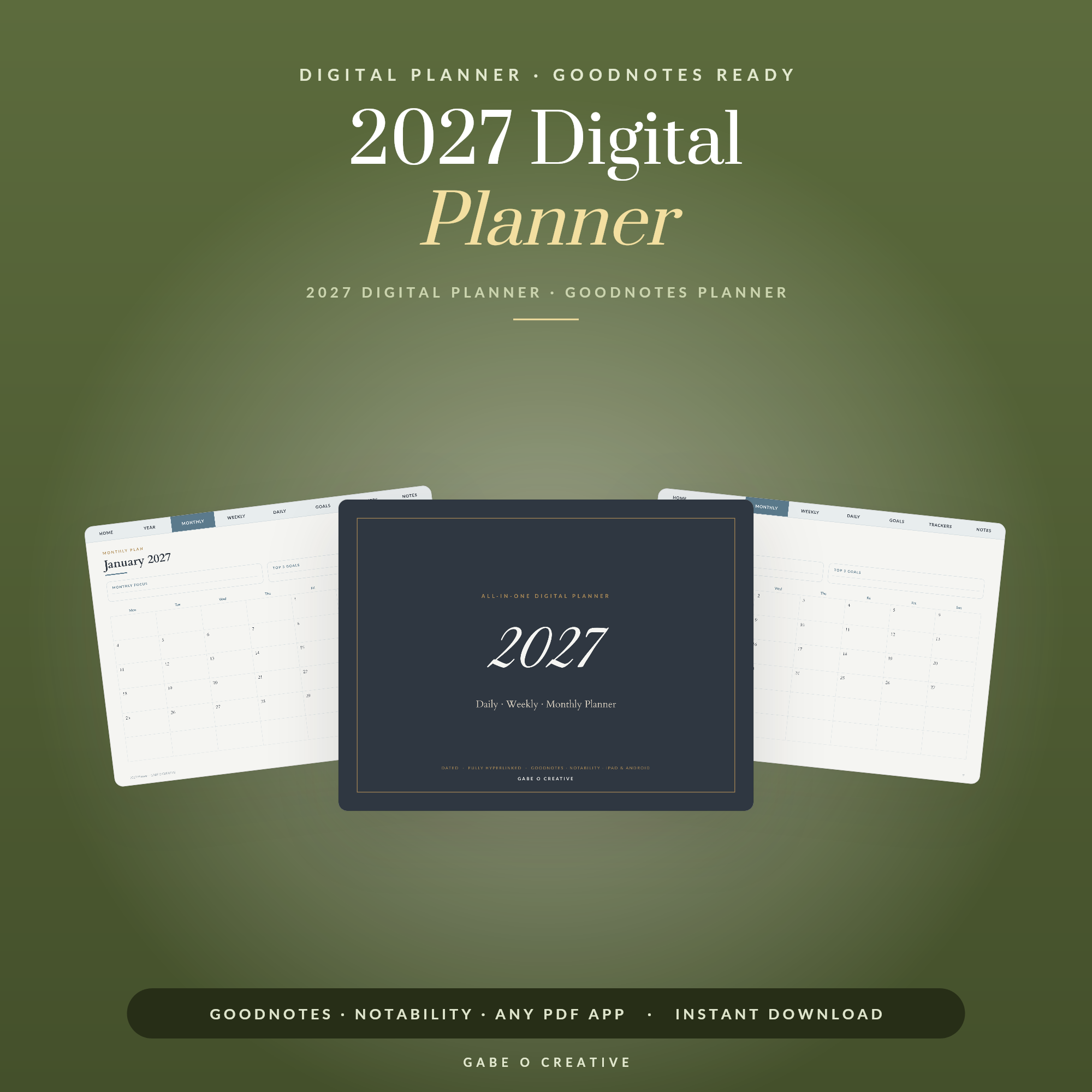 Shop 2027 Digital Planner →
Planner Sticker FAQs
What paper should I print planner stickers on?
Matte sticker paper for anything you will write on, because glossy repels most pen ink. A4 or US Letter full-sheet label paper is the cheapest option, and you cut the shapes yourself with scissors or a craft knife.
Do I need a cutting machine?
No. Cutting machines save time if you print sheets weekly, but scissors are perfectly fine for a set you use over a month. Start with scissors and only buy a machine once you know you will keep going.
How many sticker colours should a planner use?
Four or five, each meaning one thing. Beyond that you stop remembering what the colours signify and start choosing them by mood, at which point the system is decoration rather than information.
What is the difference between functional and decorative stickers?
A functional sticker carries information — a bill due, an appointment, a habit ticked. A decorative one fills space. Both are fine, but only functional ones change whether you actually use the planner, so build those first.
Can I use printable stickers in a digital planner?
Yes. Instead of printing, crop the sticker image and paste it into GoodNotes, Notability or any annotation app. Digital stickers are reusable, which makes them better value than paper for anything you use weekly.
Why do my sticker sheets never get finished?
Usually because they are bought as a collection rather than for a job. Sheets that get finished are the ones matching something you already track — bills, habits, shifts — so the sticker is answering a question you had anyway.
Start with the boring ones. Print the daily planner sticker set, use it for a fortnight on things you already track, and see which sheet empties first — or browse the full Stickers collection.