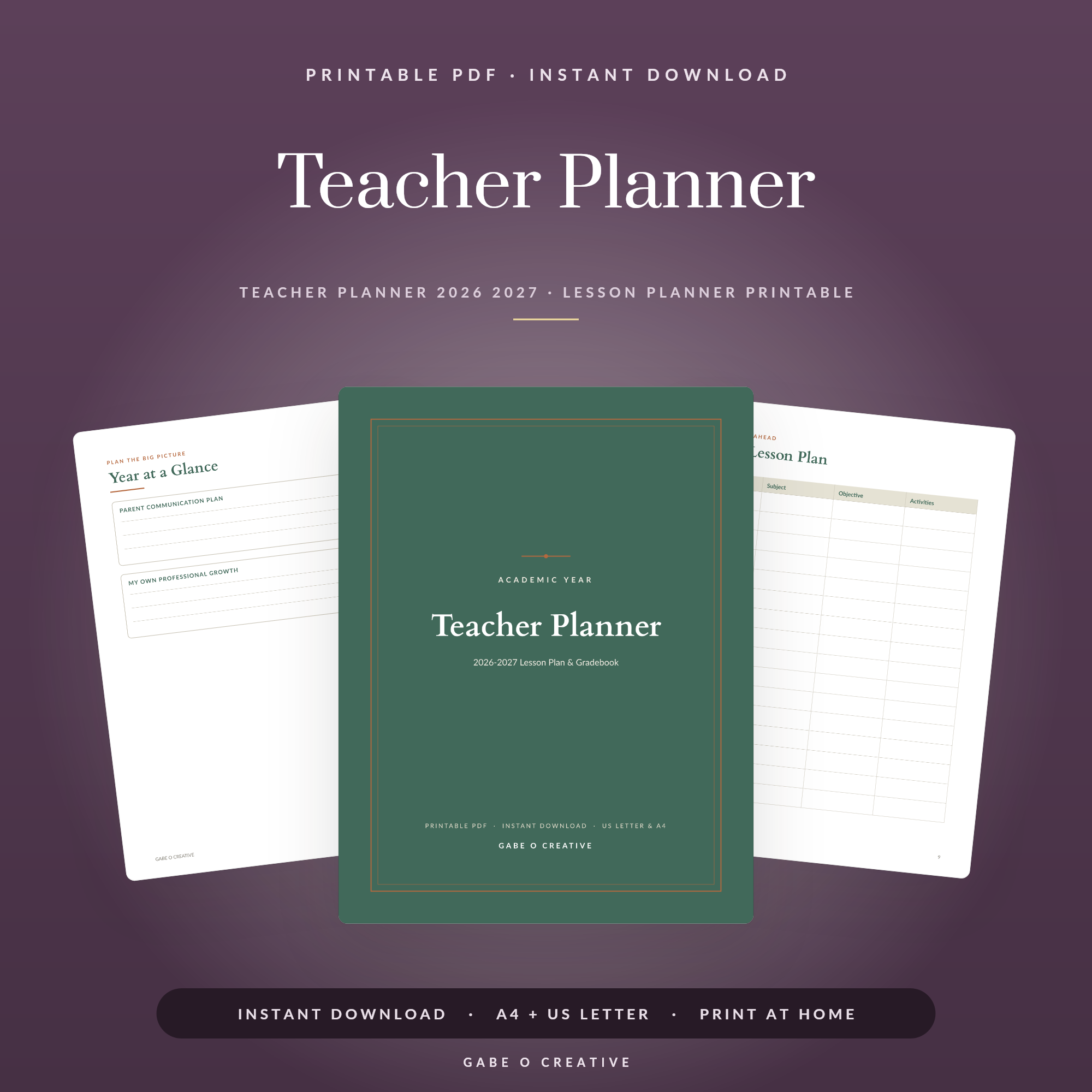
A teacher gradebook printable takes the scribbled marks on sticky notes, the half-filled register and the scores buried in a folder, and puts them all in one calm, readable grid. One row per pupil, one column per assessment, and suddenly you can see exactly how every child is doing without hunting through three different places. If you want marking and attendance to feel less like a weekly scramble, a tidy printable gradebook is the simplest fix, and it pairs beautifully with our 2026-2027 Teacher Planner.
Want your marks sorted before term starts? Grab the Teacher Planner with its built-in gradebook and attendance pages, print the grids you need, and log your first scores in minutes.
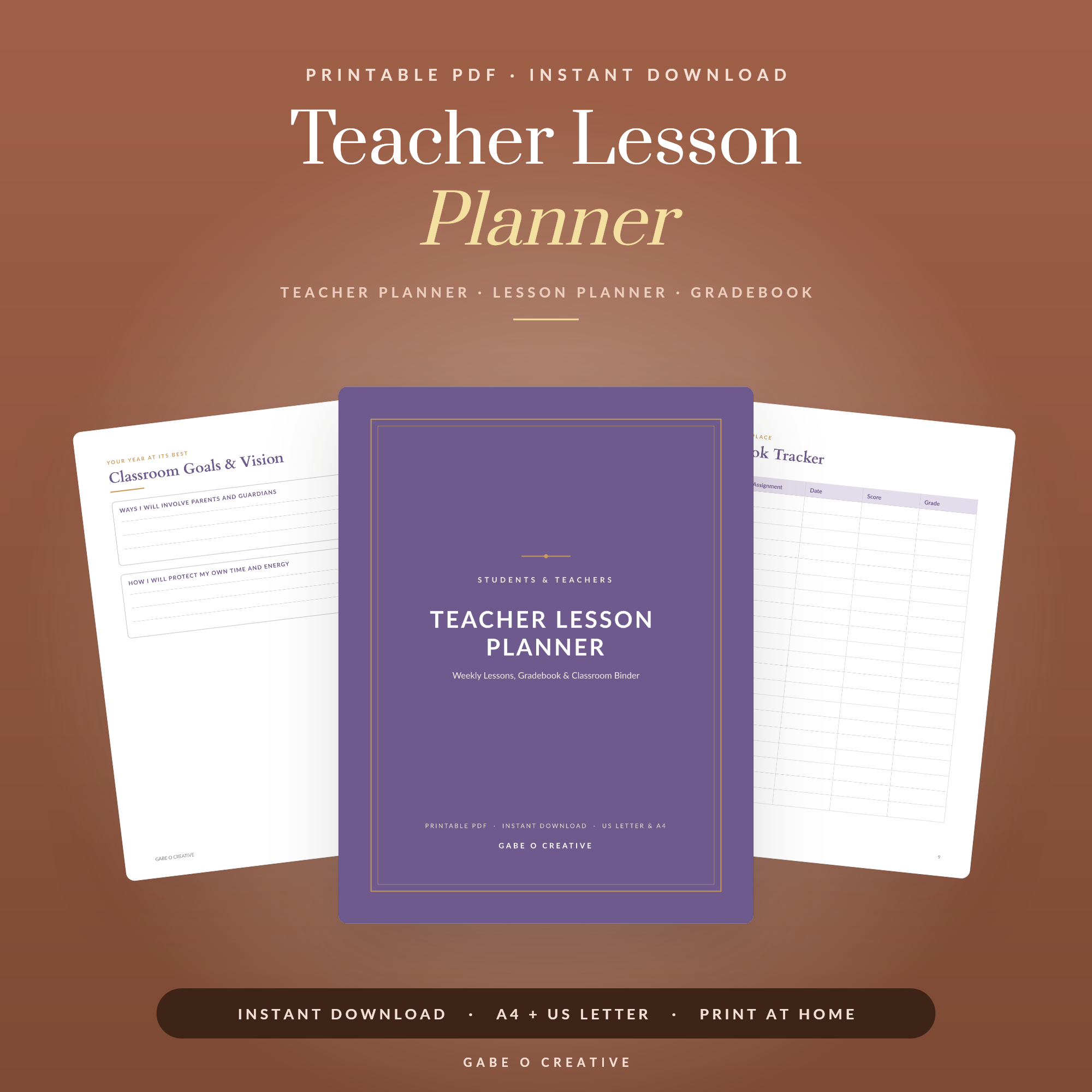 Shop Teacher Lesson Planner →
What Is a Teacher Gradebook Printable?
A teacher gradebook printable is a record sheet, or set of sheets, where you log each pupil's marks, grades and attendance across a term. Pupils run down the left-hand side, assessments or dates run across the top, and every score sits in its own box. Unlike a screen you have to log into, a printed grid is open on your desk the moment you need it, so logging a mark takes seconds rather than several clicks.
A good gradebook helps you:
- See the whole class at a glance instead of flicking between papers.
- Spot patterns early, like a pupil who is quietly slipping behind.
- Keep attendance and marks together so reports write themselves.
- Stay calm at parents' evening with every figure in one tidy place.
It is also wonderfully low-tech. There is no app to update, no syncing to wait for and nothing to lose if the school network goes down. You write the mark, you close the planner, and the record is safe. For many teachers, that reliability is the whole point.
Marks, grades and attendance: what to track
The best gradebooks hold three things side by side. Marks are the raw scores from each piece of work. Grades are how those marks translate into a level or percentage. Attendance sits alongside both, because absence usually explains a sudden dip. Keeping all three together means you never have to cross-reference a separate register when you are writing a report or chasing a missing piece of homework.
How to Set Up Your Teacher Gradebook Printable
Setting one up takes a single quiet sitting before term begins:
- List your pupils. Write each name down the left column, in register order so it matches your other paperwork.
- Label your columns. Add a heading for each assessment, test or date you plan to record.
- Add a totals column. Leave the final column for a running total, average or grade.
- Print one grid per class. Keep each group on its own page so nothing overlaps.
- Clip it into your planner. Store the grids with your lesson notes so everything for that class lives together.
A quick example: say you teach four classes and set roughly one assessment a fortnight. With a printed grid per class, you log each mark the moment you finish marking, then add the date at the top of the column. By half term you can run your eye down any pupil's row and see their whole story, the strong start, the dip after a week off, the recovery. That clarity is far harder to find when scores are scattered across loose sheets.
The Best Ways to Keep Your Gradebook Up to Date
A gradebook only works if it stays current, so these small habits keep it useful all year:
- Log marks straight after marking while the scores are in front of you.
- Use simple codes for attendance, such as a tick, A for absent and L for late.
- Colour a cell to flag a pupil who needs a follow-up or extra support.
- Pair it with a planner like the teacher lesson planner so marking deadlines and recording sit side by side.
- Review weekly for two minutes to catch any gaps before they pile up.
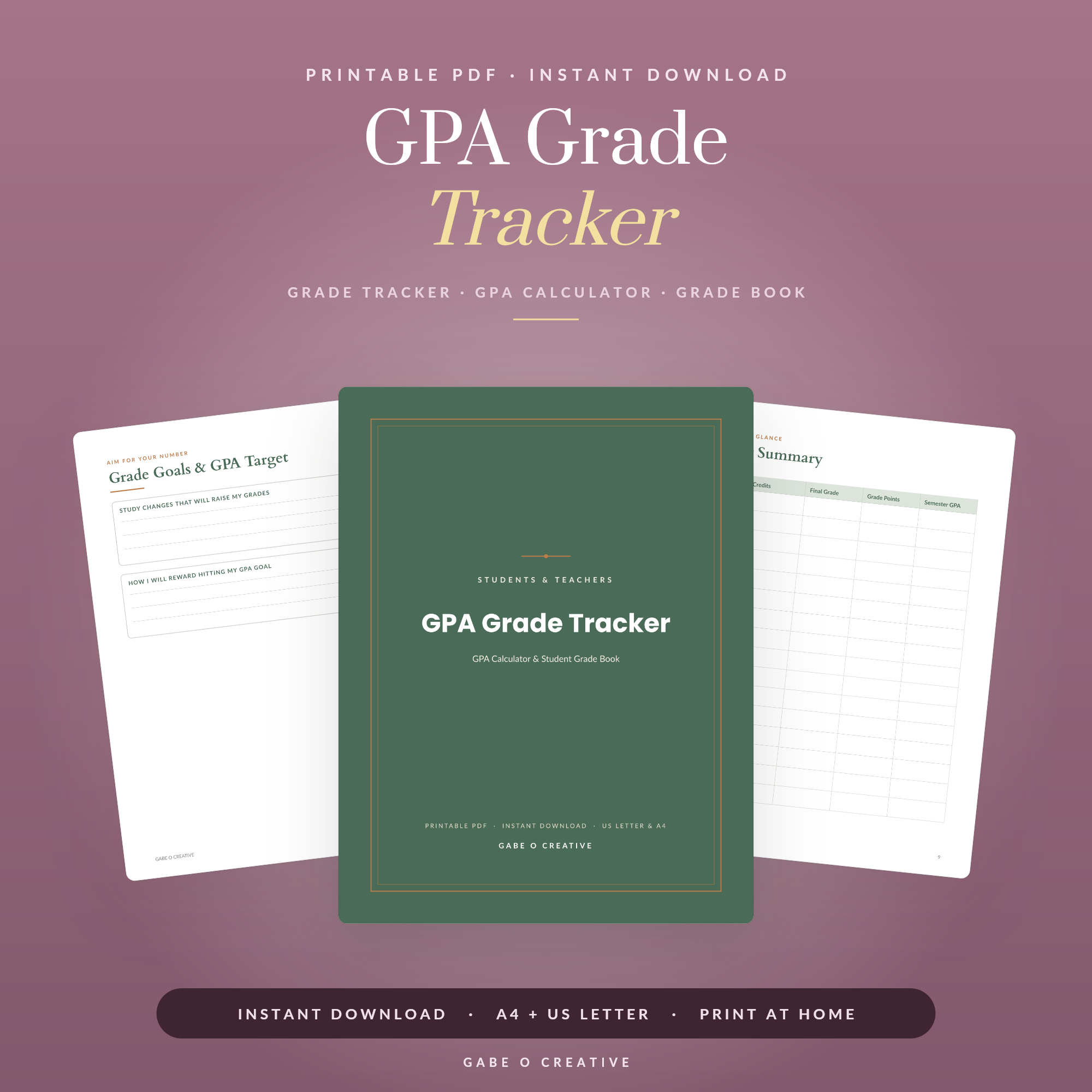 Shop GPA Grade Tracker →
Working Out Grades and Averages by Hand
Plenty of teachers prefer to calculate by hand because it keeps them close to each pupil's progress. The maths is quick once you have a system:
| What to record | How to work it out |
|---|---|
| Raw mark | The score exactly as it was earned, out of the test total |
| Percentage | Mark divided by the total, then multiplied by 100 |
| Term average | Add the percentages, then divide by the number of assessments |
| Final grade | Match the average to your school's grade boundaries |
The trick is to convert everything to a percentage before you average, especially when assessments are out of different totals. A mark of 18 out of 20 and a mark of 35 out of 50 look very different as raw scores, but as percentages, 90 and 70, you can compare and combine them fairly. Write the percentage in pencil first if you like, then ink the final grade once the term is complete. If your pupils are tracking their own progress too, our GPA and grade tracker gives them a simple way to do the same on their side.
Build a Classroom Record System That Lasts
A gradebook is at its best when it sits inside a wider system rather than floating on its own. Pair your marks grids with the 2026-2027 Teacher Planner for weekly spreads, attendance pages and term overviews in one place, and add the teacher lesson planner so what you teach and what you record stay neatly aligned. If your pupils would benefit from their own organisation, the college student planner helps older students keep track of deadlines and results.
Want everything in one go? The students and teachers bundle gathers the planners and trackers together at the best value, so your record-keeping, your lesson planning and your pupils' own organisation all share the same look and feel.
For more ideas, see our guide to the teacher planner printable, browse the student planner printables your class can use alongside your gradebook, and if you are gearing up for September, the back to school printables round-up will help you start the year fully organised.
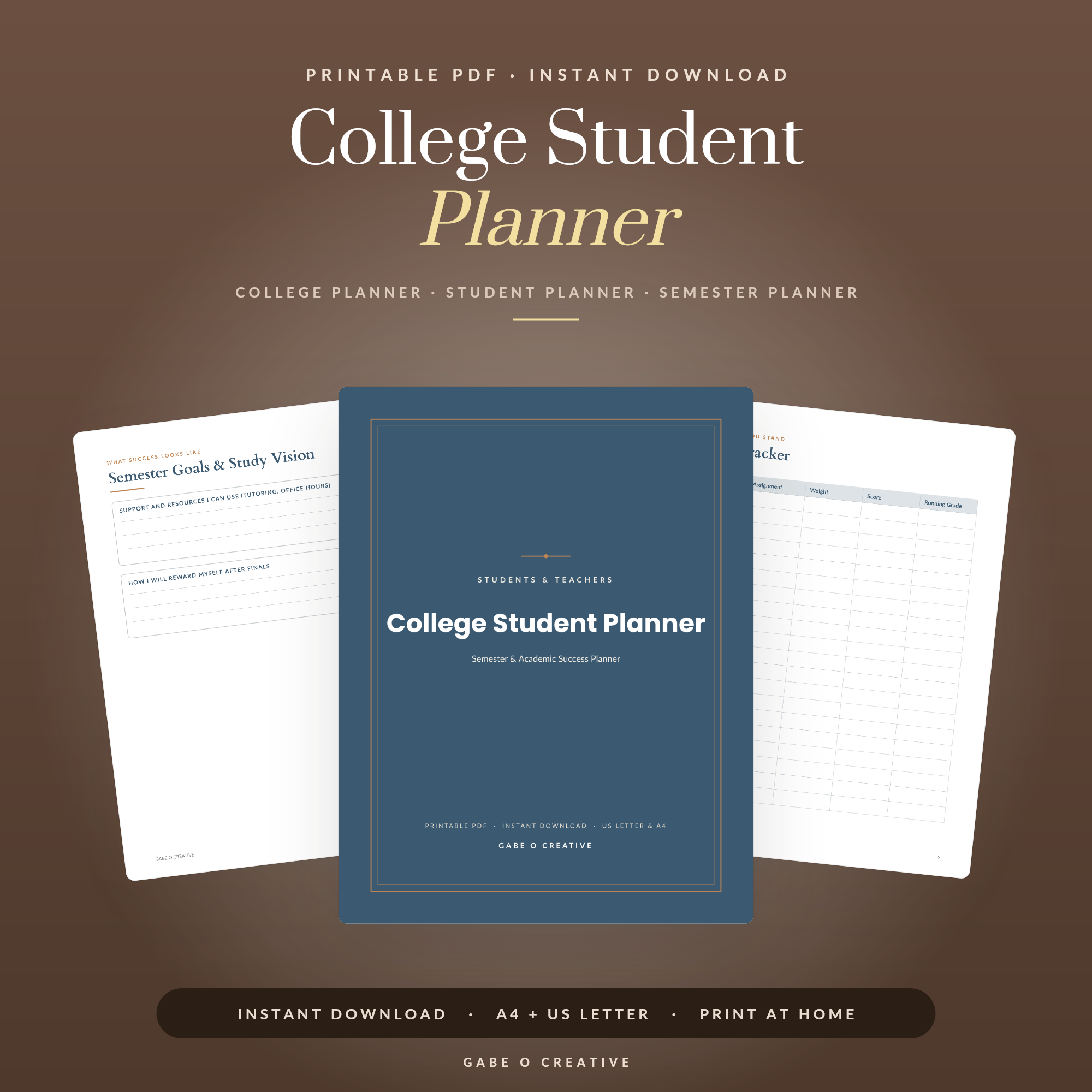 Shop College Student Planner →
If you would rather the planner did the sums for you, our guide to the Google Sheets teacher planner walks through a gradebook that averages marks automatically.
Teacher Gradebook FAQs
What is a teacher gradebook printable?
It is a print-at-home or tablet-ready sheet where you record each pupil's marks, grades and attendance across a term. One row per pupil, one column per assessment, so every score sits in a single tidy grid you can read at a glance.
How do I set up a printable gradebook for the first time?
List your pupils down the left column, label the top columns with your assessments or dates, then add a final column for running totals or averages. Print one grid per class and clip them into your planner so everything for that group lives together.
Can I use a teacher gradebook printable on a tablet?
Yes. Load the PDF into an app like GoodNotes or Notability and write marks straight in with a stylus. You can duplicate a blank grid for each new term, so you never run out of pages and nothing gets lost.
How do I track attendance alongside grades?
Keep a separate attendance grid with pupils down the side and dates across the top, then use simple codes such as a tick for present, A for absent and L for late. Pairing it with your marks grid gives you the full picture of each pupil in one place.
What is the best way to work out averages by hand?
Add a pupil's scores across the row, divide by the number of assessments, and write the result in the final column. If your marks are out of different totals, convert each to a percentage first so the average is fair and comparable.
How long should I keep my gradebook records?
Follow your school's data policy, but most teachers keep marks and attendance for at least the full academic year and often longer for reports and reviews. A printable record book makes it easy to file each completed term safely.
Ready to get your marks organised? Grab the Teacher Planner with its built-in gradebook pages and start logging today, or explore the full Students & Teachers collection for everything you need to run a calm, organised classroom this year.