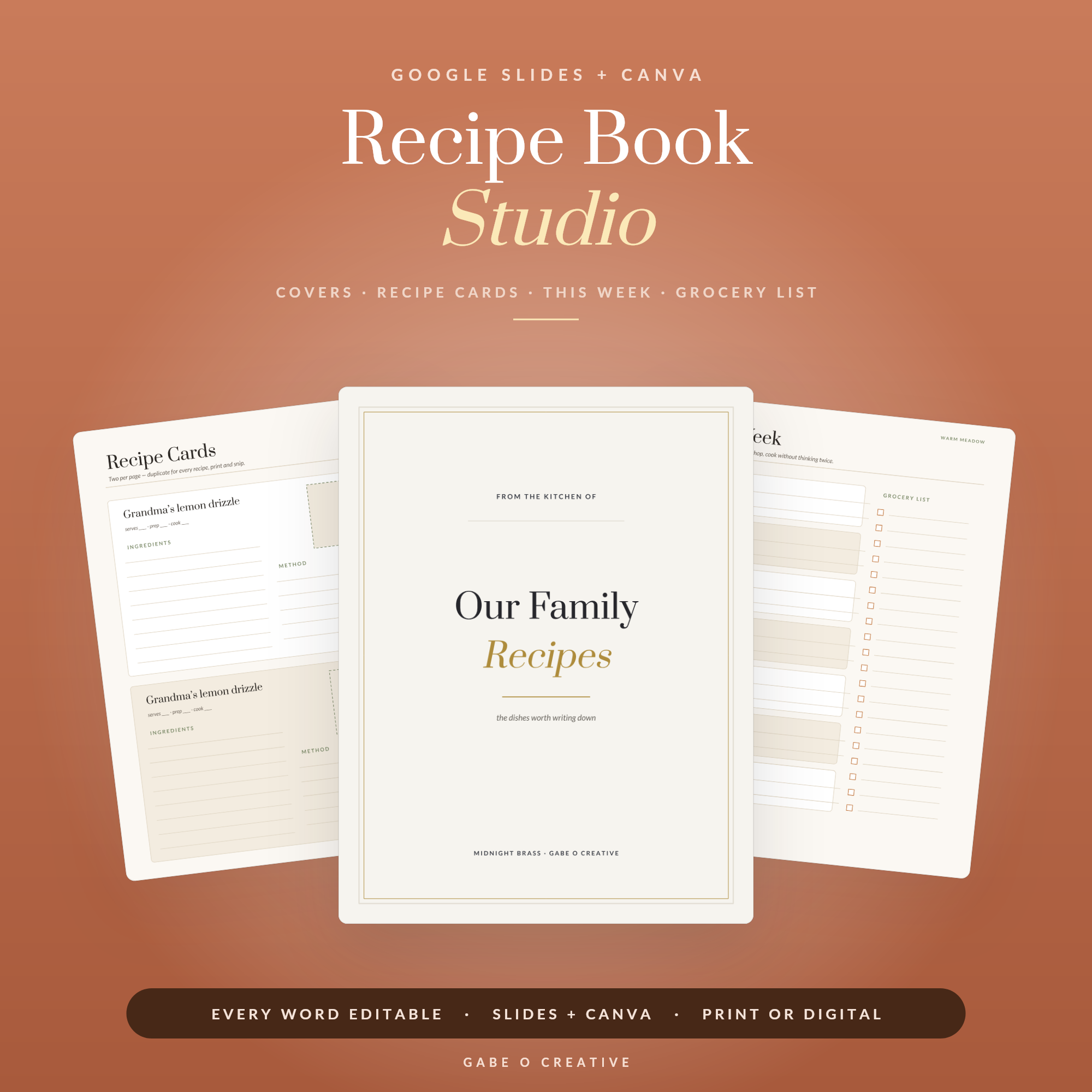
Everyone means to make the cookbook. The recipes are there — a shoebox of index cards, a folder of screenshots, three torn-out magazine pages and your nan’s handwriting on the back of an envelope. What is missing is the tedious part: laying them all out consistently. A Canva recipe book template removes exactly that friction. The design is already done, so your only job is to pour the recipes in. The Recipe Book Studio is built for this — open it in Canva or Google Slides, and you are editing a real cookbook, not staring at a blank page.
If “make a family cookbook” has been on your list for two years, the blocker was never the recipes — it was the layout. That is the bit a template does for you.
Why a Template Beats Starting From Scratch
You could build a cookbook in Word or from a blank Canva page. Almost nobody finishes that way, and the reason is consistency. By recipe fifteen your headings have drifted, the ingredient lists are spaced differently, and page ten looks nothing like page two. The book ends up feeling homemade in the bad sense.
A template fixes the layout once. Every recipe inherits the same structure — title, a photo frame, an ingredients column, a method column, a notes line — so the fiftieth recipe looks as tidy as the first. That single decision, made for you up front, is the difference between a project you finish this weekend and one that stalls in a half-built file forever.
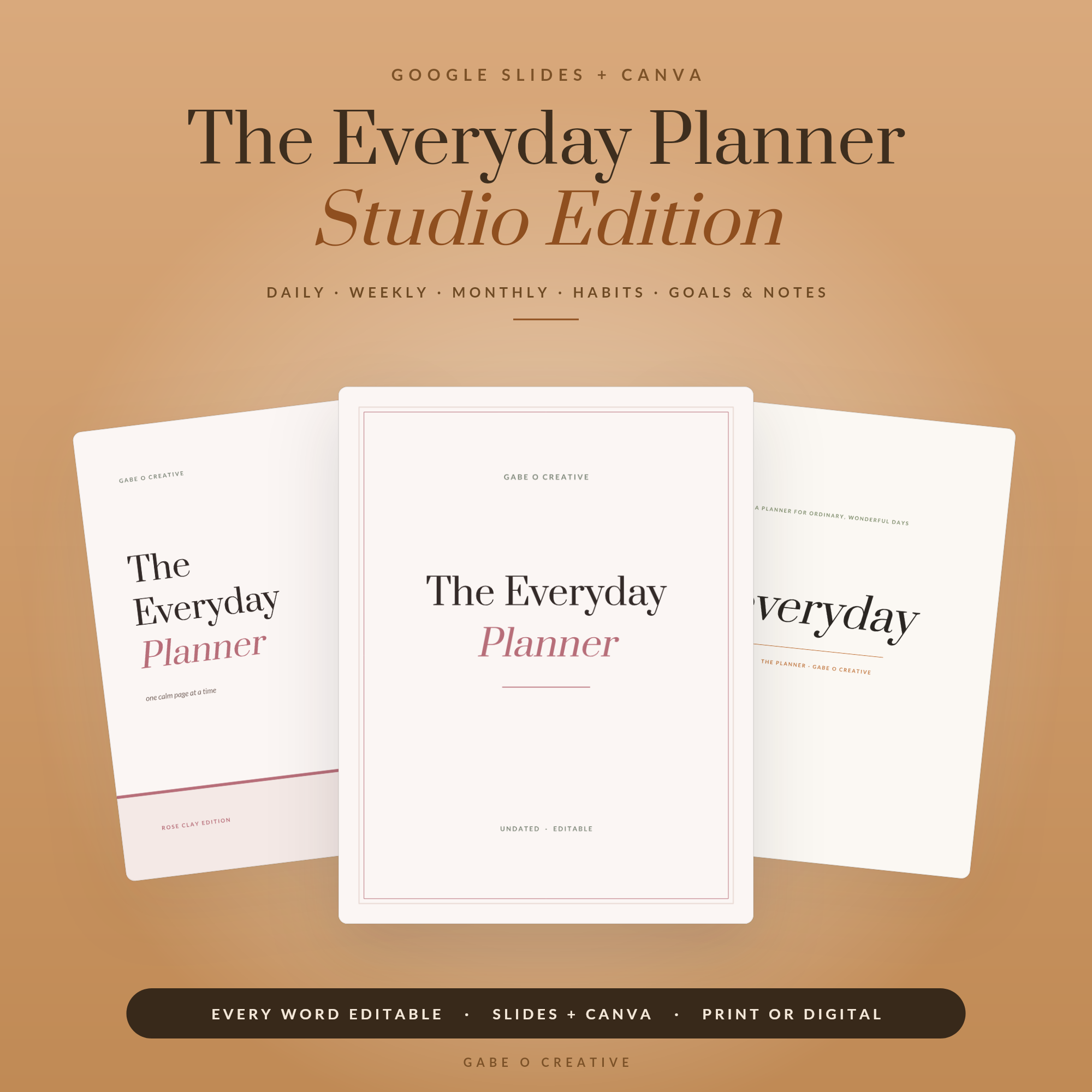 Shop The Everyday Planner — Studio Edition, Editable Google Slides + Canva Planner: 15 Covers, 3 Themes, Daily Weekly Monthly Habit & Goal Pages, Undated →
What a Good Recipe Page Includes
Before you start typing, it helps to know what each recipe page should capture. A good layout is not just pretty — it is usable in a hot kitchen with floury hands.
| Element | Why it matters |
|---|---|
| Recipe title & a line of intro | Sets the tone; “Mum’s Sunday roast” beats “Roast chicken” |
| Serves / prep / cook time | The three things a cook checks first |
| Ingredients (own column) | Scannable while shopping and while cooking |
| Method (numbered steps) | Numbered, not a paragraph — you lose your place otherwise |
| A photo | Shows the finished dish and lifts the whole page |
| Notes / variations | Where the family wisdom actually lives |
The notes line is the one people skip and later regret. “Gran always added an extra egg” or “double it, it never lasts” is exactly the kind of detail that makes a family cookbook worth keeping. Leave room for it on every page.
How to Build Your Cookbook in Canva
The workflow is the same whether you have ten recipes or a hundred.
1. Gather before you build
Do not design and collect at the same time — it is how people stall. Spend one session just gathering: type or photograph every recipe into a single document first. Our guide on how to preserve family recipes covers rescuing the handwritten and half-remembered ones before they are lost.
2. Fill one recipe page, then duplicate
Open the template and complete a single recipe fully — title, ingredients, method, photo. Once it looks right, right-click that page and duplicate it for the next recipe. Duplicating keeps every page identical in structure, which is the whole point.
3. Add photos last
Type all the text first, then do a photo pass at the end. Upload your images in Canva and drop them into the frames. Phone photos are fine — shoot in daylight near a window and they will look far better than you expect. If a recipe has no photo, leave the frame empty or use a simple ingredient shot; a missing photo is better than a stretched, blurry one.
4. Build the extras
A cover, a contents page and section dividers (Starters, Mains, Puddings) turn a stack of recipes into a book. The template includes these — you just retitle them. This is the same editable approach we cover in our guide to editable planner templates, and it is why one Canva & Google Slides file can become so many different things.
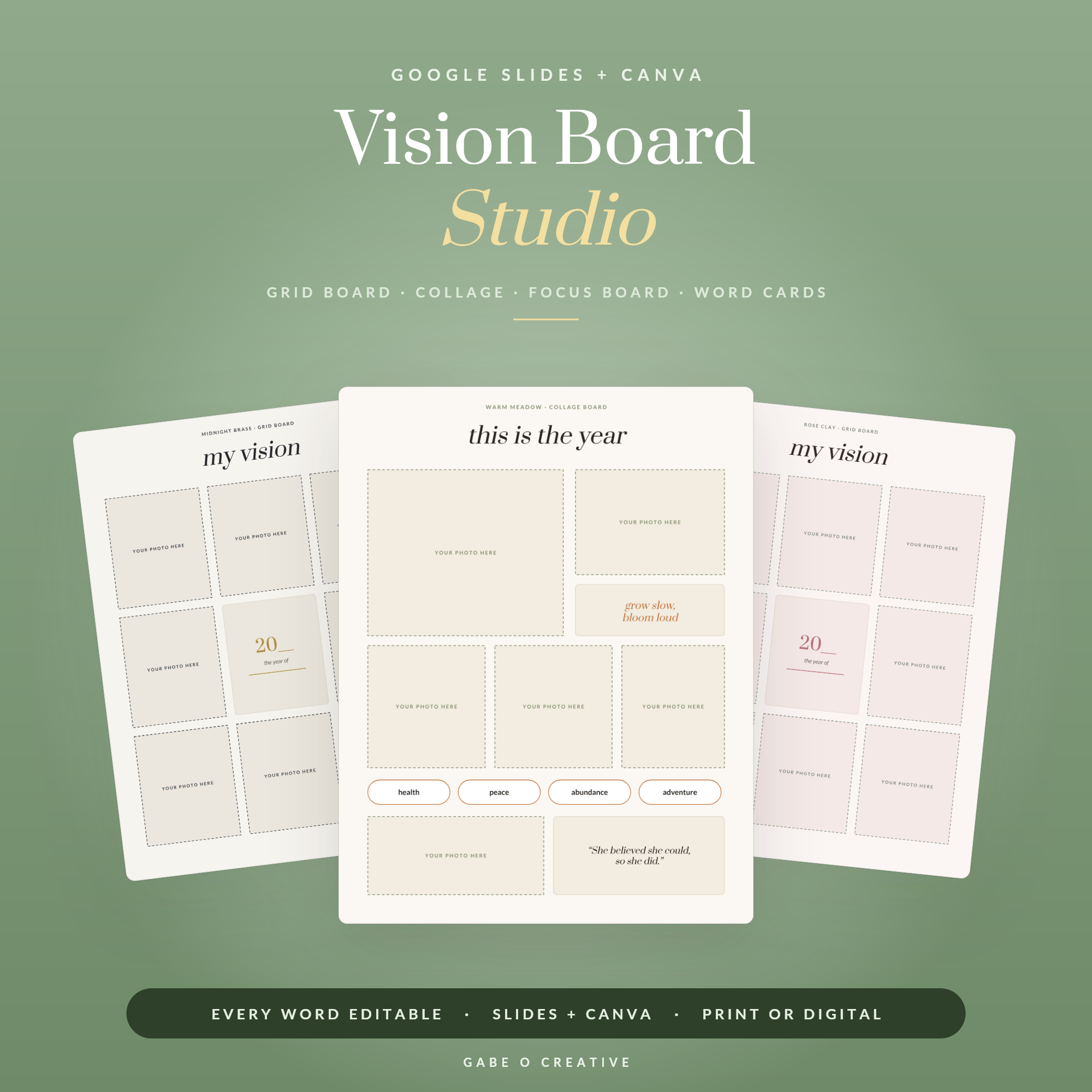 Shop Vision Board Studio — Editable Google Slides + Canva Vision Board Kit: 3 Board Layouts, 3 Themes, Word & Quote Cards, Digital or Printable →
Printing and Sharing Your Cookbook
When it is done, choose Share → Download → PDF Print. That single file is everything you need.
For home printing, print double-sided on decent paper and pop it in a ring binder or have it spiral-bound at a local print shop for a few pounds — spiral binding lets it lie flat on the counter, which matters more than it sounds. For a gift, upload the same PDF to an online book printer for a proper bound hardback. And because it is one file, you can print a copy for every sibling from the exact same source, or email the PDF so relatives can print their own.
Keep the editable Canva version safe, too. Recipes get added over the years; being able to open the file, duplicate one more page and reprint is what turns a one-off project into a living family record.
Choosing a Size, and the Mistakes to Avoid
Two format decisions shape how usable the finished book is. First, size: A5 makes a charming, giftable little book but leaves less room per recipe, while A4 or US Letter gives you space to breathe and photos room to shine. If the book lives on a kitchen counter, bigger is kinder to tired eyes mid-recipe. Second, orientation: portrait suits most cookbooks, but landscape can work beautifully if your recipes are photo-heavy.
A few mistakes come up again and again, and all are easy to avoid once you know them. Cramming two recipes onto one page to save paper makes the book feel busy and hard to follow — give each recipe room. Using a dozen different fonts because Canva makes it easy looks chaotic; stick to the two the template already uses. Stretching a low-resolution photo to fill a frame leaves it blurry in print — better a smaller, sharp image than a large fuzzy one. And forgetting to proofread the quantities is the one that actually matters in the kitchen, so read every ingredient list once more before you print.
Get those right and the book will look considered rather than cobbled together — which, given you are immortalising recipes people love, is worth the extra half hour.
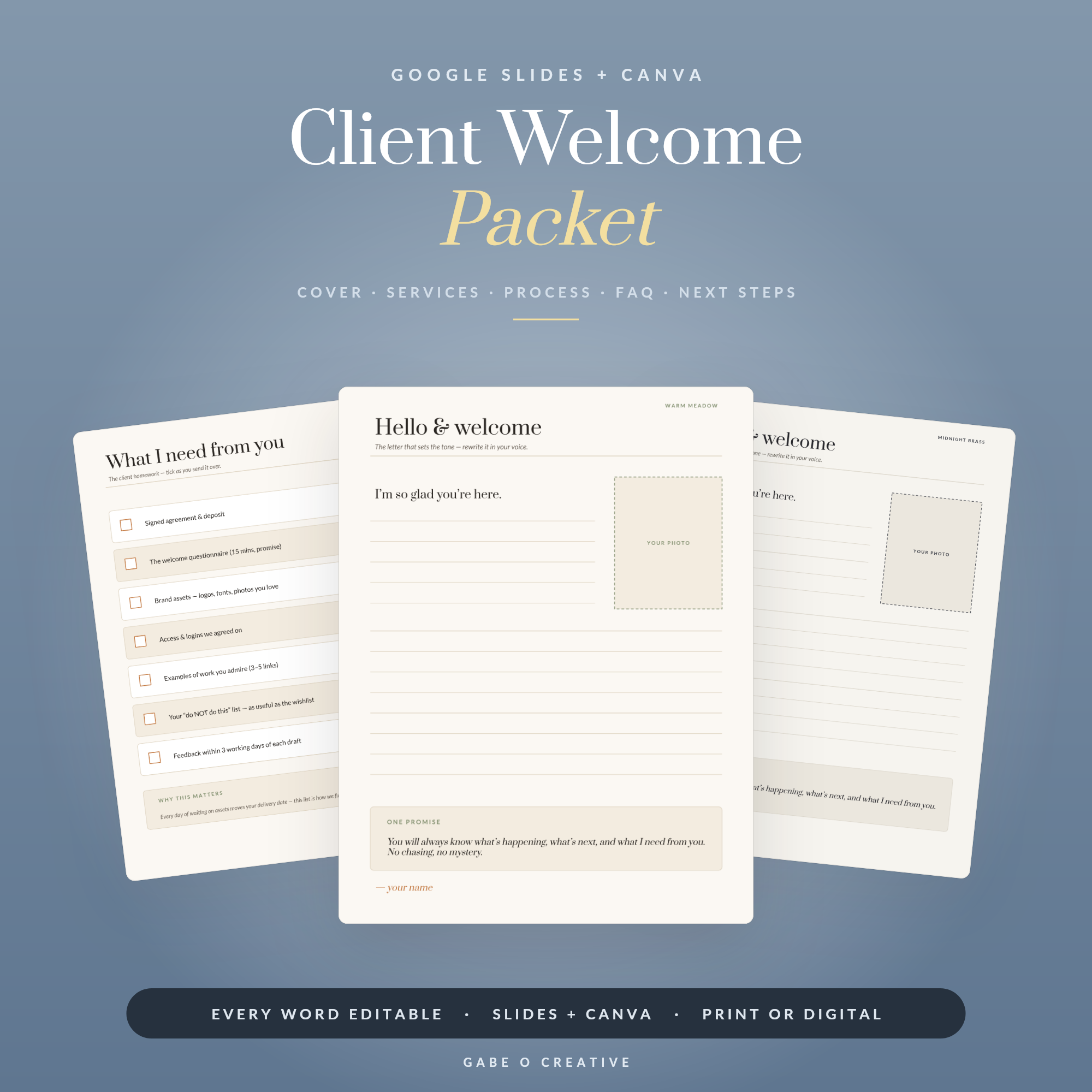 Shop Client Welcome Packet — Editable Google Slides + Canva Template for Freelancers & Coaches: Welcome Letter, Services, Process, FAQ, 2 Themes →
Canva Recipe Book Template FAQs
What is a Canva recipe book template?
It is a pre-designed cookbook you open in Canva and fill with your own recipes. The layout, fonts and structure are already built, so you type in your recipes, drop in photos, and export a finished, consistent book without designing anything from scratch.
Do I need a paid Canva account?
No. Typing recipes, adding your own photos, changing colours, duplicating pages and downloading a print-ready PDF all work on the free Canva plan. Paid features like premium stock images are optional and not needed for a personal cookbook.
How many recipes can I add?
As many as you like. Each recipe usually sits on one or two pages, and you duplicate the recipe page for every new dish. A typical family cookbook runs 30 to 60 recipes, but there is no technical limit.
Can I print it at home or at a print shop?
Both. Export the finished book as a PDF and print it at home, or send the PDF to a print shop or online book printer for a bound, professional finish. A5 and US Letter sizes are the most common choices.
Can I add my own recipe photos?
Yes, and it makes a big difference. Upload your photos in Canva and drop them into the image frames on each recipe page. Even phone photos taken in daylight lift the whole book and make it feel personal rather than generic.
Is this a good gift idea?
It is one of the most popular uses. A cookbook of a grandparent’s recipes, or a couple’s shared favourites, makes a genuinely meaningful gift, and once it is built you can reprint copies for the whole family from the same file.
Ready to finally make the cookbook? Get the Recipe Book Studio — a fully editable Canva and Google Slides template with cover, dividers and recipe pages ready to fill.