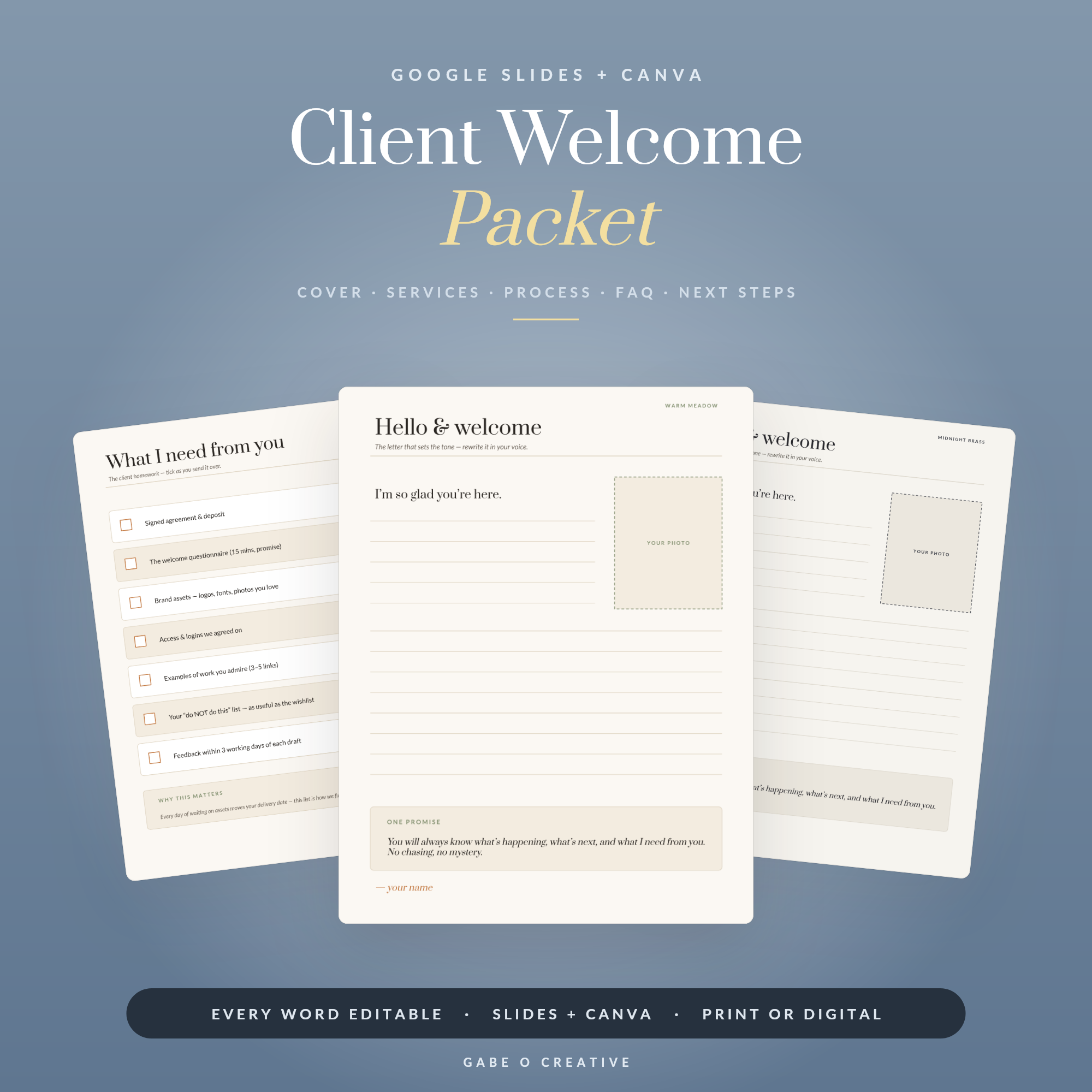
A client says yes. What you send next quietly decides how the whole project will feel. Send a one-line “great, I’ll be in touch” and you have set a loose, amateur tone. Send a client welcome packet — a short, branded document that welcomes them and lays out exactly how this will work — and you look like someone who has done this a hundred times. The Client Welcome Packet template gives you that document without needing a designer.
Most onboarding stress is just questions being asked one email at a time. A welcome packet answers them all at once, before they are asked.
Why a Welcome Packet Wins You Work (and Sanity)
It does two jobs. The first is perception: a polished packet signals that you are established and organised, which reassures a client who has just handed over money and is quietly wondering if they made the right call. That reassurance is worth a great deal at the exact moment doubt creeps in.
The second job is pure efficiency. Every question a client asks in the first week — how do we communicate, when do you need things from me, how does payment work, what happens next — is predictable. Answer them once, in a document, and you stop rewriting the same emails for every client. That is time back on every single project, forever.
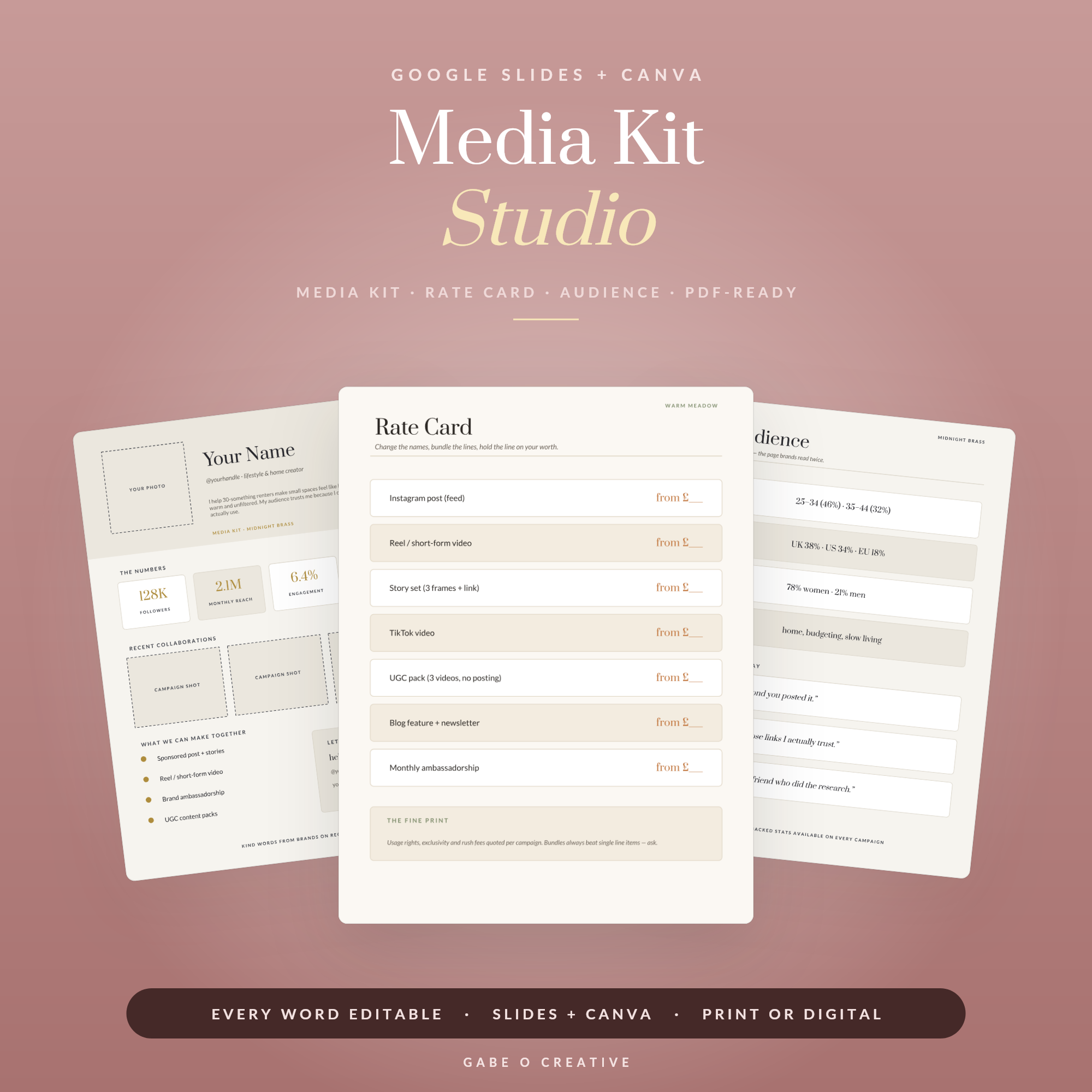 Shop Media Kit Studio — Editable Google Slides + Canva Media Kit for Creators & Influencers: One-Page Kit, Rate Card & Audience Page, 3 Themes →
What to Include, Page by Page
A good packet is short and answers real questions in a sensible order. Here is a structure that works for almost any service business.
| Page | What it does |
|---|---|
| Welcome | A warm hello and a thank-you — sets the tone |
| About you / your business | Brief; builds trust and a human connection |
| How we’ll work together | The process, step by step, so nothing feels mysterious |
| What I need from you | The single most admin-saving page — assets, access, decisions |
| Timeline & milestones | What happens when, so expectations are set |
| Payment & policies | Fees, schedule, and how changes are handled |
| Communication | Where to reach you and your response times |
| Next steps | One clear action to start |
If you only nail two pages, make them “What I need from you” and “Next steps.” The first prevents the classic project stall where you are waiting on the client but they never knew you were. The second removes any ambiguity about who does what now.
Setting Expectations Without Sounding Cold
The nervous part for most people is the policies — payment terms, revision limits, response times. Left out, they cause awkward conversations later; put in badly, they read like a legal warning. The fix is framing. “To keep your project moving, I reply to emails within one working day” lands very differently from “do not expect instant replies.” Same boundary, opposite tone.
Frame every policy as a benefit to the client wherever you honestly can. Payment milestones “keep the project on track.” A revision limit “keeps us focused so we hit the deadline.” You are not softening the boundary — you are explaining the reason behind it, which is what turns a rule into reassurance.
It also protects you when something goes sideways later. If a client asks for a tenth round of changes, you are not inventing a rule on the spot and looking difficult — you are pointing back to something you both agreed at the start, in writing, in a friendly document they welcomed. A boundary set warmly at the beginning is infinitely easier to hold than one improvised under pressure.
Make It Look the Part (Without a Designer)
A welcome packet that looks thrown together undoes its own purpose. But you do not need design skills — you need a template and your own details dropped in. Open an editable version in Canva or Google Slides, add your logo, set your two brand colours once, and type your content over the placeholders.
This is the same editable-template approach behind the whole Google Slides & Canva collection — the design is done, you personalise it. If you also pitch for work, the Media Kit Studio handles the stage before the yes (there is more in our media kit guide), and if you are building out your admin, our overview of editable planner templates covers the wider toolkit. Build the packet once and it becomes a reusable asset, as our guide to lead magnets shows for the marketing side.
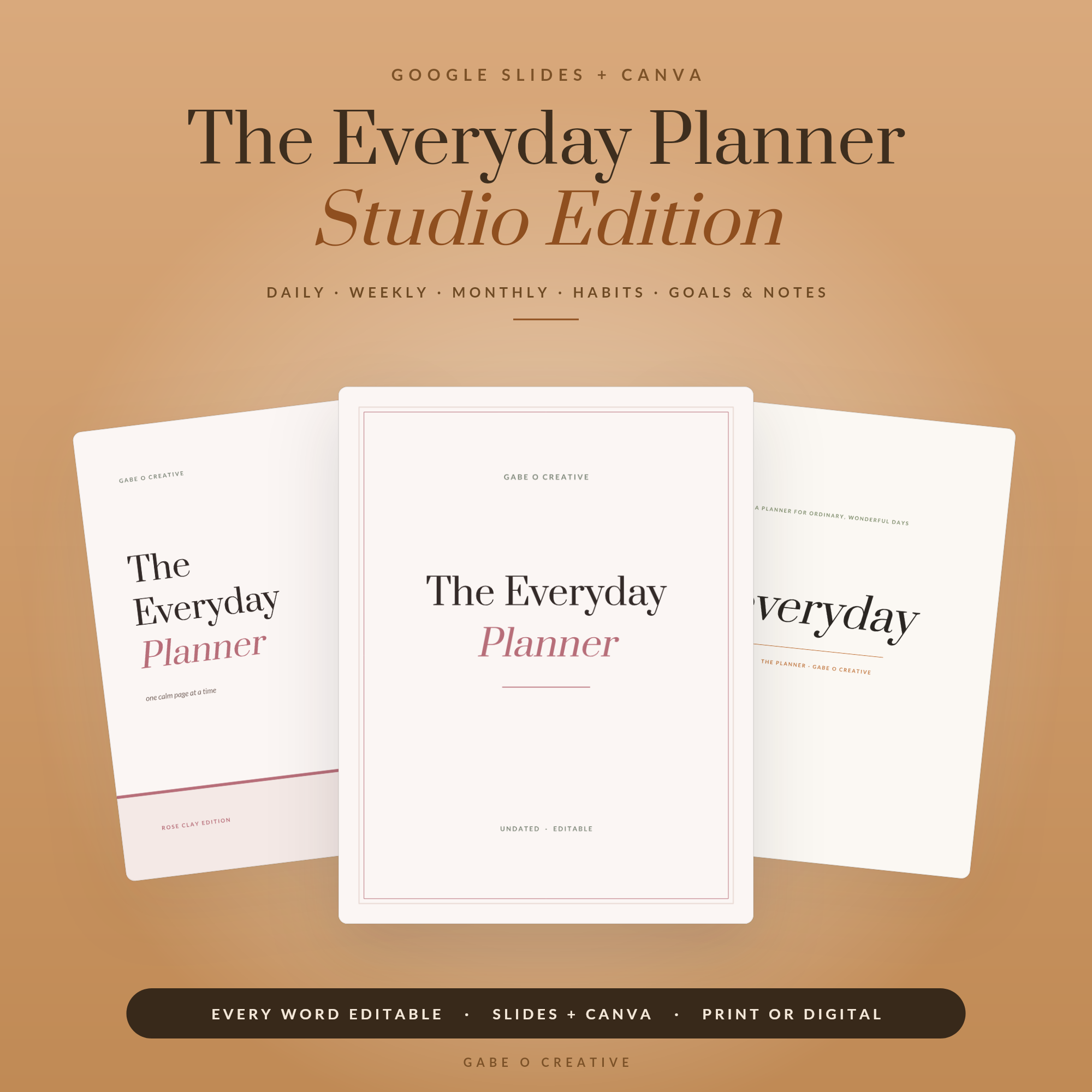 Shop The Everyday Planner — Studio Edition, Editable Google Slides + Canva Planner: 15 Covers, 3 Themes, Daily Weekly Monthly Habit & Goal Pages, Undated →
When to Send It, and What Happens Next
Timing matters more than people think. Send the welcome packet the moment a client confirms — ideally attached to the same email where you say “wonderful, let’s get started.” That is the peak of their enthusiasm and the exact moment they want reassurance they chose well. Wait a week and the packet arrives after the questions have already started trickling in one by one, which defeats its purpose.
Pair it with a short, warm covering message rather than sending it cold. Two lines — “So pleased to be working with you. I’ve attached a welcome pack that covers how everything works and the couple of things I’ll need from you to get started” — frames the document and points them at the action page. That gentle nudge towards “what I need from you” is what gets the project moving instead of stalling on day one.
After that, the packet keeps earning its keep. Clients refer back to it when they forget your response times or the payment schedule, which means fewer “quick question” emails for you. And because it is a template, each new client costs you only the few minutes it takes to swap in their name and project dates — the reusable asset doing its job on autopilot.
One refinement worth making over time: keep a running note of any question a client asks that the packet did not answer, and add it to the template. Within a handful of projects your welcome pack becomes genuinely comprehensive, pre-empting almost every early query before it lands in your inbox.
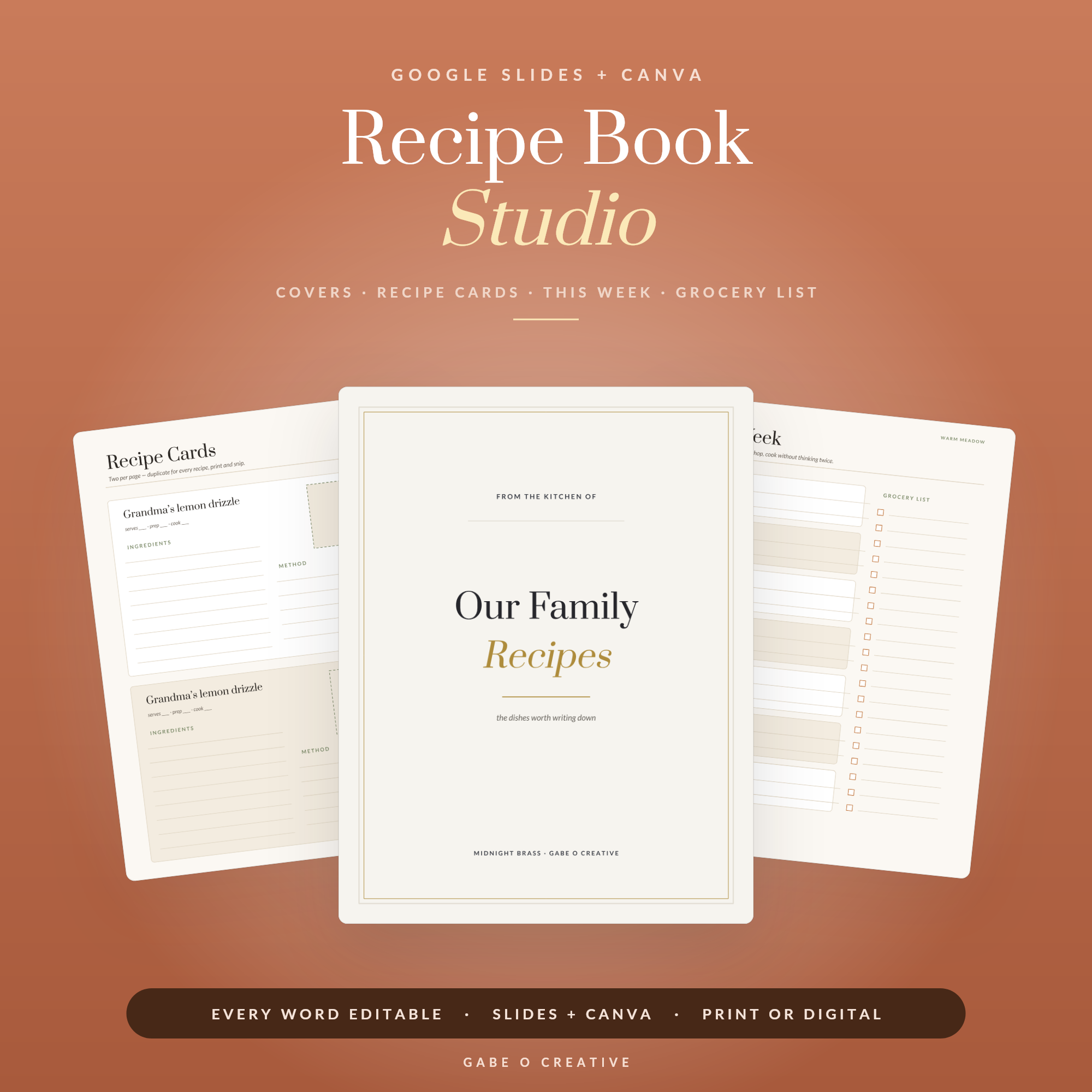 Shop Recipe Book Studio — Editable Google Slides + Canva Recipe Binder: Recipe Cards, Meal Plan & Grocery List, 3 Themes, Family Cookbook Template →
Client Welcome Packet FAQs
What is a client welcome packet?
It is a short, branded document you send a client once they say yes. It welcomes them, explains how you work, sets out next steps and answers the questions people always ask, so the project starts smoothly instead of with a flurry of admin emails.
What should a client welcome packet include?
A warm welcome, a short about section, how the process works step by step, what you need from them, timelines, payment and communication details, and a clear next action. Anything that reduces back-and-forth belongs in it.
Who needs a welcome packet?
Any service business or freelancer — designers, coaches, photographers, virtual assistants, consultants, planners. If a client hires you to do work over days or weeks rather than buying something off a shelf, a welcome packet earns its keep.
How long should it be?
Short enough to actually be read — usually four to eight pages. It is a reference document, not a brochure. Clarity beats length; if a page is not answering a real question, cut it.
Can I reuse the same packet for every client?
Yes, that is the point. Build it once as an editable template, then change the client name and any project-specific dates for each new person. The bulk of it — your process, policies and welcome — stays the same.
Do I send it as a PDF?
Usually, yes. Export it as a PDF so it looks the same on any device and cannot be accidentally edited. You can also share it as a link, but a PDF attached to your kickoff email is the simplest and most professional option.
Want to look established from the first email? Get the Client Welcome Packet — fully editable in Canva and Google Slides, ready for your logo, colours and process.