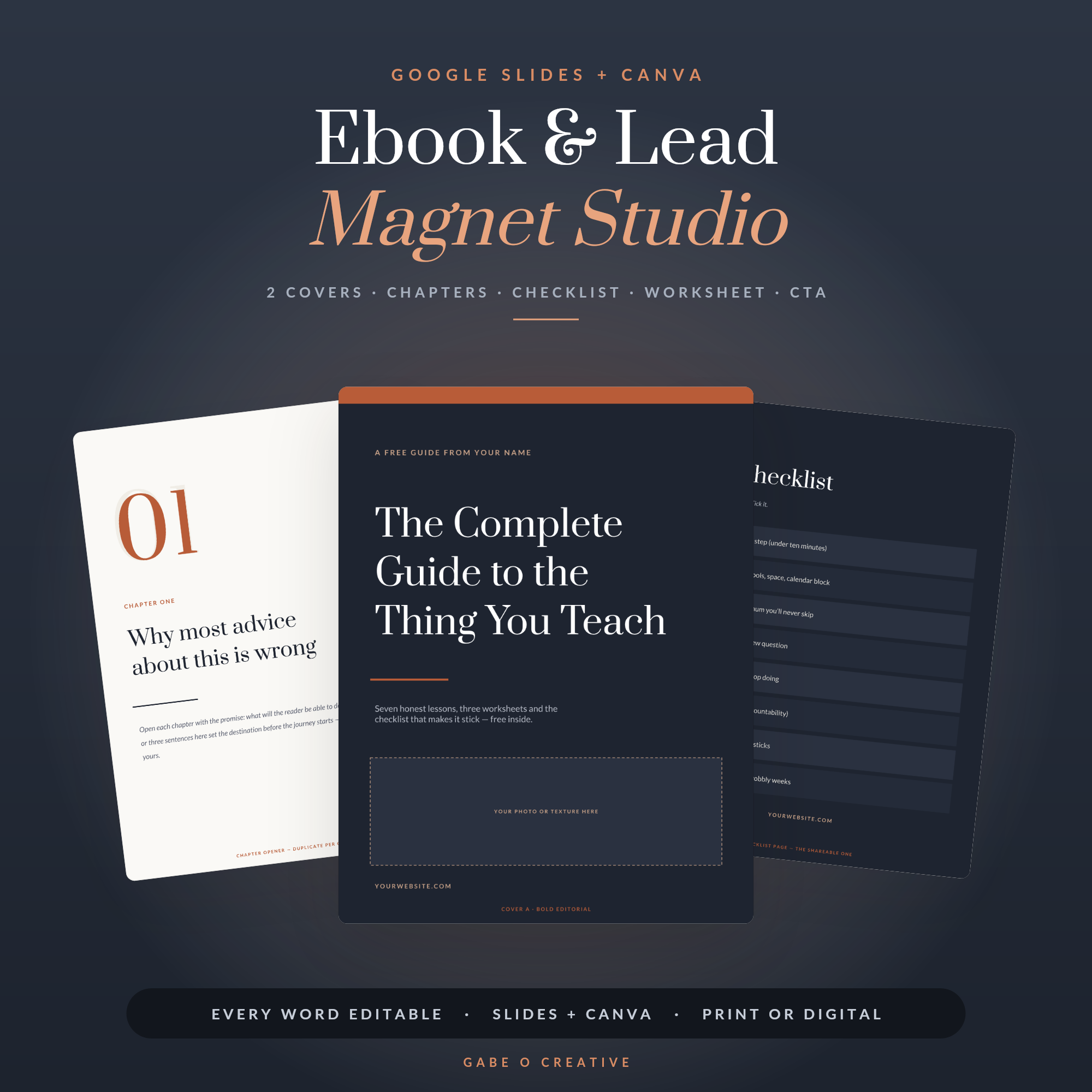
Almost every ebook that fails, fails the same way: it tries to say everything. Learning how to make an ebook is far less about writing and design than it is about restraint — picking one promise, keeping it short enough to finish, and pointing at one clear next step. Do that and you've got a lead magnet that grows your list while you sleep. Do the opposite and you've got an eighty-page PDF nobody opens twice. Here's the whole process, start to finish, with no designer involved. (The layouts are in the Ebook & Lead Magnet Studio.)
Want the design done for you? The Ebook & Lead Magnet Studio gives you 11 editorial layouts — two cover styles, chapter openers, pull-quote pages, a checklist, a worksheet and the author + call-to-action closer — all editable in free Google Slides or Canva. Type your words over them and export a PDF.
Step 1: pick one promise, not a topic
This is the whole game, and it's where most people lose before they write a word. A topic is 'email marketing'. A promise is 'the five emails to send after someone joins your list'. The first is a library; the second is something a stranger can read in two seconds and instantly know what they'll be able to do afterwards.
Narrow beats broad every time, because a narrow promise can be kept completely. Solve one real problem all the way through and you've proved you're worth listening to. Solve nine problems partially and you've proved nothing. If your title needs a colon and a subtitle to explain itself, it's probably still a topic.
Step 2: keep it short enough to finish
Length is not value. Finishing is value — because a reader who finishes is a reader who acts, and a reader who acts remembers who helped them. Here's the honest sizing:
| Type | Pages | Its actual job |
|---|---|---|
| Free lead magnet | 8–15 | Win an email address and prove you're worth reading |
| Checklist or cheat sheet | 1–3 | Get used the same day it's downloaded |
| Workbook | 15–30 | Make them do the work, not just read about it |
| Paid ebook | 25–40 | Go deep enough to justify the price |
Notice nothing on that list is eighty pages. If you can say it in six, say it in six — nobody has ever complained that a free guide respected their time.
Step 3: the structure that carries a reader through
Every ebook worth finishing has roughly the same skeleton, and it isn't complicated: a cover that states the promise, a short intro that says who this is for and what changes by the end, three to five chapters that each solve one piece, something to do (a checklist or worksheet), and a closing page with one call to action.
The 'something to do' page is the one people skip and shouldn't. A guide gets read; a worksheet gets used, and the thing that gets used is the thing that gets remembered. It's also what turns a passive freebie into an experience someone associates with actually making progress.
Step 4: design it without being a designer
Free Google Slides or free Canva is genuinely enough — both lay out pages visually and export a proper PDF, which is all an ebook is. You don't need InDesign and you don't need to hire anyone. What you do need is to not design from a blank page, because the parts most people get wrong are exactly the parts a template has already solved: consistent margins, a real type hierarchy, breathing room, and pages that look like they belong to the same document.
Three rules cover most of it. Pick two fonts and stop. Leave far more white space than feels comfortable. And let one idea own a page rather than cramming three onto it. The Ebook & Lead Magnet Studio has those decisions baked into 11 layouts, including photo-drop covers and pull-quote pages, so your job is typing rather than nudging text boxes at midnight.
Step 5: turn it into an actual lead magnet
A beautiful PDF sitting in a folder is not a lead magnet. It becomes one when there's a path: something offers it, someone gives an email address, and it arrives immediately. That last word matters — deliver it in the first email of a welcome sequence rather than only on a thank-you page. Instant delivery confirms the address is real and sets the expectation that your emails are worth opening.
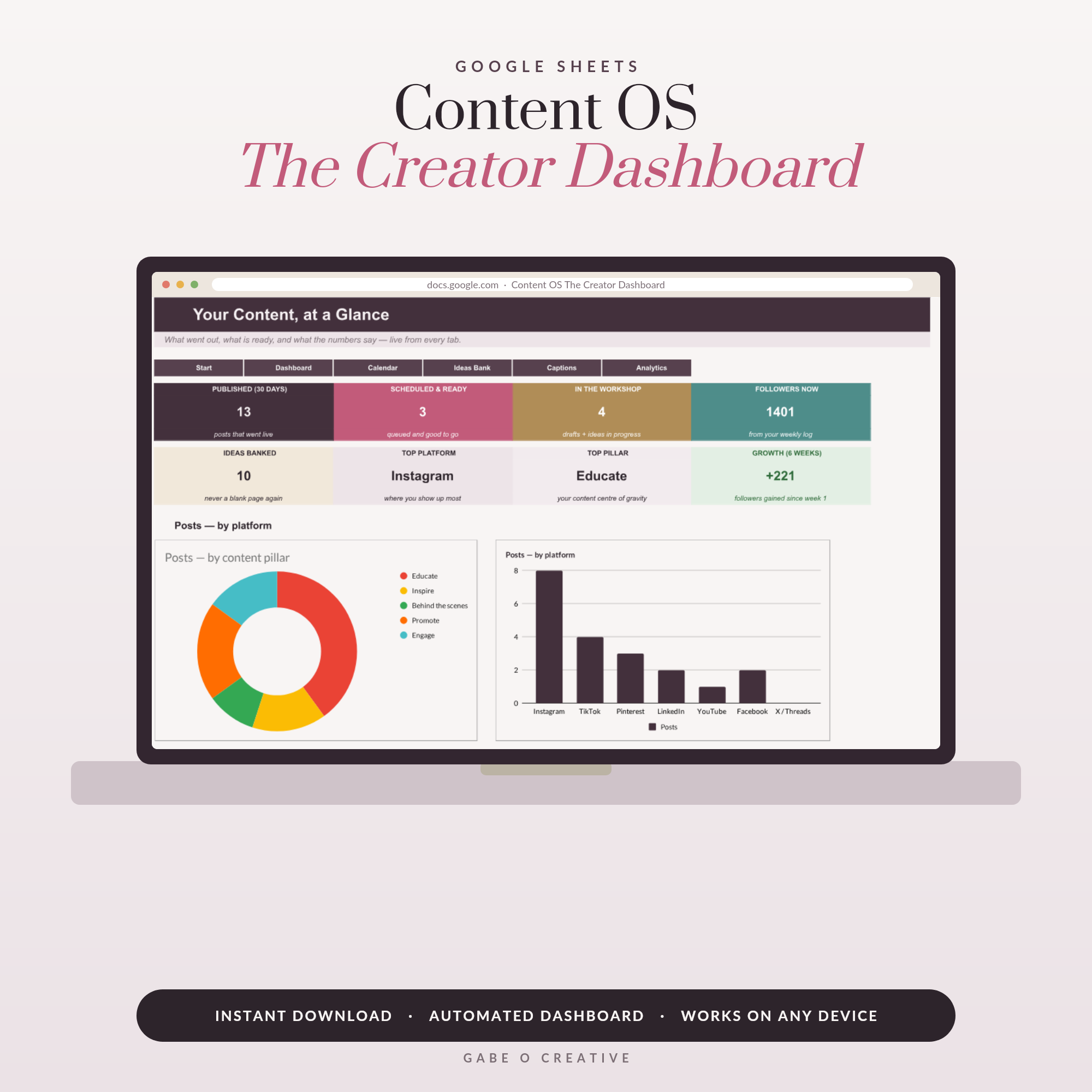
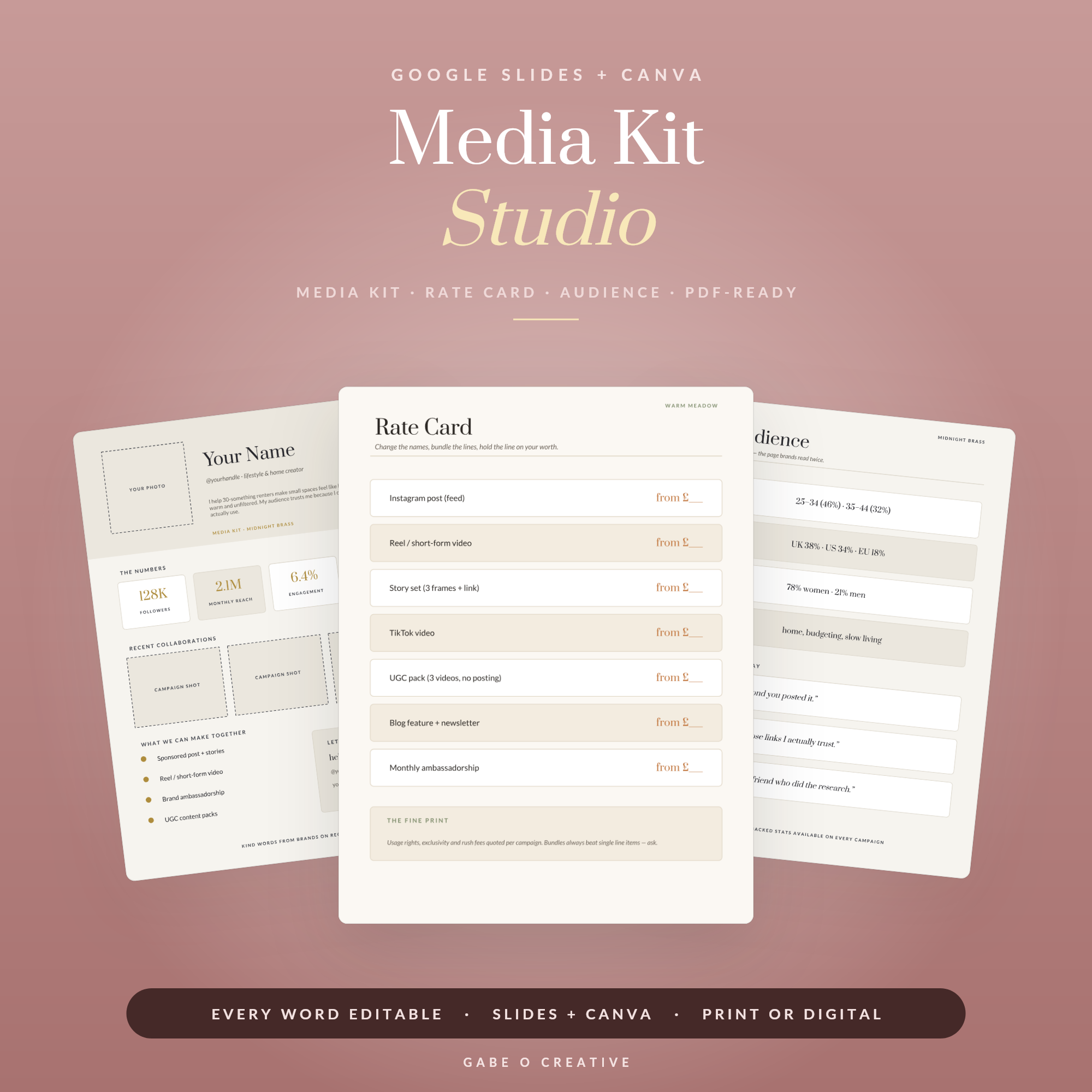
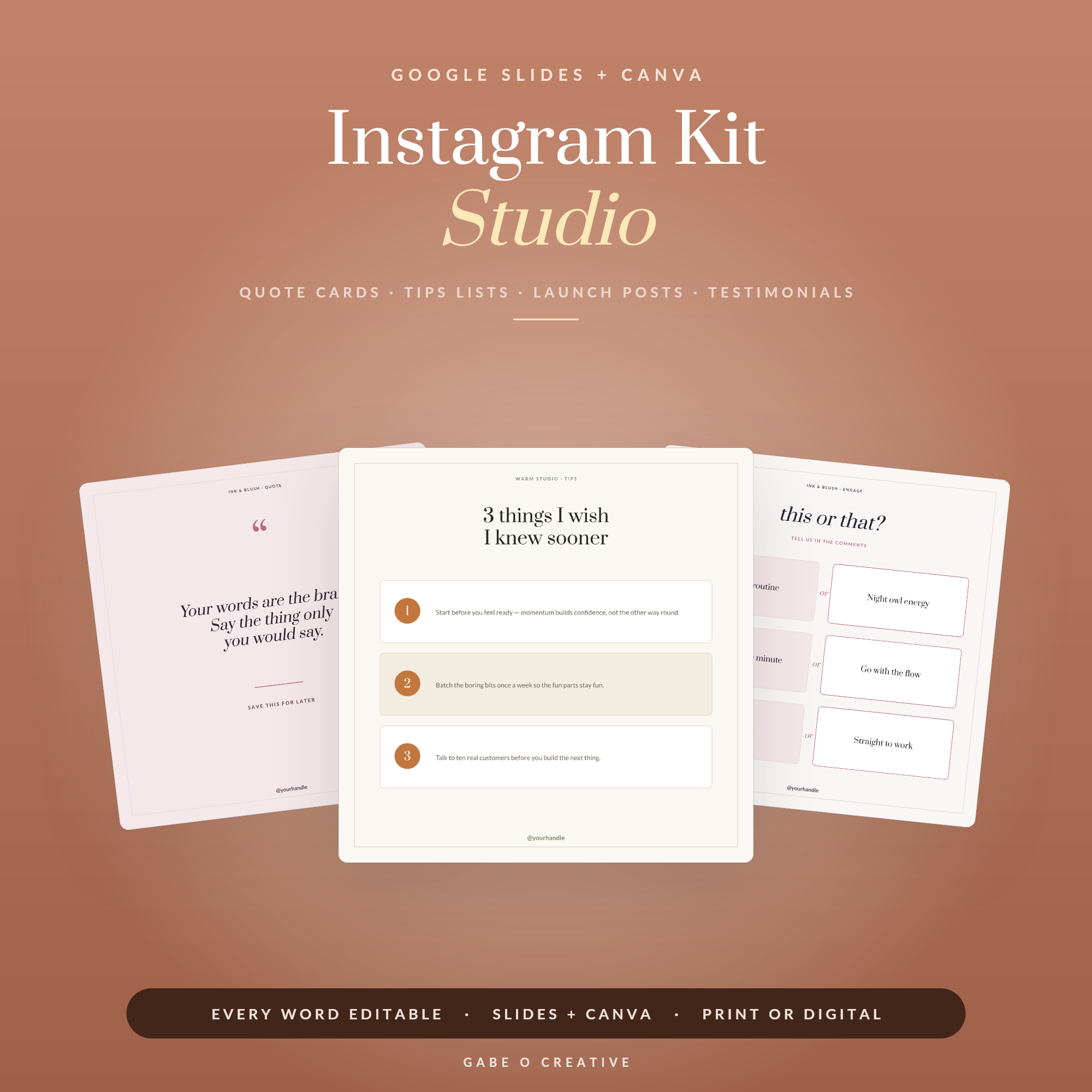
Then don't go quiet. The freebie's job is to start a relationship, not end one. A short welcome sequence — the guide, then a follow-up that adds something, then the offer — turns downloads into customers. If you're building the wider creator stack around it, plan the promotion with the Social Media Content OS, design the posts with the Instagram Kit Studio, and pitch brands with the Media Kit Studio. Our guide to a social media content calendar covers how to promote it without inventing a new post every night.
Step 6: the last page is the one that pays
You've just spent ten pages earning someone's attention. Ending with 'thanks for reading!' wastes every bit of it. The final page should do exactly one thing: tell them what to do next. Book the call. Read the guide. Buy the deeper version. Reply to this email. One call to action — two competing asks reliably produce fewer clicks than one, because a reader who has to choose usually chooses neither.
Add a short 'about you' that's about them — not your life story, but why you're the person who solved this problem and how you can help further. If the next step is working together, the Client Welcome Packet picks up exactly where the ebook leaves off; our guide to client onboarding covers that handover.
Common mistakes worth dodging
A few that sink otherwise good guides. Perfectionism — version one shipped beats version four in drafts, and you'll learn more from ten readers than ten more revisions. Writing for everyone, which reliably speaks to no one; write it for one specific person you can picture. Burying the good bit on page nine — lead with your best insight, because a reader who's bored by page two never reaches the gold. And no next step, which is the most common of all: a guide that ends in a cul-de-sac generates goodwill and precisely nothing else.
Your questions, answered
How long should an ebook or lead magnet be?
Shorter than you think — 8 to 15 pages is the sweet spot for a free lead magnet, and a paid one rarely needs to pass 40. Length isn't the value; finishing is. A ten-page guide someone reads to the end and acts on beats an eighty-page book that gets downloaded, admired for a second and never opened. If it can be said in six pages, say it in six.
What makes a good lead magnet?
One specific promise, delivered fast. 'Everything about email marketing' is a library; 'the five emails to send after someone joins your list' is a lead magnet. The test is whether a stranger can read the title and instantly know what they'll be able to do afterwards. Solve one real, narrow problem completely rather than every problem partially.
What software do I need to make an ebook?
Free Google Slides or free Canva is genuinely enough — both let you lay out pages visually and export a proper PDF, which is all an ebook is. You don't need InDesign or a designer. Starting from a template matters far more than the tool, because the layouts, spacing and type hierarchy are the part most people get wrong, and a template has those decisions already made.
Should a lead magnet be free or paid?
Both work, and it depends what you want. Free grows a list — the price is an email address, and you're buying permission to keep talking. Paid earns money now and attracts more serious readers, but converts a fraction as many. A common route is to make the free one genuinely excellent so it proves you're worth paying, then sell the deeper version to the people it convinced.
How do I deliver a lead magnet to subscribers?
Email it immediately as the first message of a welcome sequence, rather than only linking it on a thank-you page. Instant delivery sets the expectation that your emails are worth opening, and it confirms the address is real. Then don't go quiet — that first email should be the start of a short sequence, because the freebie's job is beginning a relationship, not ending one.
What should go on the last page of an ebook?
A clear next step, and only one. You've just spent ten pages earning attention — the worst thing you can do is end with 'thanks for reading'. Tell them exactly what to do next: book the call, read the guide, buy the thing, reply to the email. One call to action, stated plainly. Two competing asks reliably produce fewer clicks than one.
More for the creator stack: our guides to building a media kit brands take seriously and planning a month of content in one sitting.
One promise, ten pages, no designer. The Ebook & Lead Magnet Studio hands you the covers, chapter layouts, checklist, worksheet and CTA closer — editable in free Google Slides or Canva. Type your words and publish.