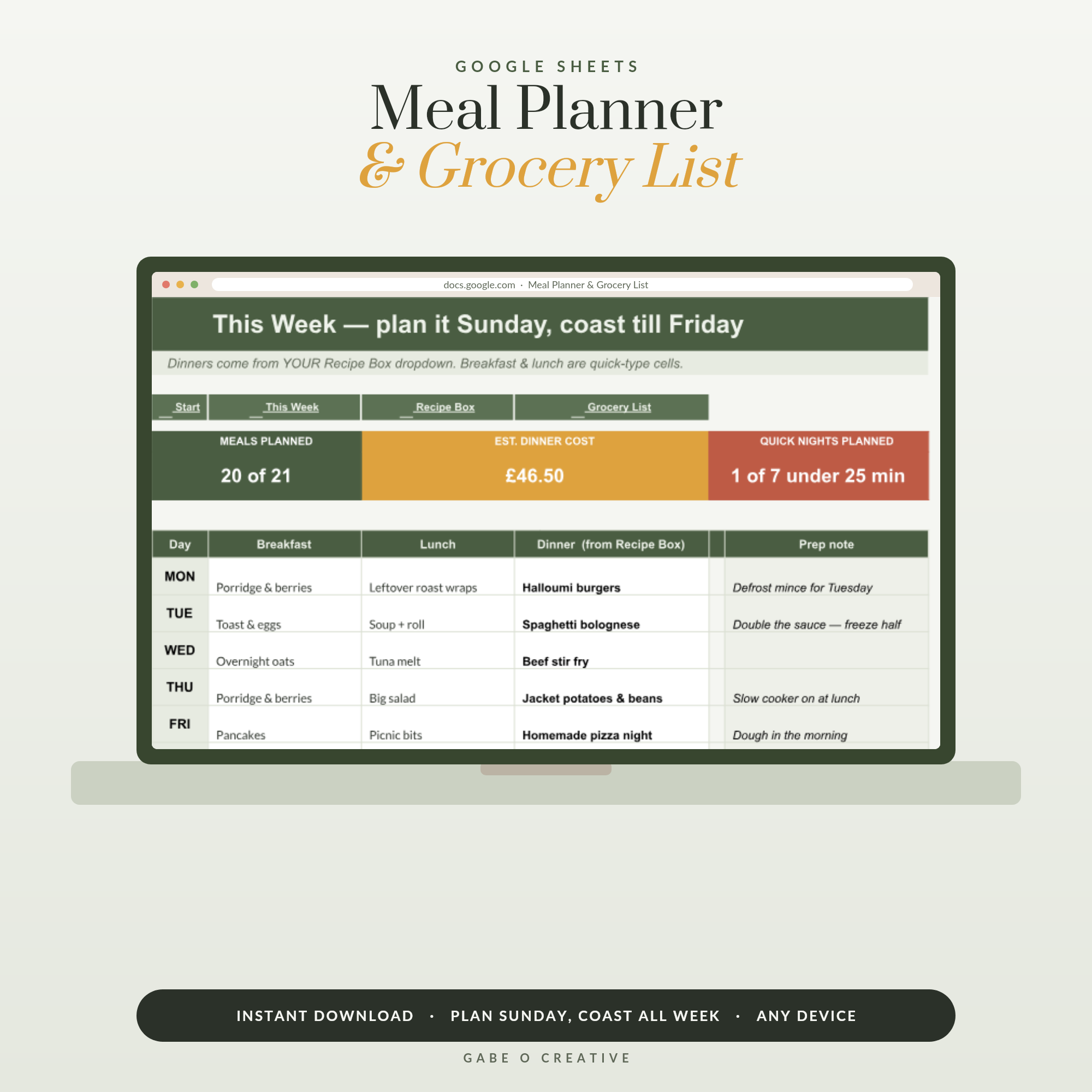
The reason to build a meal planner in Google Sheets is not the plan itself. Anyone can write seven dinners on a scrap of paper. The reason is what happens next: picking those seven dinners should write your shopping list for you, total roughly what the week will cost, and never make you write "onions" three times because three recipes need them. That is a job a spreadsheet does properly and a notepad cannot. The Meal Planner & Grocery List is built exactly this way if you would rather not construct it yourself.
Want it working this Sunday? The Meal Planner & Grocery List for Google Sheets comes with twenty starter recipes, dropdown meal picking and a shopping list that fills itself from whatever you choose.
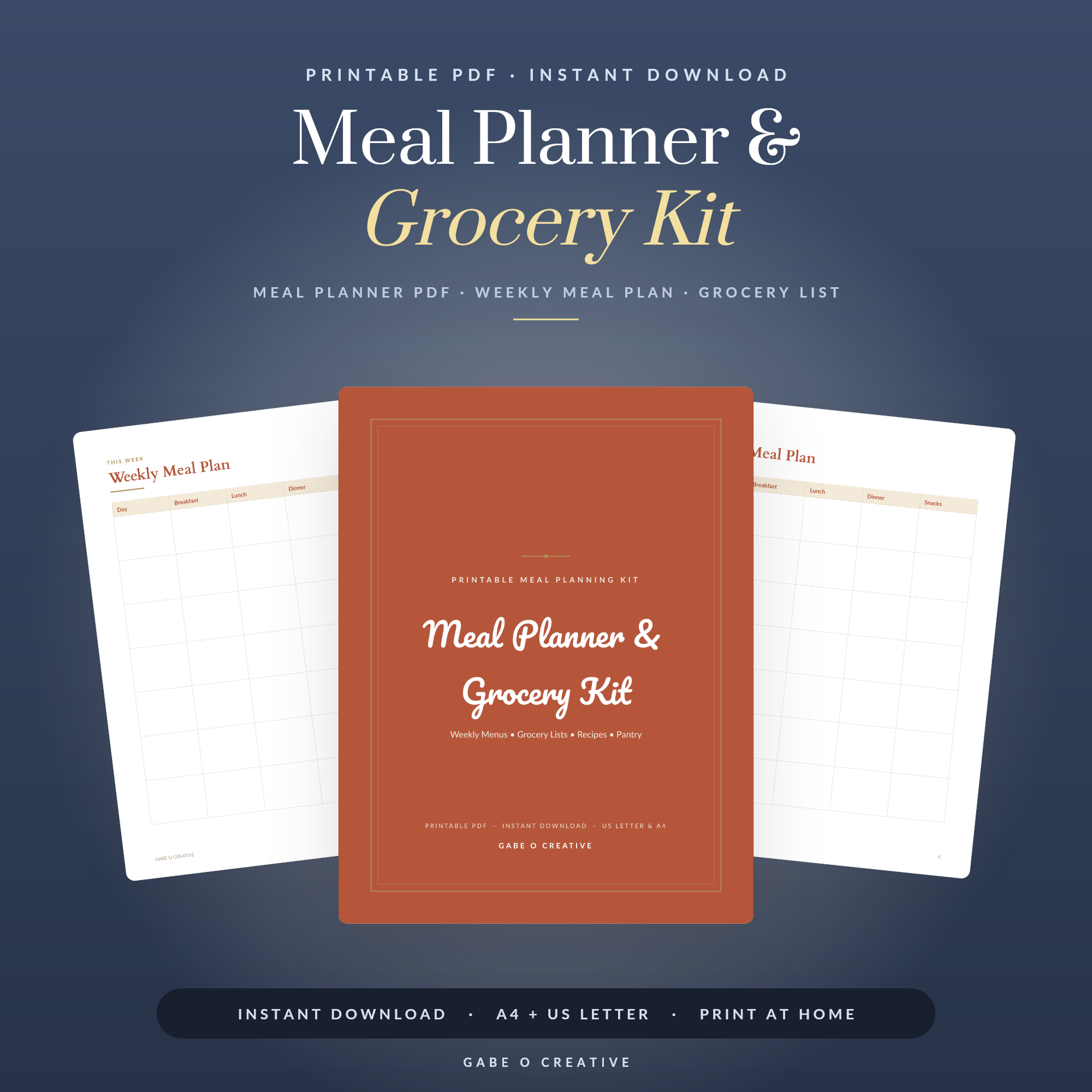 Shop Meal Planner & Grocery Kit →
The Three Tabs That Do Everything
A working meal planner needs three tabs and no more. Recipe Box holds every meal you actually cook, with its ingredients and a rough cost. This Week is the grid where you pick dinners from a dropdown. Shopping List is the output — the thing you take to the shop.
The critical design decision is that you only ever maintain the Recipe Box. The week grid picks from it, the shopping list reads from it, and nothing is typed twice. Every meal planner that collapses does so because the owner ended up maintaining the same information in two places.
Why twenty recipes is the magic number
Most households genuinely rotate about twenty dinners. Get those in and you have covered the overwhelming majority of your weeks — after that, planning is seven taps rather than seven decisions, which is the entire point. Adding recipe number forty-three is a hobby, not a saving.
Making the Dropdowns Work
Data validation is what turns a spreadsheet into something you can use in thirty seconds. Select the cells in your week grid, choose Data → Data validation, set the criteria to a range, and point it at the recipe name column in your Recipe Box.
One detail worth getting right: point the range at the whole column, not just the rows you have filled. If you validate against A2:A21 you will be editing the rule every time you add a recipe. Validate against A2:A200 and new recipes appear in the dropdown automatically.
The Formula That Builds the List
This is the part people assume is complicated. It is one function. If your Recipe Box has recipe names in column A and ingredients in column B, then somewhere on your Shopping List tab:
=FILTER('Recipe Box'!B:B, 'Recipe Box'!A:A = 'This Week'!D12)
That returns every ingredient belonging to whichever recipe is sitting in the Monday cell. Repeat for each day and the list assembles itself. Add a tick column beside it and you can shop straight from your phone.
Here is what each piece of the sheet is actually doing:
| Tab | What you type | What it produces |
|---|---|---|
| Recipe Box | Recipe name, ingredients, rough cost | The only list you maintain |
| This Week | Seven dropdown picks | The plan, plus the week's cost estimate |
| Shopping List | Nothing | Ingredients pulled from your picks, with tick boxes |
Costing the week before you shop
Put an approximate cost against each recipe — it does not need to be precise. Total the seven you have chosen and you get a number before you leave the house. It will not match the receipt, but it reliably catches the week where you have accidentally planned three expensive dinners in a row, and that is the decision worth influencing.
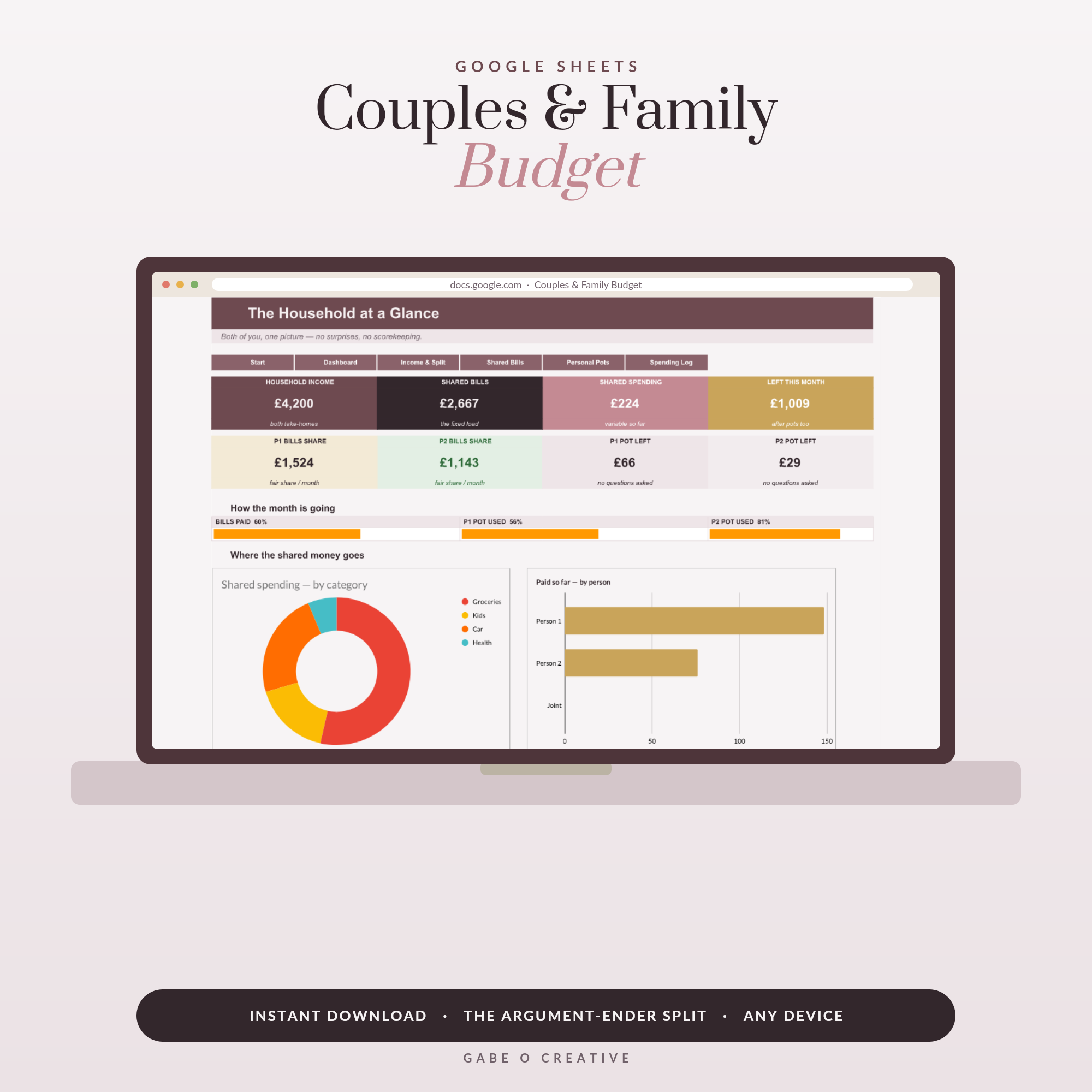 Shop Couples Budget Spreadsheet Google Sheets, Family Budget Planner with Fair Bill Split Calculator, Shared Expenses & Personal Money Tracker →
The Sunday Routine
Ten minutes, once a week, in this order. Check what is already in the fridge and freezer, because planning around what needs using is where the real saving happens. Pick your seven from the dropdown, weighting the busy evenings toward the quick meals. Glance at the cost estimate. Then open the shopping list, which is already written, and go.
Two habits make it stick. Keep one or two "quick nights" in every week — the twenty-minute meals — because a plan with no slack collapses the first evening something overruns. And do not plan seven dinners if you genuinely only cook five; a plan you beat feels better than one you fail.
Leftovers and batch nights
The single biggest saving in a meal plan is not a cheaper recipe, it is cooking one thing twice. Add a column to your Recipe Box marking which meals scale well — chilli, curry, bolognese, most soups — and plan one of them for a night you are home early. Then put "leftovers" straight into the following evening as a meal in its own right, rather than leaving it blank and hoping.
This matters for the shopping list too. A recipe you are cooking at double quantity needs double ingredients, so keep a small multiplier column in the week grid and let the list read from it. Without that, you will plan a batch night and then find you bought enough for one dinner — which is exactly the sort of small mismatch that makes people abandon a system and go back to guessing.
What to do when the week goes wrong
It will. Someone gets ill, plans change, Thursday's dinner never happens. The temptation is to rebuild the plan; the better move is to shuffle. Because your meals are dropdown picks rather than handwriting, moving Thursday to Saturday takes two taps and the shopping is already done. A plan you can reorder in seconds survives a bad week. A plan you would have to rewrite does not.
If cost is the main driver rather than time, our guide to meal planning on a budget goes deeper on the money side, and the printable meal planner printables are the paper version if a spreadsheet is not your thing. For households splitting the food shop between two people, the couples and family budget spreadsheet handles the wider money picture, and the printable meal planner and grocery kit covers the fridge-door format.
 Shop Small Business Bookkeeping & Profit Dashboard, Google Sheets Template, Automated P&L, Income Expense Tracker →
Meal Planner Spreadsheet FAQs
Why use a spreadsheet instead of a meal planning app?
Because a spreadsheet holds your recipes, your prices and your own categories, and it does not disappear when a subscription lapses. Apps are quicker to start; a sheet is quicker after the first fortnight, when it knows your family's actual meals.
How does the shopping list build itself?
Each recipe in the recipe box carries its ingredients. When you pick that recipe in the week grid, a formula pulls its ingredients through to the list — so choosing seven dinners produces the shop without you writing anything twice.
Which formula pulls the recipe ingredients through?
A FILTER or a SUMIF against the recipe name is enough for most setups. Data validation gives you the dropdown of recipe names, and FILTER returns the matching ingredient rows for whatever is chosen.
How do I estimate what the week will cost?
Put a rough cost per recipe in the recipe box and total the seven you have chosen. It will not match the till receipt exactly, but it is close enough to spot the week that is going to be expensive before you shop, which is the useful part.
How many recipes do I need before it saves time?
Around twenty. Most households rotate roughly that many dinners anyway, and once they are in, planning a week becomes seven dropdown taps instead of seven decisions.
Does it work on a phone in the supermarket?
Yes — the Google Sheets app handles it fine, and a tick column lets you check things off as you go. Keep the shopping list on its own tab so you are not scrolling past the meal grid in the aisle.
Set it up once and the shopping list writes itself. Open the Meal Planner & Grocery List, add your family's twenty dinners, and plan this Sunday in ten minutes — or browse the full Google Sheets collection.