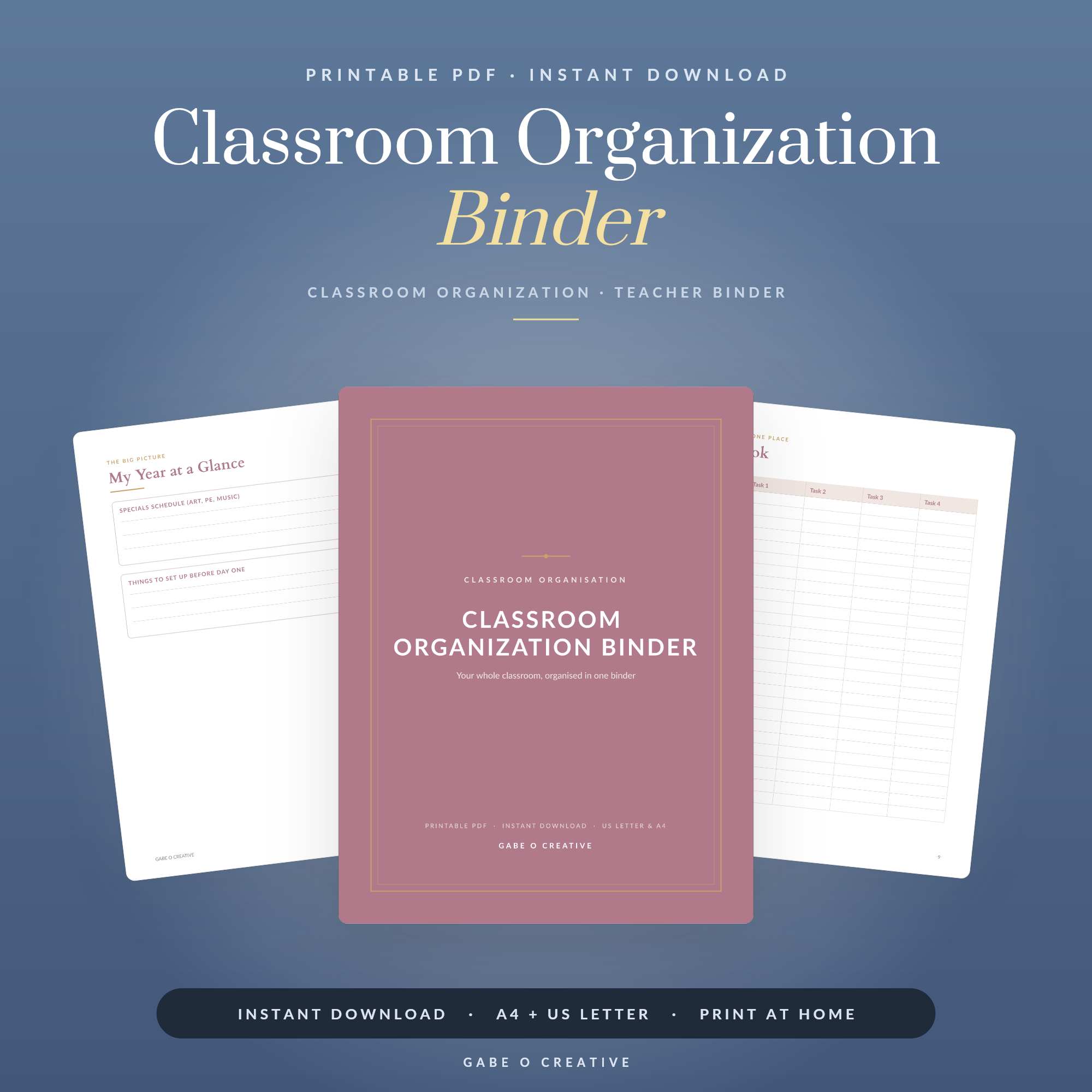
Everyone tells new teachers to make a classroom binder, and almost nobody says what goes in it. So it ends up holding everything — which is the same as holding nothing, because you cannot find the medical list at 8:52 when a parent is at the door. A binder earns its space by being the place you look under pressure, and that means fewer sections, not more. Our printable classroom organisation binder is built around that principle.
Setting up for the new year? Print the classroom binder set and build it in one afternoon before term starts — it takes far longer once teaching begins.
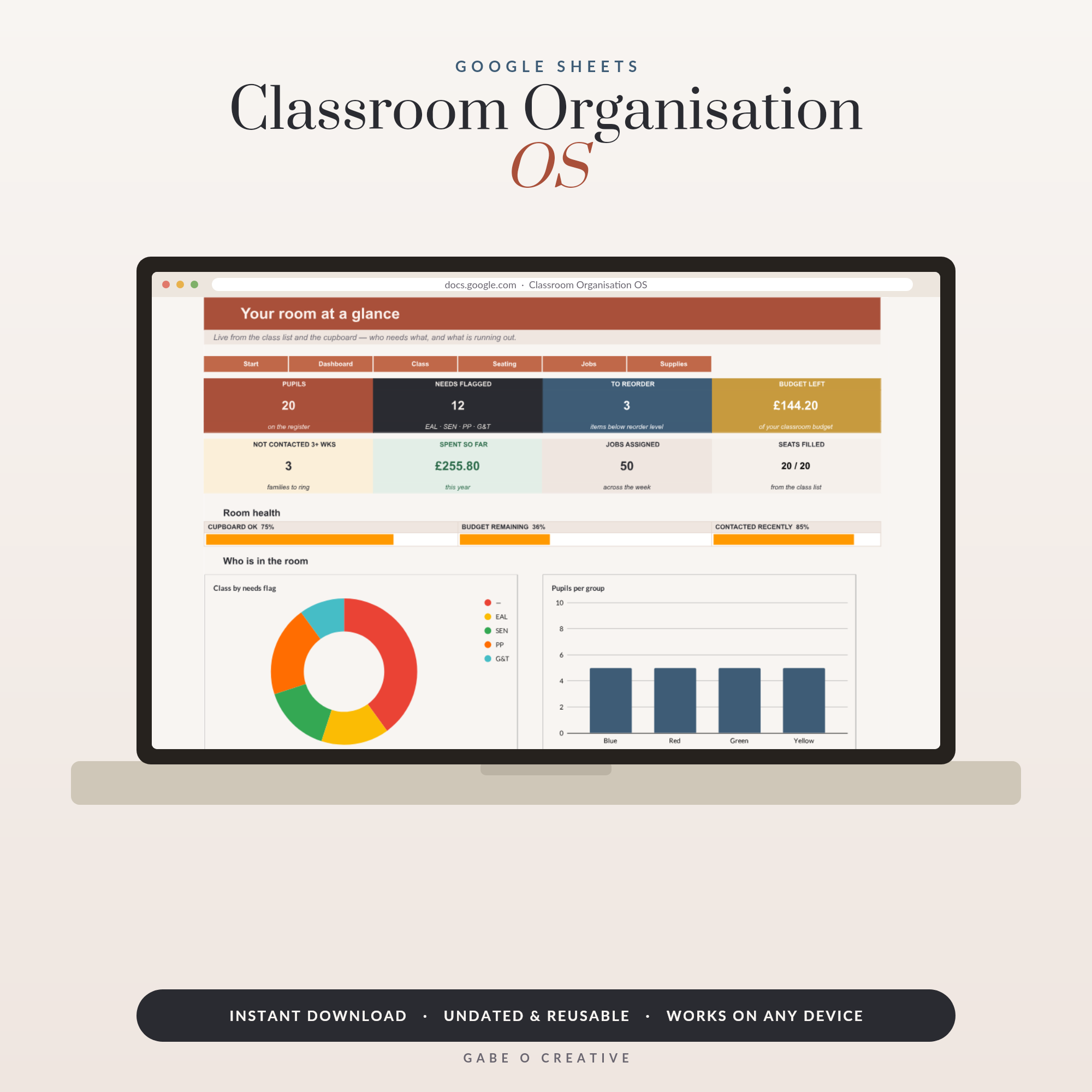 Shop Classroom Organisation Google Sheets Template, Teacher Class List & Seating Plan Spreadsheet with Job Rota, Supplies Inventory & Budget Tracker →
The Eight Sections Worth Having
- Class lists and seating plans. The most-used page in the whole binder. One per class, reprinted each half term.
- Key contacts. Office, SENCO, safeguarding lead, site team, your head of department — the numbers you need when something is already going wrong.
- Medical and additional needs. Allergies, inhalers, EHCPs, anything with a plan attached. Summary only — see the warning below.
- Timetable and duties. Yours and the room's, including when other classes are in your space.
- Behaviour and incident log. Dated, factual, brief. The value is that it is contemporaneous.
- Parent contact log. Date, who, why, outcome. Three lines each. Invaluable at parents' evening.
- Assessment overview. One page per class showing where everyone is — not the full markbook.
- Routines and expectations. Your rules, entry and exit procedures, fire drill route.
That is genuinely enough. Every additional section makes the first eight slower to reach, which is the failure mode nobody warns about.
Two practical notes on assembling it. Use proper tabbed dividers rather than title pages — you find a tab by feel while looking at a pupil, and you cannot do that with a printed sheet. And put the class list in a punched pocket rather than punching it directly, because it is the page you will replace most often and the holes tear within a term.
Size matters more than it sounds, too. A two-inch binder invites you to fill it; a one-inch one forces the discipline that makes the whole thing work. If it will not close, the answer is almost always that something in it belongs in a drawer or a spreadsheet rather than that you need a bigger binder.
Put the most-used section first
Not the most impressive one. If you reach for seating plans forty times a week and assessment data twice a term, seating plans go at the front regardless of how the sections might logically order themselves.
What to Leave Out
| Not in the binder | Where instead |
|---|---|
| Detailed safeguarding records | The school's system — never a folder on your desk |
| Full markbook and raw scores | A spreadsheet; the binder holds the summary |
| Lesson plans and resources | Separate planner or drive folder |
| Anything you need weekly | Somewhere faster than a ring binder |
| Last year's paperwork | Archived, or recycled |
The confidentiality point deserves saying plainly: assume the binder will be seen. It sits open on a desk, gets carried to the staffroom, gets left in a classroom at lunchtime. Anything you would not want a pupil, a parent or a visitor reading over your shoulder does not belong in it. A medical summary saying "inhaler, blue folder in cupboard" is fine. A detailed note about a family situation is not.
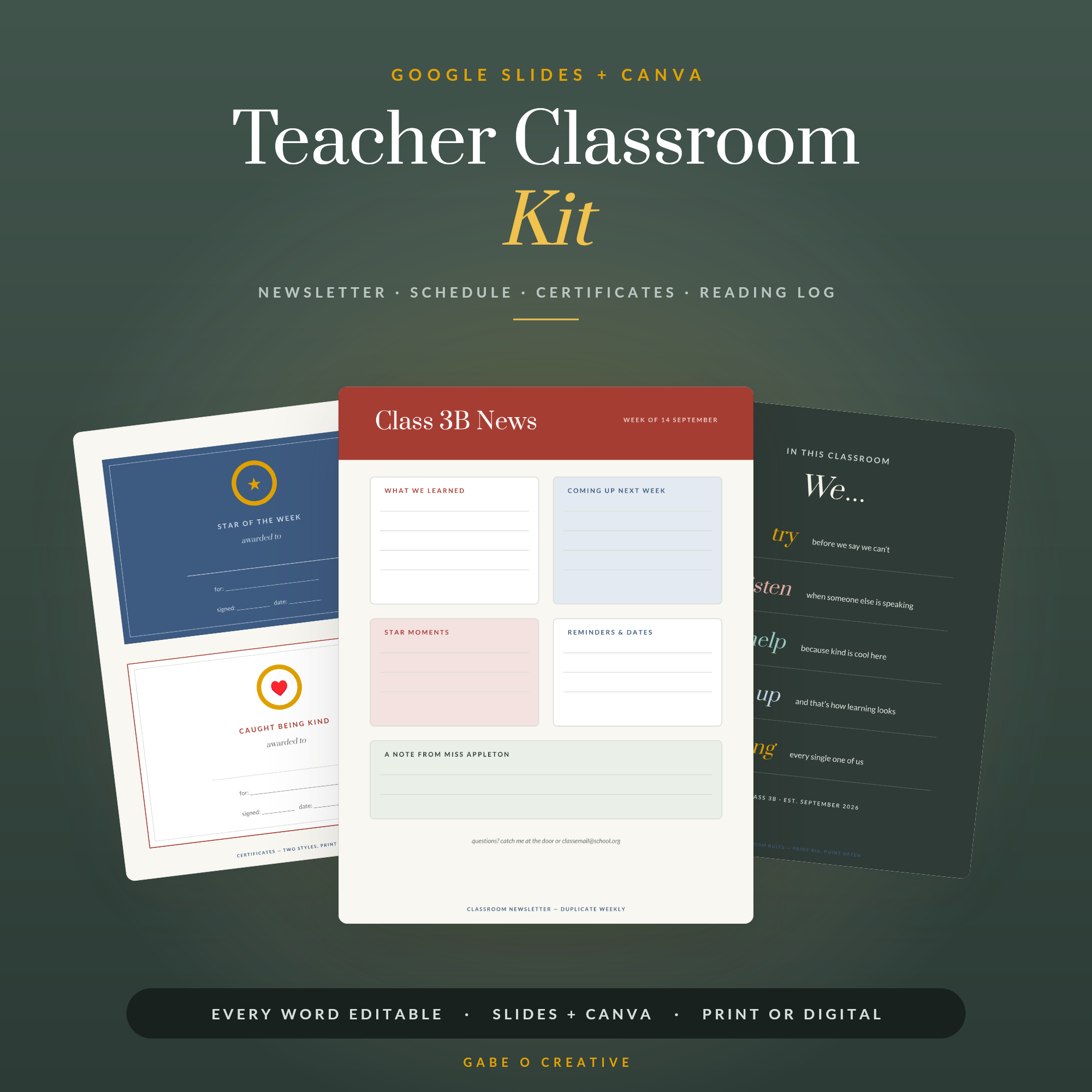 Shop Teacher Classroom Kit — Editable Classroom Newsletter, Schedule, Certificates, Name Labels, Reading Log & Parent Notes for Google Slides & Canva →
Building It in an Afternoon
- Print the dividers and section pages first, so you can see the shape before filling anything in.
- Fill in what does not change — contacts, timetable, routines, fire route.
- Add class lists last, once they have stopped moving. They always move in the first fortnight.
- Leave the logs empty. Behaviour and parent contact pages fill themselves.
- Photocopy the cover-teacher pages straight into a separate thin folder while you are at it.
That last step takes five minutes and saves an hour later. The substitute teacher binder is that subset done properly — seating plan, routines, key contacts, and enough detail for someone who has never met the class to run a credible lesson.
Paper or digital?
Both, split by how often it changes. Paper for what you grab in a hurry: seating plan, medical list, timetable. Digital for anything that updates weekly — marks, notes, lesson plans. Trying to keep marks current on paper is how binders end up out of date and therefore untrusted.
If you would rather run the changeable half in a spreadsheet, the Classroom Organisation Google Sheets template holds class lists, seating plans, a job rota and supplies in one file, and our seating plan guide covers building those properly. For display and labelling rather than paperwork, the editable classroom kit covers newsletters, certificates and name labels.
For the wider setup — storage, labelling, the first fortnight — our classroom organisation ideas and setup checklist for new teachers cover what happens around the binder, and the teacher lesson planner handles the planning side.
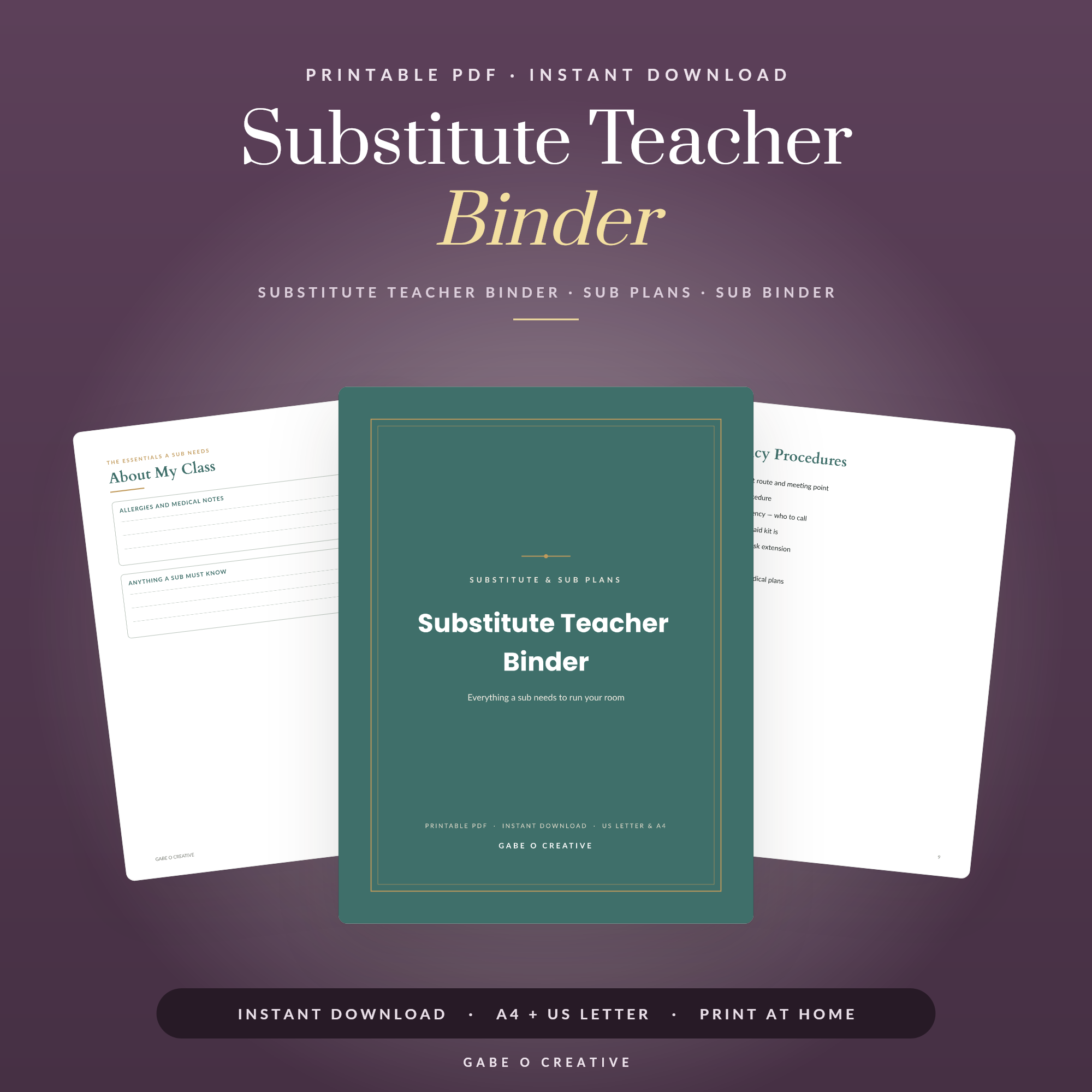 Shop Substitute Teacher Binder →
Making It Survive the Term
Most classroom binders are immaculate in September and abandoned by half term. Three habits are the difference.
Keep it where you actually stand. A binder in a cupboard gets used twice. One on the desk you teach from, or on the shelf by the door, gets used daily. If yours is not being opened, the contents are rarely the problem — the location is.
Write in it badly. A behaviour note scrawled in four words during a lesson change is worth ten times a neat entry you intended to write at home and never did. The binder is a working document, not a display piece, and treating it as one is what keeps it current.
Do a five-minute half-term reset. Reprint the class list and seating plan, check the medical page against any updates, clear out anything from the previous half term. Five minutes, six times a year, and it never becomes a project.
The test of whether it is working
Someone asks you a question about a pupil in the corridor. Can you answer it from the binder in under thirty seconds? If yes, it is doing its job. If you would reach for your phone or say you will check later, something is either missing or buried — and the fix is almost always removing sections rather than adding them.
What changes in year two
The first year you build a binder from a template; the second you build it from last year's, which takes an hour instead of an afternoon. Keep last year's dividers and structure even if you bin the contents — the structure is the part that took the thinking.
Classroom Binder FAQs
What should go in a classroom binder?
Class lists and seating plans, key contacts, medical and additional needs, timetable and duties, behaviour records, parent contact log, assessment overview, and a routines page. Eight sections is usually enough.
What should NOT go in a classroom binder?
Anything confidential you would not want read if it were left open on your desk, and anything you need weekly rather than occasionally. Safeguarding records belong in the school's system, not your binder.
How is a classroom binder different from a sub folder?
The binder is yours to work from all year; the sub folder is a subset someone else can use without you. Build the binder first, then copy the four or five pages a cover teacher would actually need.
Should the binder be paper or digital?
Both, in practice. Paper for what you grab in a hurry — seating plan, medical list, timetable — and digital for anything that changes weekly, like marks and lesson notes.
How often should I update it?
Reprint the class list and seating plan each half term, and check the medical and contact pages at the same time. Everything else can wait until it is wrong.
Do I need one binder or several?
One, unless you teach several classes with genuinely different needs. Two binders means the thing you want is always in the other one.
Build it before term starts. Print the classroom organisation binder, or browse the full Students & Teachers collection for planners, binders and classroom kits.