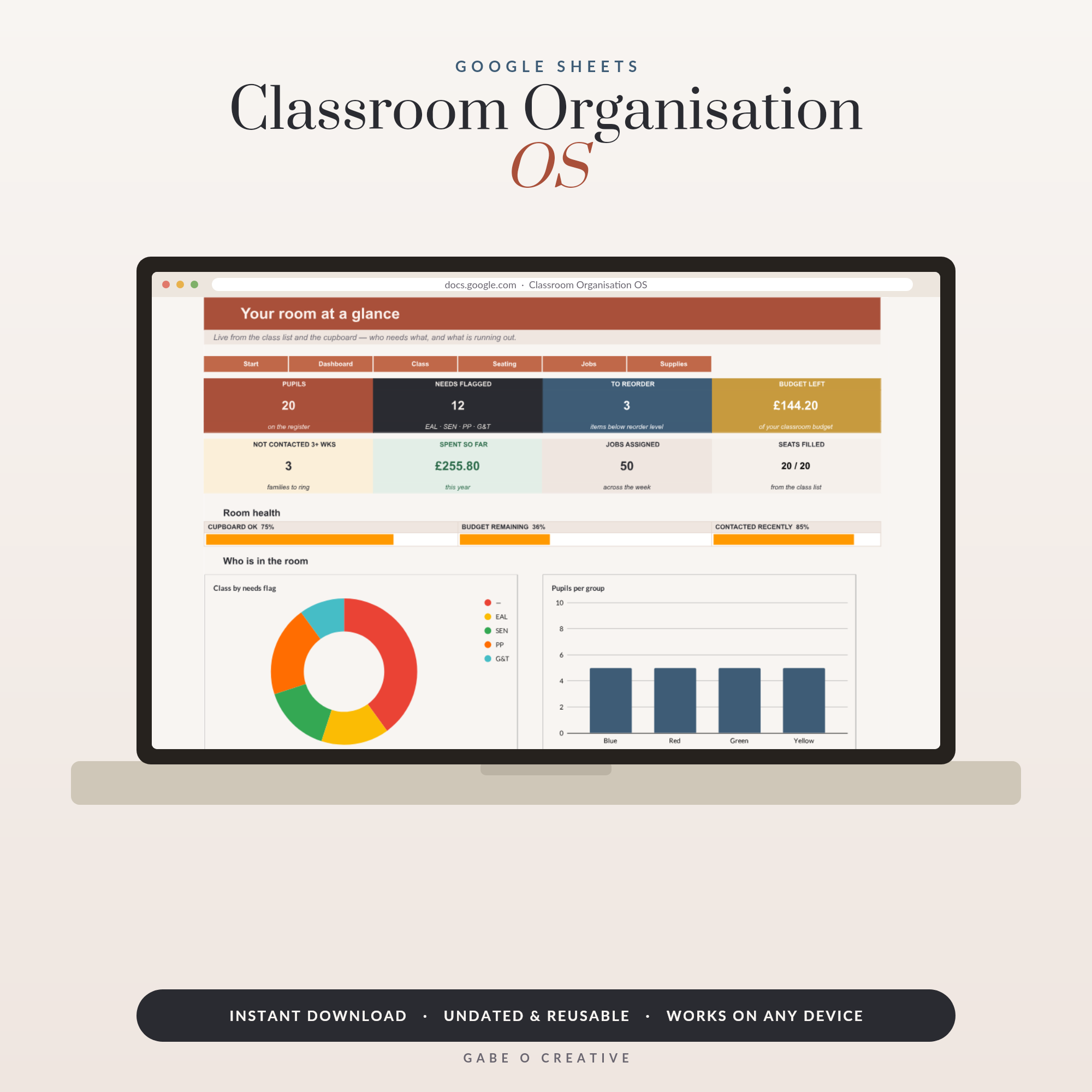
A class seating plan template is one of those small things that quietly buys back an hour of your week. Most teachers redraw the chart from scratch every half term, squinting at a class list in one window and a hand-drawn grid in another, and then do it again for every class they teach. A template turns that into a five-minute job: the desks are already laid out, the names come from your class list, and the colour-coding you set up in September still works in June. If your classroom already runs well and the seating is the last untidy bit, this is the fix. Our Classroom Organisation Google Sheets template holds your class list, seating plan, job rota and supplies inventory in one file.
Want your plan sorted before the first bell? Grab the class list and seating plan spreadsheet, paste your register in once, and print a named chart for every class you teach.
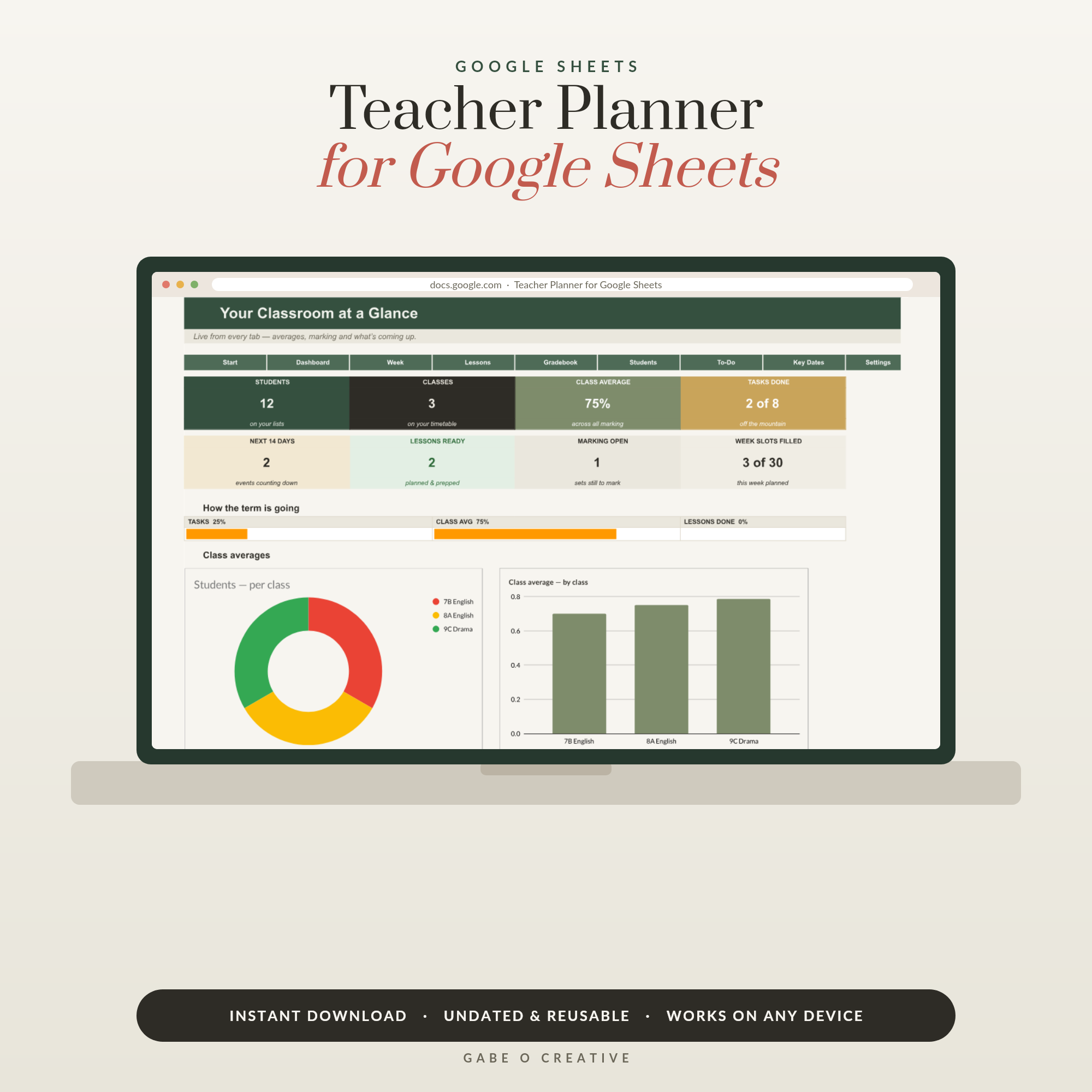 Shop Teacher Planner Google Sheets, Digital Lesson Planner Spreadsheet, Gradebook with Class Averages, Student Tracker, Undated & Reusable →
Why a Seating Plan Is Worth the Effort
A seating plan is not about control for its own sake. It is the cheapest classroom management tool you have, because it prevents problems instead of responding to them. Put the right two pupils on opposite sides of the room and you never have the conversation you would otherwise have three times a week.
A considered plan lets you:
- Learn names fast — the single biggest lever with a new class.
- Separate the pairings that derail lessons before they get going.
- Put support where it's needed, so pupils with additional needs sit within easy reach.
- Leave something usable for cover, which protects your class when you're out.
- Show your reasoning if a parent, mentor or observer ever asks why a pupil sits where they do.
That last point matters more than new teachers expect. "He sits at the front because he's naughty" is a hard sentence to defend. "She sits at the front because her hearing report recommends it, and he sits beside a strong partner because his reading age is two years below his chronological age" is a plan. If you are still setting up the room itself, our classroom setup checklist for new teachers covers the layout decisions that come before the seating.
The Four Layouts Worth Knowing
Every seating arrangement is a trade-off between attention and interaction. You are not looking for the best one; you are looking for the right one for what you are teaching this week.
Rows and pairs
Desks facing the board in pairs is the default for a reason. Every pupil can see you without turning, you can walk every row, and pupils still have a partner to talk to when you want discussion. If you only ever set up one layout, set up this one.
Groups of four
Two desks pushed together facing two more. Excellent for practical work, group tasks and primary classrooms; awkward for anything where everyone needs to watch the front, because a quarter of the class has its back to you. Use it deliberately, not permanently.
Horseshoe
A U-shape with an open middle. Brilliant for discussion, debate and languages, because everyone can see everyone. It eats floor space and works best with smaller classes and older pupils.
Exam rows
Single desks, spaced, all facing forward. You will need it a few times a year, so it is worth having as a saved layout rather than something you improvise the morning of the test.
Comparing the Layouts at a Glance
If you're deciding what to set up on day one, this is the short version:
| Layout | Best for | Watch out for |
|---|---|---|
| Rows in pairs | Everyday teaching, modelling from the board | Back rows drifting if you don't circulate |
| Groups of four | Practical work, discussion, primary | Pupils sitting with their backs to the front |
| Horseshoe | Debate, languages, small classes | Space, and reaching pupils in the middle |
| Exam rows | Assessments and quiet written work | Takes time to set up if it isn't saved |
 Shop Classroom Organization Binder →
How to Build the Plan in Under Ten Minutes
The order matters. Place the constraints first, then fill the gaps — do it the other way round and you will be shuffling names for half an hour.
- Draw the room, not a generic grid. Mark the door, board and windows so the plan matches what you see when you walk in.
- Seat the non-negotiables. Hearing and visual needs, EHCPs, pupils who need to be near you. These go down first and don't move.
- Separate the known pairings. Every class has two or three combinations that don't work. Split them now.
- Place your anchors. Calm, reliable pupils spread across the room do more for the atmosphere than any sanction.
- Fill the rest and mix it up. Avoid seating by friendship group or by ability alone — a mixed pair usually helps both pupils.
- Print two copies. One for your desk, one in the cover folder.
Then colour-code. A few subtle fills — additional needs, EAL, pupil premium, pupils on a report card — mean you can read the room's needs at a glance without labelling anyone in front of the class. Keep the key on a separate sheet, not on the printed chart that sits on the desk.
Rotating Without Starting Over
Half-termly is the sweet spot. Any longer and unhelpful habits set in; any shorter and the class never settles. The trick is to rotate positions, not rebuild the plan: keep your constrained pupils where they are and shift everyone else along by a row or a column. It takes two minutes in a spreadsheet and gives the class the change of scene without undoing your careful work.
Keep a short note of why anyone moved. When a pupil argues that they always sit at the front, you will want the date and the reason to hand, and it's the same information you would want for a parents' evening conversation — our guide to preparing for parents' evening covers what else is worth having ready.
Where the Seating Plan Fits in the Rest of Your Admin
A seating plan is most useful when it isn't a standalone file. If your class list already lives in a spreadsheet, the seating chart, the gradebook and the job rota should all read from the same names — one spelling correction, everywhere. That's the logic behind the Classroom Organisation OS, and the reason it pairs naturally with the Teacher Planner Google Sheets template, which handles lesson planning and marks in the same file format. Our full teacher planner Google Sheets guide walks through how those tabs fit together across a term.
If you'd rather work on paper, the classroom organisation binder covers the same ground in printable form, and the substitute teacher binder is the place your printed seating chart belongs on the days you're not in. For lesson-level planning, the teacher lesson planner sits alongside either. If you want the wider system rather than one sheet, our classroom organisation ideas guide covers storage, labelling and routines.
 Shop Teacher Lesson Planner →
Class Seating Plan FAQs
What is a class seating plan template?
It's a reusable grid of your classroom's desks that you drop student names into. A good one is linked to your class list, so you type a name once and it appears everywhere you need it.
What is the best seating arrangement for a classroom?
Rows facing the board suit direct instruction and assessments, pairs suit most day-to-day teaching, and groups of four suit discussion and practical work. Most teachers use pairs as their default and change layout for specific lessons.
How often should I change my seating plan?
Every half term is the usual rhythm. It's frequent enough to break up unhelpful pairings and refresh the room, but not so frequent that pupils never settle or you lose track of who sits where.
Should I let students choose their own seats?
Occasionally, as a reward, and with the understanding that you can move anyone. As a default it tends to seat friends together and leaves quieter pupils on the edges, which is the opposite of what a seating plan is for.
Do I need a seating plan for a cover teacher?
Yes, and it's one of the most useful things you can leave. A printed plan with names lets someone who has never met the class use names from minute one, which changes the whole tone of the lesson.
Can I make a seating plan in Google Sheets?
Yes, and it's the easiest place to do it. Cells make a natural desk grid, you can colour-code by need, and one spreadsheet can hold every class you teach with a fresh tab each.
Ready to sort your classes for the term? Set up the class list and seating plan spreadsheet once and reuse it every half term, or browse the full Students & Teachers collection for planners, binders and classroom kits that use the same names.