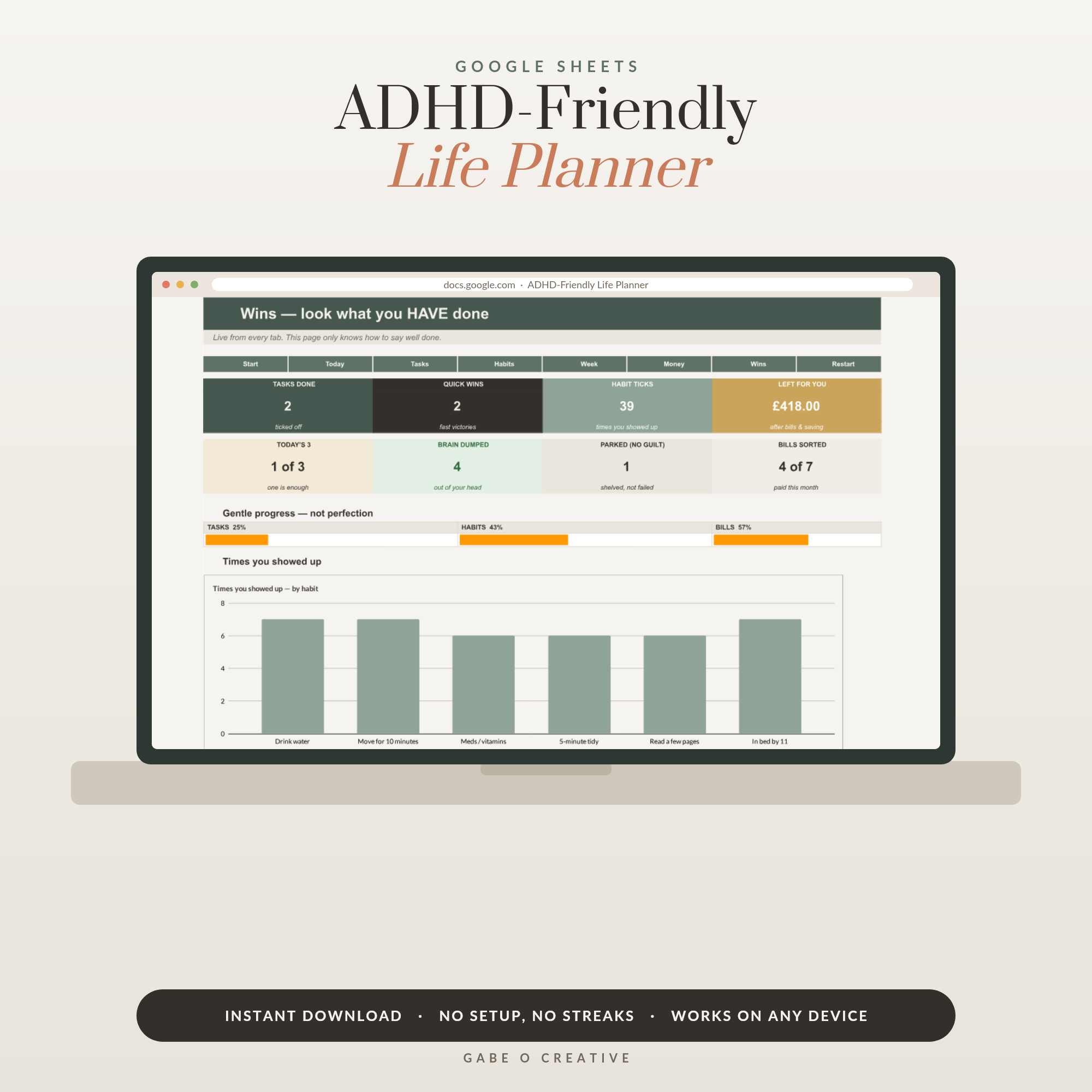
Every January a planner is purchased with hope. By mid-month it's under a pile of post, radiating guilt. If that cycle sounds familiar, hear this first: it is not a discipline problem. Standard planners are built for neurotypical brains, and an ADHD planner that works has to be designed differently from the ground up — which is exactly what we did with the ADHD-Friendly Life Planner in Google Sheets.
Want the version that's already built for your brain? The ADHD-Friendly Life Planner has the brain dump, three-task days and dopamine progress bars wired in from the start.
Why planners fail the ADHD brain (it's the planner, not you)
Most planners make four assumptions that are simply false for ADHD:
They assume importance creates motivation. Neurotypical brains can act on 'this matters'. ADHD brains run on interest, urgency and novelty — a beige grid of equal boxes offers none of the three, so the brain files the whole planner under 'boring' and moves on.
They assume you feel time. Time blindness means the 3pm dentist appointment isn't emotionally real at 9am — and then suddenly it's 2:48. A list of times on paper doesn't fix a sense you don't have; visible countdowns and 'what's next' views do.
They assume out of sight stays in mind. For ADHD, a closed planner functionally ceases to exist — object permanence applies to notebooks too. Any system that requires remembering to check the system has a fatal bootstrapping problem.
They punish inconsistency. Dated pages turn every skipped week into a visible monument of failure. You reopen the planner, meet three blank weeks of reproach, feel the shame spike, and close it — this time for good.
 Shop ADHD Planner Workbook and Life Admin Organizer, Adult ADHD Daily Planner Printable, Brain Dump and Task Tracker, Routine Planner PDF →
The five features an ADHD planner actually needs
Flip each failure into a design requirement and you get the anatomy of a planner that survives past week two:
1. A brain dump inbox. One always-open place where every stray thought lands the second it appears — no sorting, no categories at capture time. The thought is safe, so your working memory can let it go. (New to the technique? Our brain dump guide covers it in five minutes.)
2. A 'today only' view with three priorities. Not the month, not the quarter — today, and at most three things. One deadline, one thing you care about, one avoided piece of admin. Finishing a three-item list is possible, and finishing is the dopamine that brings you back tomorrow.
3. Visible progress. Checkboxes that fill a progress bar, streaks that count up, a dashboard that turns green. ADHD motivation runs on immediate feedback, and a spreadsheet can do what paper can't: celebrate instantly, automatically, every single time.
4. A parking spot for someday. The gap-year idea, the business concept, the garage project — brilliant, not today. A dedicated 'later list' honours the idea (so it stops nagging) without letting it hijack Tuesday.
5. Zero blank-page guilt. Undated pages, tabs that don't accumulate reproach, a structure that treats restarting as normal use. The planner should greet you the same way after three weeks away as after one day.
Paper vs apps vs spreadsheets
Honest comparison, because each has a real place:
| Format | Best at | ADHD failure mode |
|---|---|---|
| Paper planner | Morning brain dumps, the feel of writing | Ceases to exist when closed; dated pages breed guilt |
| Planner apps | Reminders that interrupt you | Fiddly setup becomes procrastination; subscriptions; notification blindness sets in |
| Spreadsheet planner | Everything in one tab set, automatic progress bars, free to run | Needs a bookmark on your phone's home screen so it stays one tap away |
The spreadsheet's superpower is that it's a dashboard, not a document — counters, colours and progress bars update themselves the instant you tick a box. That instant feedback is exactly the reward loop the ADHD brain is looking for. It's why the ADHD-Friendly Life Planner is built in Google Sheets: brain dump tab, today view, habit streaks, energy tracking and a 'later list', all pre-wired. If your main battle is specifically the boring-but-critical stuff — renewals, forms, appointments — the printable ADHD Life Admin Planner attacks that corner directly, and the focus & routine planner is a gentler paper starting point.
 Shop ADHD Focus & Routine Planner →
The daily rhythm: ten minutes, twice
A planner only works attached to a routine, and ADHD routines must be small enough to survive a bad day:
Morning (5 minutes): Brain dump everything buzzing in your head. Then pick three — one deadline, one meaningful, one avoided. Everything else stays parked, guilt-free.
Task paralysis clause: if a task has sat frozen for two days, it's too big or too vague. Shrink it to a two-minute first step: not 'sort out insurance' but 'find last year's renewal email'. The crowbar is always a smaller step.
Evening (5 minutes): Tick what got done and let the progress bar do its little celebration. Move the unfinished to tomorrow without commentary — no 'ugh, again'. Tomorrow's three get chosen tomorrow.
If mornings are your hardest edge, pairing this with a simple morning and evening routine gives the day bookends; and our ADHD life admin guide goes deeper on the avoided-tasks pile specifically.
The restart rule (this is the whole secret)
You will fall off. Everyone does; ADHD brains just fall off faster and feel worse about it. So the system has to make restarting cheap:
Restart without ceremony. No back-filling missed weeks. No waiting for Monday, or the 1st, or a new planner. Open today's tab, dump, pick three, go. Thirty seconds of restart, zero apology.
Reframe it completely: a planner you restart twelve times a year isn't a failed planner — it's a working planner with twelve successful restarts. The graveyard planners died because restarting felt like an admission of failure. Make the restart free, and the system becomes unkillable.
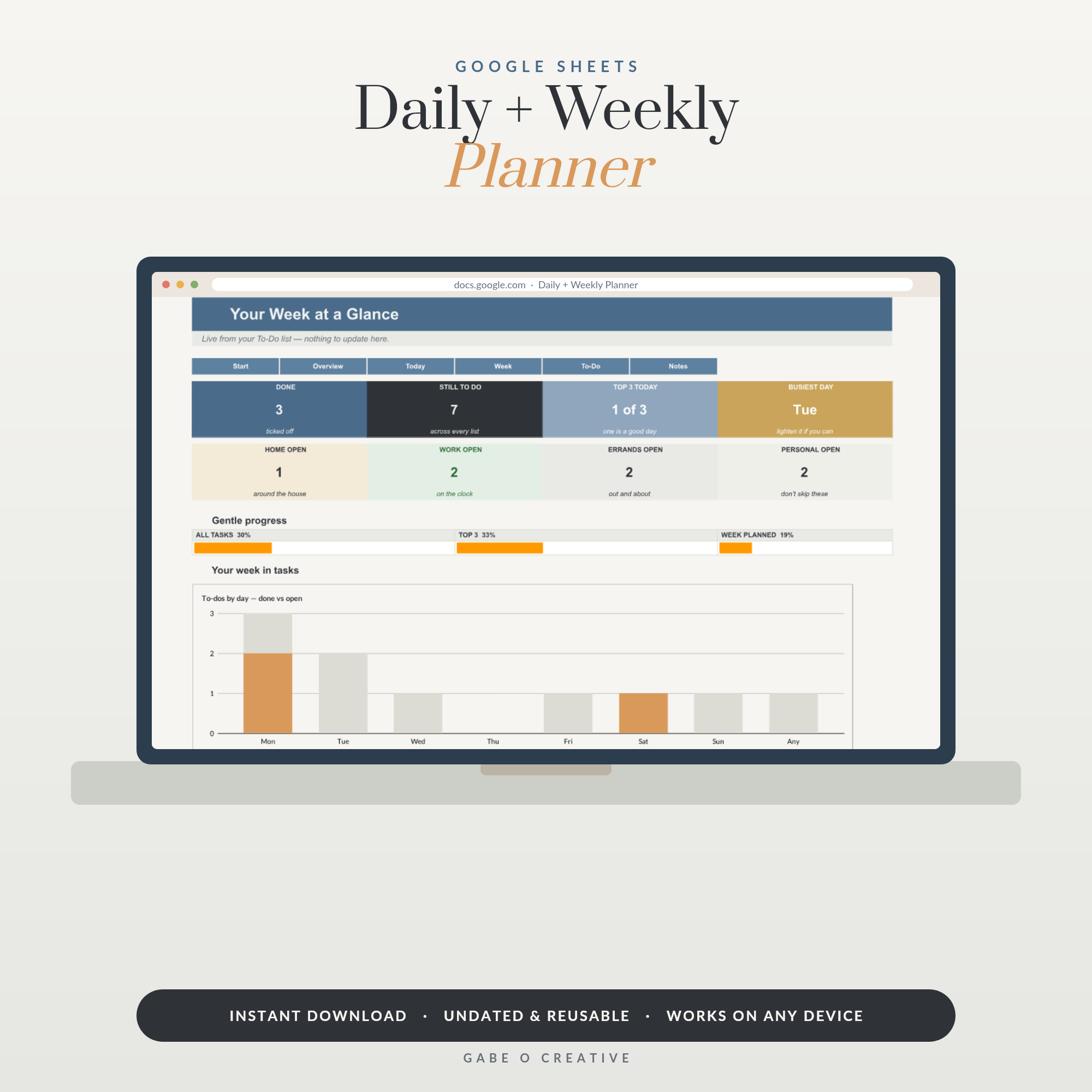 Shop Daily Planner Google Sheets, Weekly Planner Spreadsheet with Hourly Schedule, To Do List & Notes, Undated Digital Planner Template →
Start smaller than feels sensible
Whatever you choose — paper, app or the ADHD-Friendly Life Planner — start with only the brain dump and the three-task today view. Add habit streaks in week two, energy tracking in week three. Every feature you add on day one is a feature that can make day two feel like homework. If you want the simplest possible on-ramp instead, the Daily + Weekly Planner is the same philosophy with fewer moving parts — and if dashboards turn out to be your thing, the Complete Collection extends them to money, home and work.
Frequently asked questions
Why don't normal planners work for ADHD brains?
Because they're designed for brains that run on importance, and ADHD brains run on interest, urgency and novelty. A wall of identical boxes offers none of those. Add time blindness (the 3pm meeting doesn't feel real at 9am) and object permanence issues (a closed planner stops existing), and abandonment by week two is the predictable outcome — not a character flaw.
What features should an ADHD-friendly planner have?
Five things: a brain dump inbox so thoughts land somewhere instantly, a 'today only' view with three priorities maximum, visible dopamine rewards like progress bars or streaks, a parking spot for someday-ideas so they stop nagging, and zero blank-page guilt — no dated pages that pile up reproachfully when you miss a week.
Is a digital or paper planner better for ADHD?
Whichever one you'll actually reopen — but digital has two structural advantages: it lives on the phone that's already in your hand, and it can't be lost under a pile. A spreadsheet planner adds automatic progress bars and counters, which give the dopamine feedback paper can't. Many people pair digital for tasks with paper for the morning brain dump.
What is task paralysis and how does a planner help?
Task paralysis is knowing exactly what you need to do and being unable to start — usually because the task is vague, big, or boring. A planner helps only if it forces tiny next steps: not 'sort out insurance' but 'find last year's renewal email'. Two-minute first steps are the crowbar that opens frozen tasks.
How do I restart my planner after abandoning it?
Without ceremony. Don't back-fill the missed weeks, don't apologise to the planner, don't wait for Monday. Open a fresh page or this week's tab, do a five-minute brain dump, pick three things for today, done. A planner you restart twelve times a year is a planner that works — the restart is the system.
What are the three daily priorities supposed to be?
One thing with a real deadline, one thing that moves something you care about forward, and one piece of life admin you've been avoiding. Three is deliberate: it's enough to matter and few enough that finishing the list is genuinely possible, which is the feeling that brings you back tomorrow.
Stop buying planners built for someone else's brain. Make your copy of the ADHD-Friendly Life Planner and start with tomorrow's three things — restarts included, guilt not.