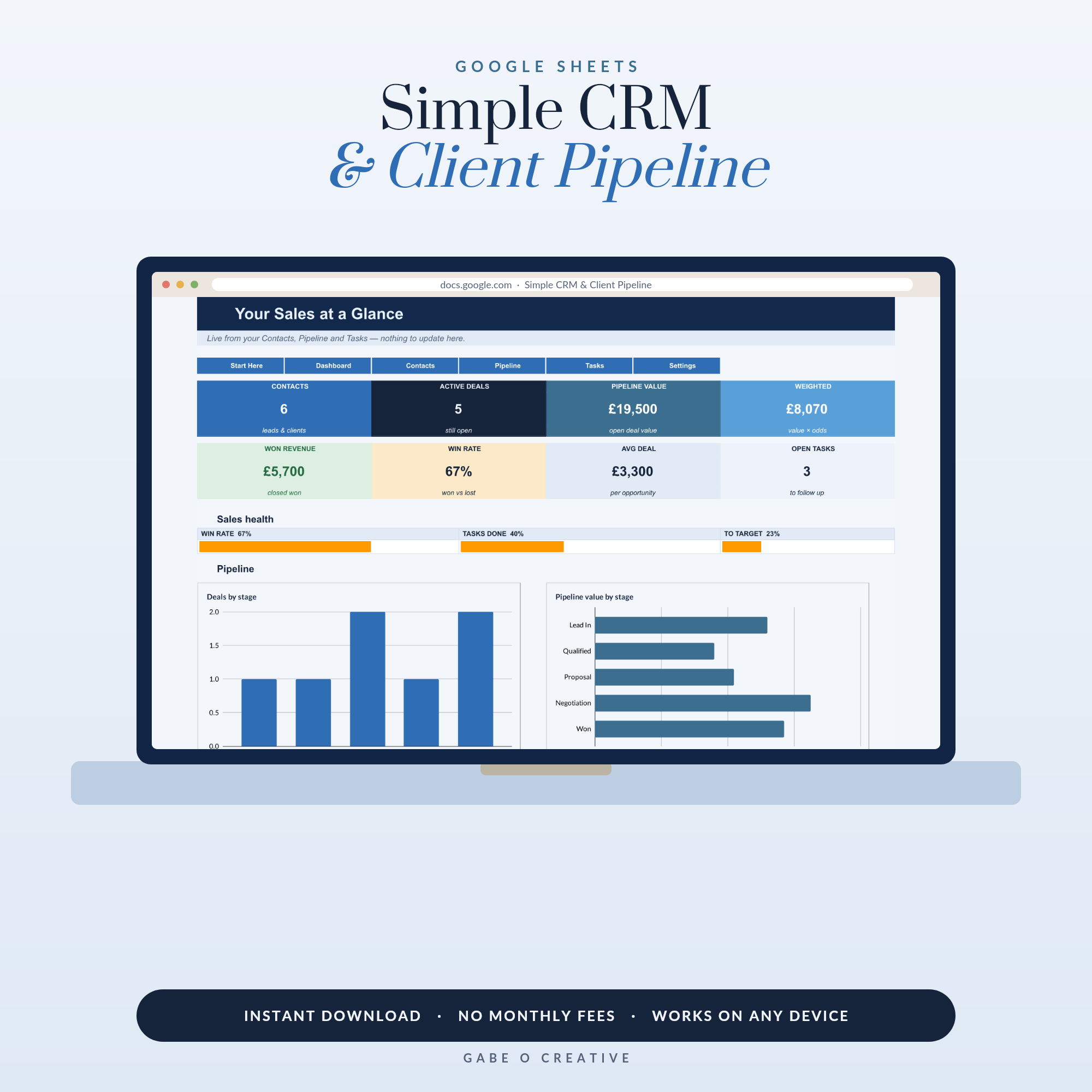
Here's the quiet secret of CRM software: most small businesses pay for it monthly and use about a tenth of it. What actually grows a small business is unglamorous — remembering people, knowing where every deal stands, and following up on time. A CRM in Google Sheets does exactly those three jobs without the subscription, which is why we built the Simple CRM & Client Pipeline: contacts, deals and follow-ups in one automated sheet, with a dashboard that knows your win rate better than you do.
Short version: the Simple CRM & Client Pipeline gives you a full client system — pipeline stages, weighted value, follow-up tasks and live charts — for less than one month of the software it replaces.
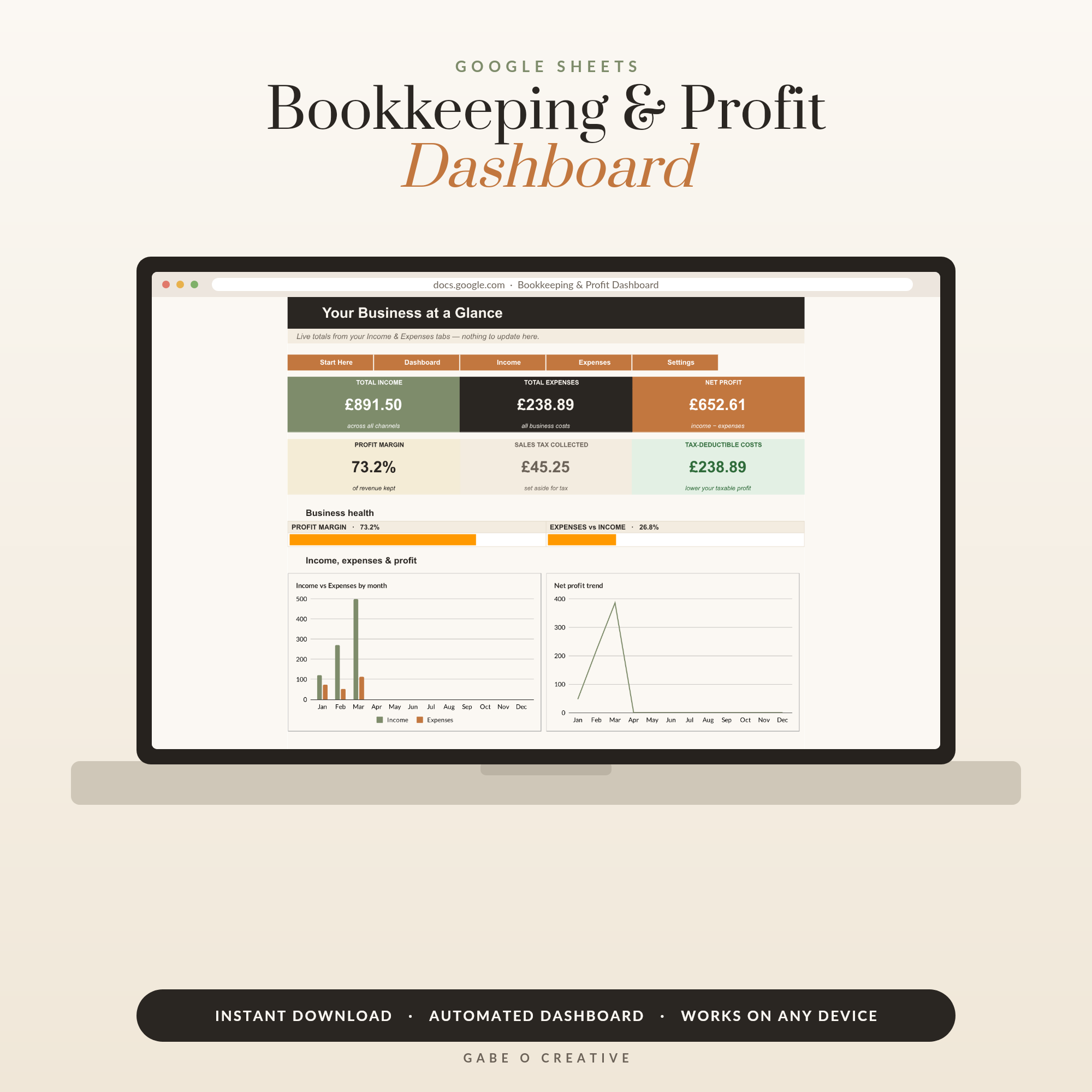 Shop Small Business Bookkeeping & Profit Dashboard, Google Sheets Template, Automated P&L, Income Expense Tracker →
What a CRM Actually Does (Strip Away the Buzzwords)
Every CRM on earth, from the £300-a-month enterprise suite to an index-card box, does three things: it remembers people (who they are, how you met, what they care about), it tracks deals (what might turn into money, and how likely), and it schedules follow-ups (what happens next, and when). Everything else — automation, scoring, integrations — is garnish. For a solo business or a small team, a spreadsheet does the three core jobs perfectly, and does them on your phone in the school car park, which is where small-business sales actually happen.
The Three-Sheet Structure That Works
| Tab | What lives there | The habit |
|---|---|---|
| Contacts | Name, business, email, source, notes | Log everyone within a day of meeting them |
| Pipeline | Deal, value, stage, probability, next step | Update stages the moment they change |
| Tasks | Follow-ups with due dates | Start every work session here |
The magic ingredient is the weighted pipeline: each deal's value multiplied by its probability, summed. Ten thousand pounds of 'maybe' at 50% is £5,000 of honest forecast — and watching that number weekly tells you whether next month is safe or whether it's time to fill the top of the funnel. In the Simple CRM the weighting, win rate and revenue totals calculate themselves; you just keep the stages honest.
Keep your stages few and brutal
Five stages beat nine: Lead → Contacted → Proposal → Won → Lost. Every extra stage is another place for deals to hide. And record your losses — 'Lost' is not failure, it's the data that reveals your real win rate, which is the number that makes pricing and capacity decisions easy.
Follow-Up: Where Small Businesses Win or Leak
Studies of sales behaviour keep finding the same thing: most sellers give up after one or two touches, while most yeses arrive after several. You don't need charisma to beat that average — you need a date column. The rule: no lead leaves your desk without a next-action date. Then every morning, open the tasks view, sort by date, and work the list. Two minutes of admin per lead converts more business than any amount of posting into the void. When a follow-up lands ('just checking in on that proposal — happy to tweak the scope'), log the reply and set the next date. The wheel turns; the pipeline stays alive.
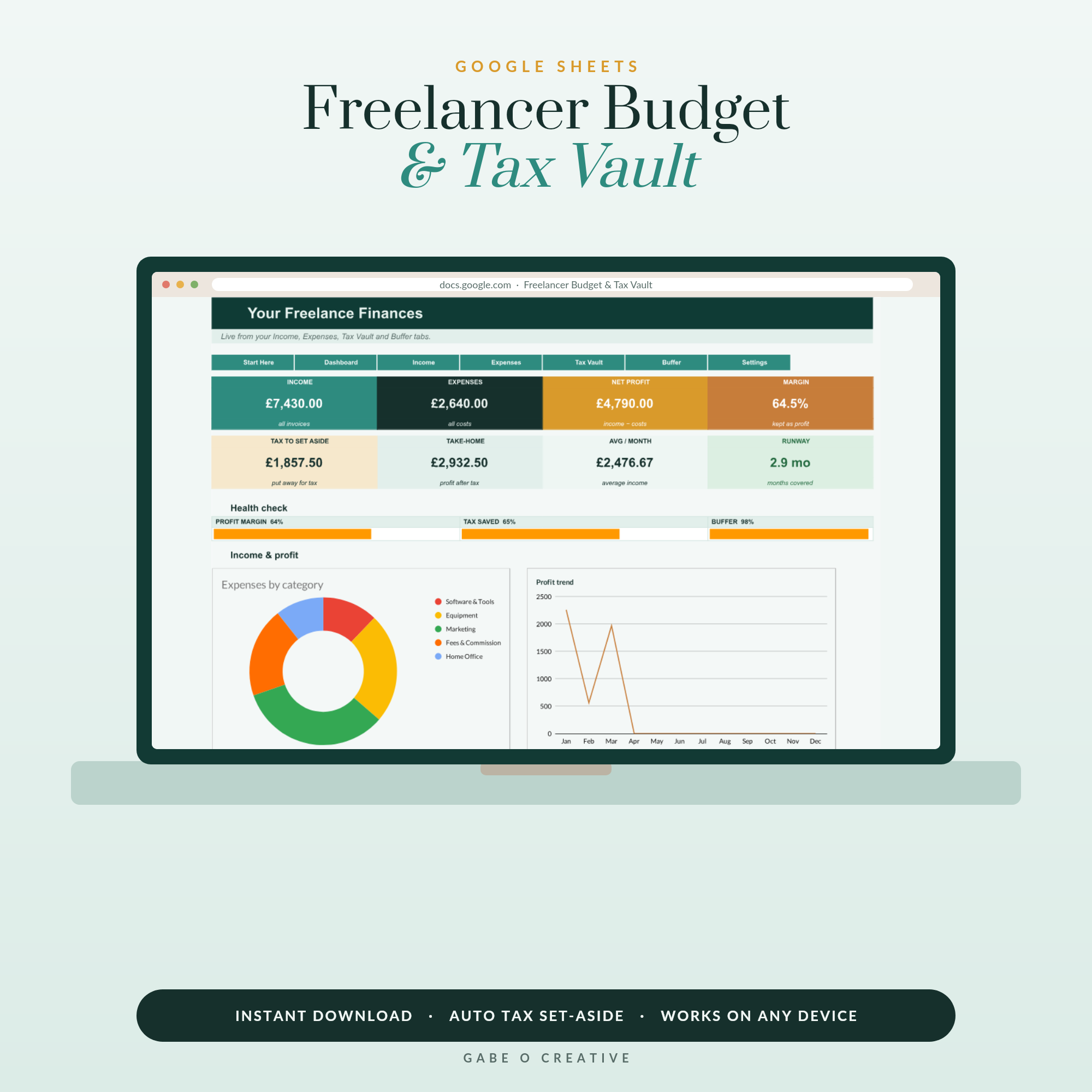 Shop Freelancer Budget & Tax Vault, Google Sheets Template for Self-Employed, Irregular Income Planner, Tax Set-Aside Tracker →
Sheets CRM vs Software: the Honest Line
Software earns its subscription when several people work the same pipeline at once, when you need automated email sequences at scale, or when deal volume climbs into the hundreds. Under that line — which covers the overwhelming majority of freelancers, makers, agencies-of-one and local services — the spreadsheet wins on cost, speed and the fact you'll actually keep it updated. And a Google Sheet never sunsets its pricing plan, never emails you about 'exciting changes to your tier', and never holds your client list hostage. If you outgrow it, congratulations — export and upgrade with a smile.
It plays nicely with the rest of your stack
Your CRM tells you where money is coming from; your books tell you where it went. The Bookkeeping & Profit Dashboard handles the second half (our simple bookkeeping guide shows the 15-minute routine), and freelancers can add the Tax Vault so every won deal automatically feeds the tax pot. One ecosystem, zero subscriptions.
Set Yours Up This Afternoon
- Make your copy of the template — File → Make a copy, private to your Google account.
- Brain-dump every contact you can think of: past clients, warm leads, that person from the market who said 'I'd love one of those'.
- Log every live deal with a stage, value and honest probability.
- Date every next action. This is the step that pays your invoices.
- Check the dashboard every Friday — pipeline value, win rate, revenue. Three numbers, one coffee.
Then point the system at a target: the 90-Day Goal Sprint is a natural partner — 'win 8 new clients this quarter' becomes weekly actions your CRM tasks list already contains. Running it all alongside a day job? The Side Hustle Planner keeps the whole venture honest. For more small-business systems, see starting a photography business and how top agents stay organised.
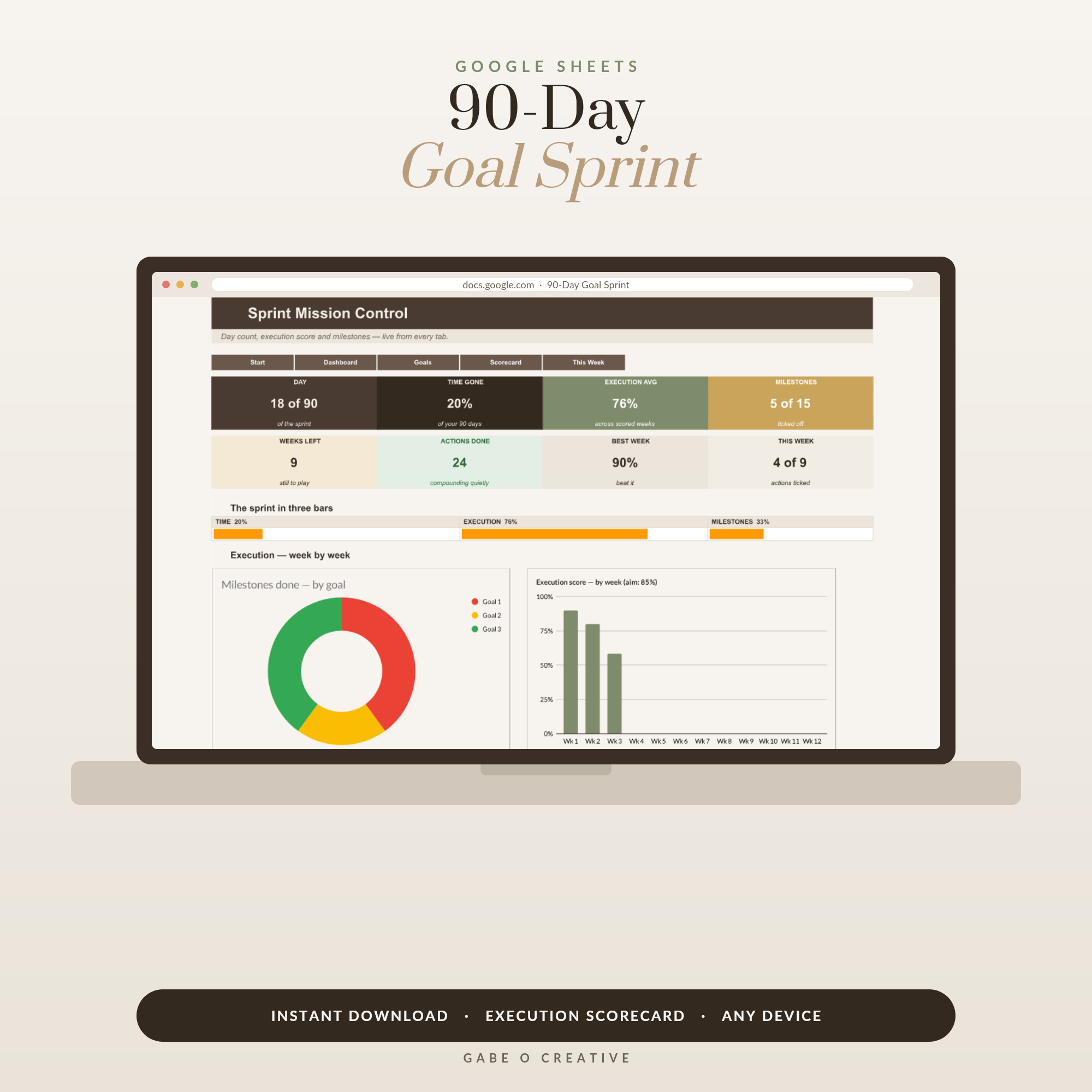 Shop 90 Day Goal Planner Google Sheets, Quarterly Goal Setting Spreadsheet with 12 Week Scorecard, Milestone Tracker & Weekly Action Planner →
What to Actually Say When You Follow Up
The date column gets you to the follow-up; these three openers get you through it without feeling pushy. The nudge (a week after a proposal): 'Just floating this back to the top of your inbox — happy to adjust the scope or timings if anything's changed on your side.' The value drop (for warm leads who've gone quiet): 'Saw this and thought of your project…' plus a genuinely useful link or idea — you're being helpful, not chasing. The graceful close (after three or four silent touches): 'I'll assume the timing isn't right and close this off for now — the door's open whenever you'd like to pick it up.' That last one converts surprisingly often; deadlines and closure move people in ways reminders don't. Log every touch in the notes column as you send it — two months later, when they reply out of nowhere, you'll open their row and sound like you never forgot them. That, in the end, is the whole business case for a CRM: it lets a busy one-person business feel, to every single client, like they're the only client.
Google Sheets CRM FAQs
Can Google Sheets really work as a CRM?
For solo businesses and small teams, yes — comfortably. A CRM's core job is remembering people, deals and next steps. A well-structured sheet with contacts, a pipeline and follow-up dates does all three, on every device, for a one-off cost.
When do I need proper CRM software instead of a spreadsheet?
When you have multiple salespeople working the same pipeline, need email automation at scale, or handle hundreds of active deals at once. Below that, most businesses use a fraction of what CRM software charges for.
What should a CRM spreadsheet include?
Three sheets minimum: contacts (who they are, how you met), pipeline (each deal with a stage, value and probability), and tasks (follow-ups with due dates). A dashboard on top — pipeline value, win rate, revenue — turns records into decisions.
What is a weighted pipeline?
Each deal's value multiplied by its probability of closing, summed. £10,000 of deals at 50% likelihood is a £5,000 weighted pipeline — a far more honest forecast than the headline number, and easy for a spreadsheet to calculate automatically.
How do I remember to follow up with leads?
Give every lead a next-action date the moment you log them, and start each work session from the tasks view sorted by date. The rule that grows small businesses: no lead leaves your desk without a date attached.
Is a spreadsheet CRM secure enough for client details?
Your sheet is private to your Google account unless you explicitly share it, and you control exactly what's stored. Keep it lean — names, emails, deal notes — and avoid storing sensitive data you don't need. Enable two-factor authentication on your account.
Ready to stop renting your client list? Get the Simple CRM & Client Pipeline — contacts, weighted pipeline, follow-ups and live dashboard in one Google Sheet — and browse the full Google Sheets collection.