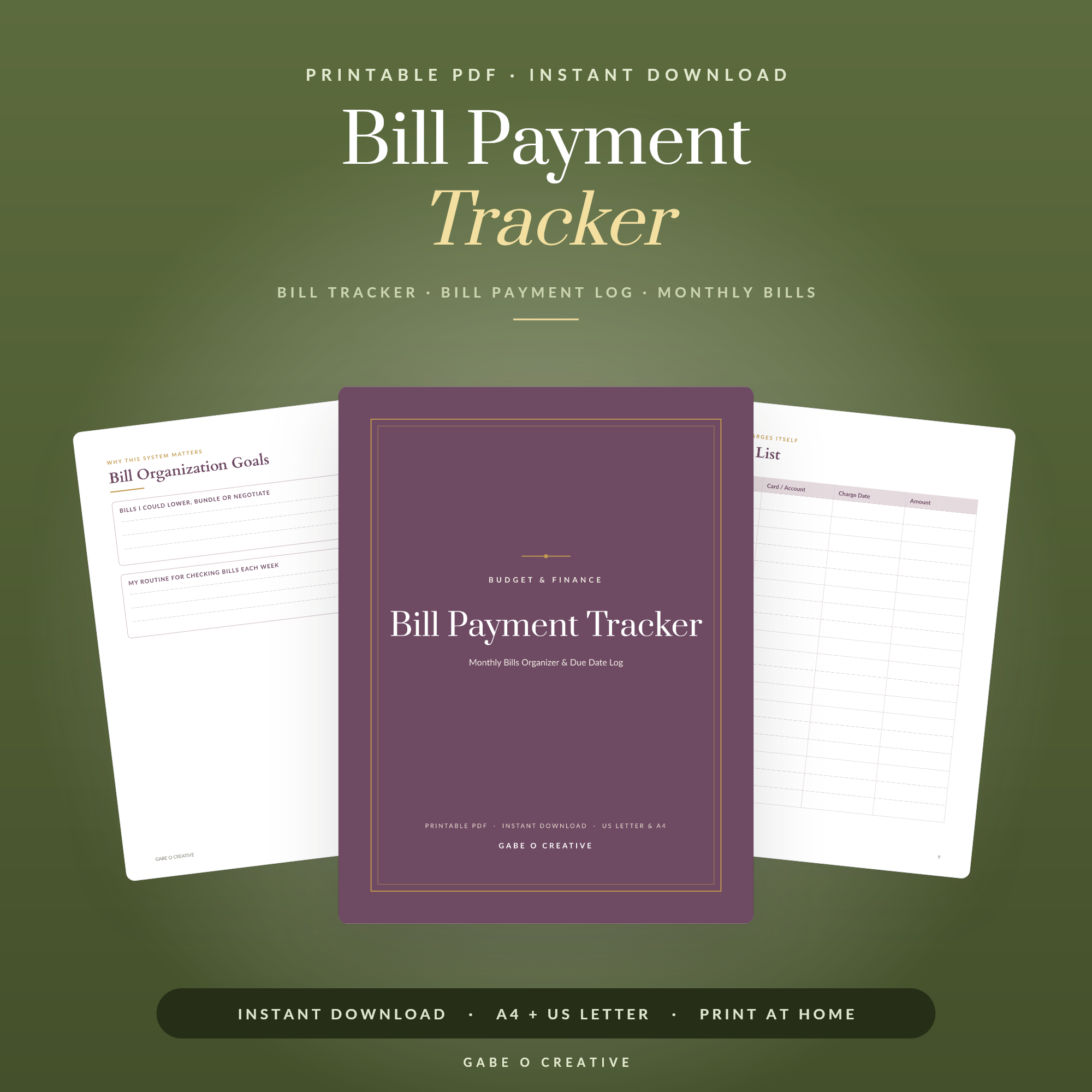
A subscription tracker printable is the simplest way to see exactly what's leaving your account every month on autopilot. Streaming services, apps, cloud storage, the gym, that one tool you signed up for last spring—each charge is small enough to ignore, which is precisely why they add up to real money without you noticing. List them all in one place and the picture suddenly gets very clear. If you've ever spotted a payment on your statement and thought 'what is that?', the right recurring payment and bill tracker is the fix.
Want to find your forgotten subscriptions today? Our bill and subscription tracker gives you a clean place to list every recurring charge, its cost and its renewal date—print it and run your first audit in twenty minutes.
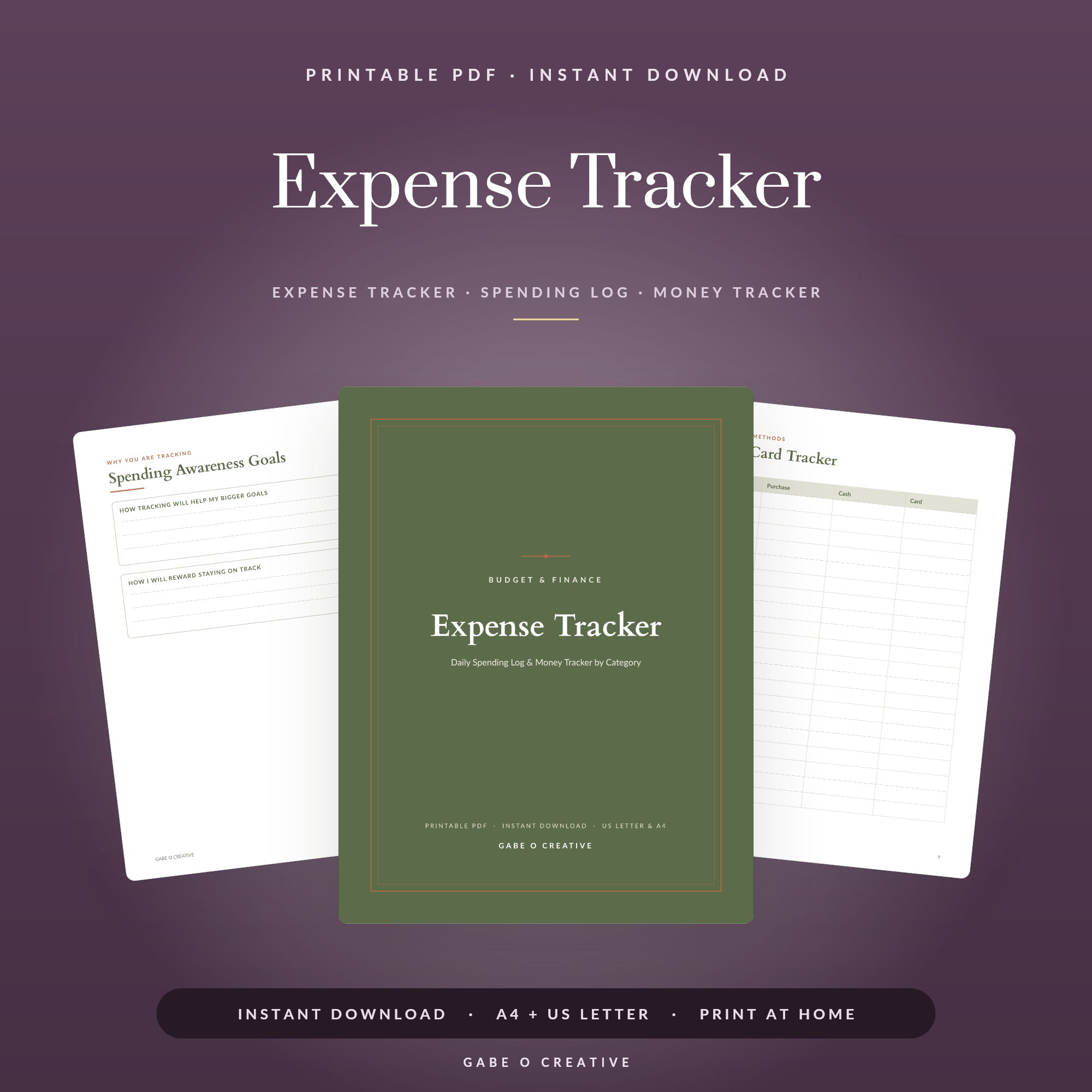 Shop Expense Tracker →
What Is a Subscription Tracker Printable?
A subscription tracker printable is a worksheet where you record every recurring payment you make—the service name, what it costs, how often you're billed, the next renewal date and whether you actually still use it. Unlike a banking app that buries recurring charges among hundreds of transactions, a printable tracker puts them side by side on one page, where patterns (and waste) jump straight out at you.
A good tracker helps you:
- See every recurring charge in one place instead of scattered across statements and app stores.
- Spot duplicates—two music services, three cloud storage plans, overlapping streaming.
- Catch free trials before they quietly convert to paid.
- Decide deliberately what's worth keeping and what to cancel.
Why subscriptions are so easy to lose track of
Subscriptions are designed to be frictionless. You enter your card once and the charges keep coming, often through different channels—some on your debit card, some via PayPal, some bundled inside an app store bill. Because each one is modest and the billing dates are staggered across the month, no single charge ever feels big enough to question. That's the trap: ten small payments you've stopped thinking about can quietly outweigh a bill you'd never tolerate as a single line.
How to Do a Subscription Audit in 20 Minutes
You don't need a spreadsheet or an app—just your statements and the printable. Work through it in one sitting:
- Gather three months of statements. Pull up your current account, every card and PayPal. Three months catches quarterly and annual charges a single month would miss.
- Highlight every repeating charge. Same name, same amount, regular interval? That's a subscription—write it down.
- Check the hidden channels. Open your phone's app store subscriptions, your PayPal automatic payments and your email for 'payment successful' receipts.
- Add the cost and renewal date for each one on your tracker.
- Mark each as keep, cancel or downgrade. Be honest about what you've actually used in the last month.
The magic isn't the listing—it's the total at the bottom. When you add up the monthly figure and multiply by twelve, the annual cost of 'just a few quid here and there' becomes impossible to ignore, and the cancel decisions make themselves.
What to Track for Every Subscription
To make confident decisions, capture a few key details for each service:
| Field | Why it matters |
|---|---|
| Cost & billing cycle | Reveals the true monthly and annual spend |
| Renewal date | Lets you cancel before the next charge lands |
| Last used | Exposes the subscriptions you've quietly abandoned |
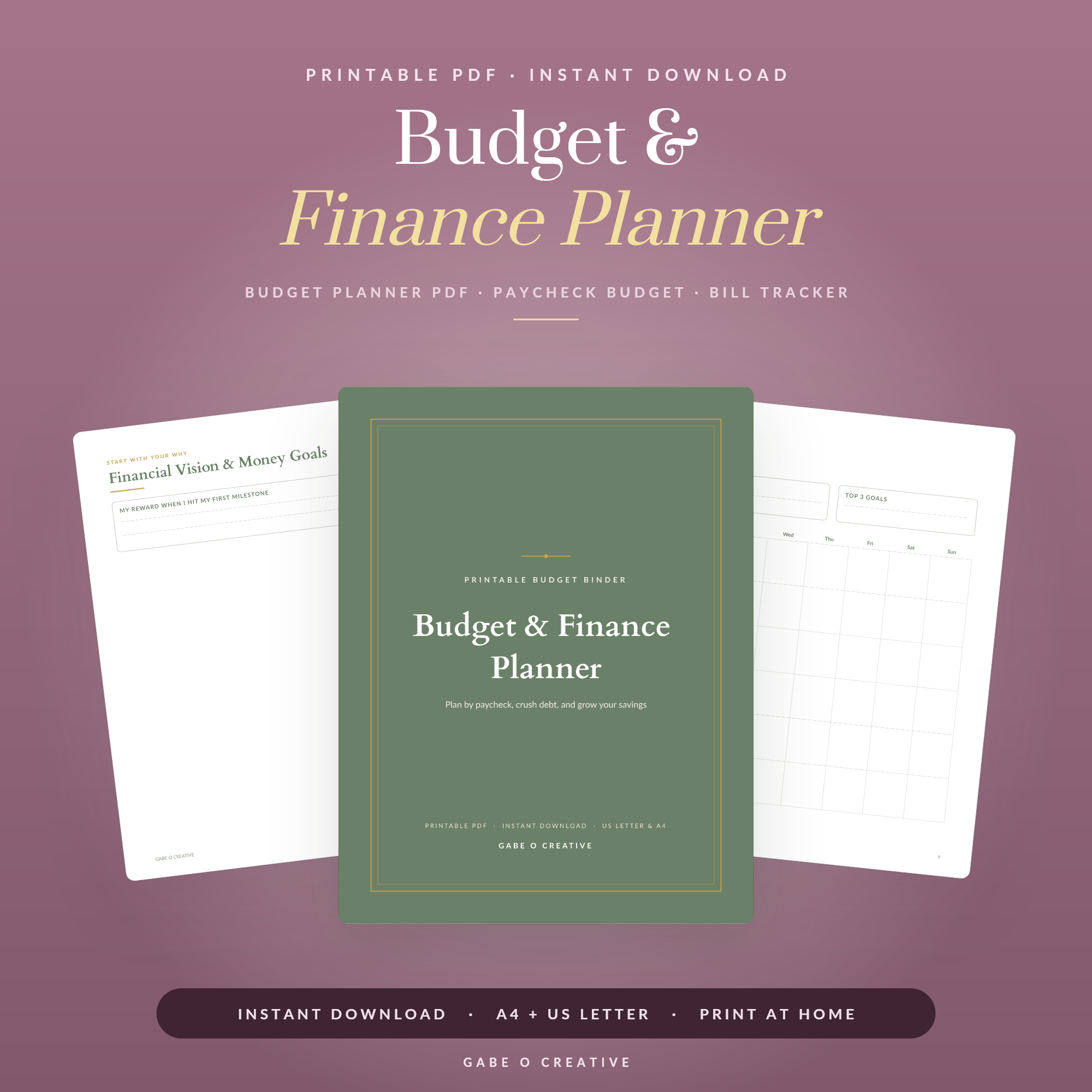 Shop Budget & Finance Planner →
Recording the renewal date is the single most valuable habit here. Cancelling the day before a renewal means you keep access for what you've already paid for, without donating another month to a service you're leaving. A tracker that lists those dates in order turns 'I'll deal with it later' into a simple, timed to-do.
It also helps to note the channel each subscription bills through—debit card, PayPal or an app store. Knowing where a charge originates tells you exactly where to go to cancel it, which quietly removes the most common excuse for putting it off. A lot of 'I couldn't find how to cancel it' subscriptions are really just 'I was looking in the wrong place'.
How Often Should You Review Your Subscriptions?
Set two rhythms. A monthly glance takes two minutes and catches new sign-ups and free trials about to convert. A deeper quarterly review is where you reassess everything—cancel what you've drifted away from, downgrade plans you've outgrown and renegotiate anything that's crept up in price. Pairing this with a regular money check-in makes it effortless; many people fold it into the same sitting they use for their monthly expense tracker or their bill payment routine.
Free trials deserve special attention in that monthly glance. The whole free-trial model relies on you forgetting to cancel before it converts to paid, so the simplest defence is to write the trial's end date on your tracker the day you sign up. Two minutes then saves you a full billing cycle of paying for something you only ever meant to try once.
Turn Cancelled Subscriptions Into Real Savings
Cancelling is satisfying, but the saving only becomes real if the freed-up money goes somewhere on purpose. Otherwise it just gets absorbed into everyday spending and you feel no different. Pair your tracker with the expense tracker to keep an eye on where the rest of your money goes, or use the monthly budget planner to give every freed-up pound a job. Want the whole system in one go? The Budget & Finance Planner binder bundles trackers, budgets and more, and the budget and finance bundle is the best-value way to get the lot.
If overspending is the bigger pattern behind the subscriptions, the cash envelope system is a powerful companion that makes every category of spending visible, not just the recurring ones. The goal is the same throughout: fewer automatic charges you've forgotten, more money you've consciously decided to keep.
A simple trick makes the saving stick: the moment you cancel something, set up a standing order for the same amount into savings. You were comfortable living without that money when it was leaving for a subscription, so redirecting it is painless—and within a year those cancelled charges quietly become a holiday fund or an emergency buffer instead of someone else's revenue.
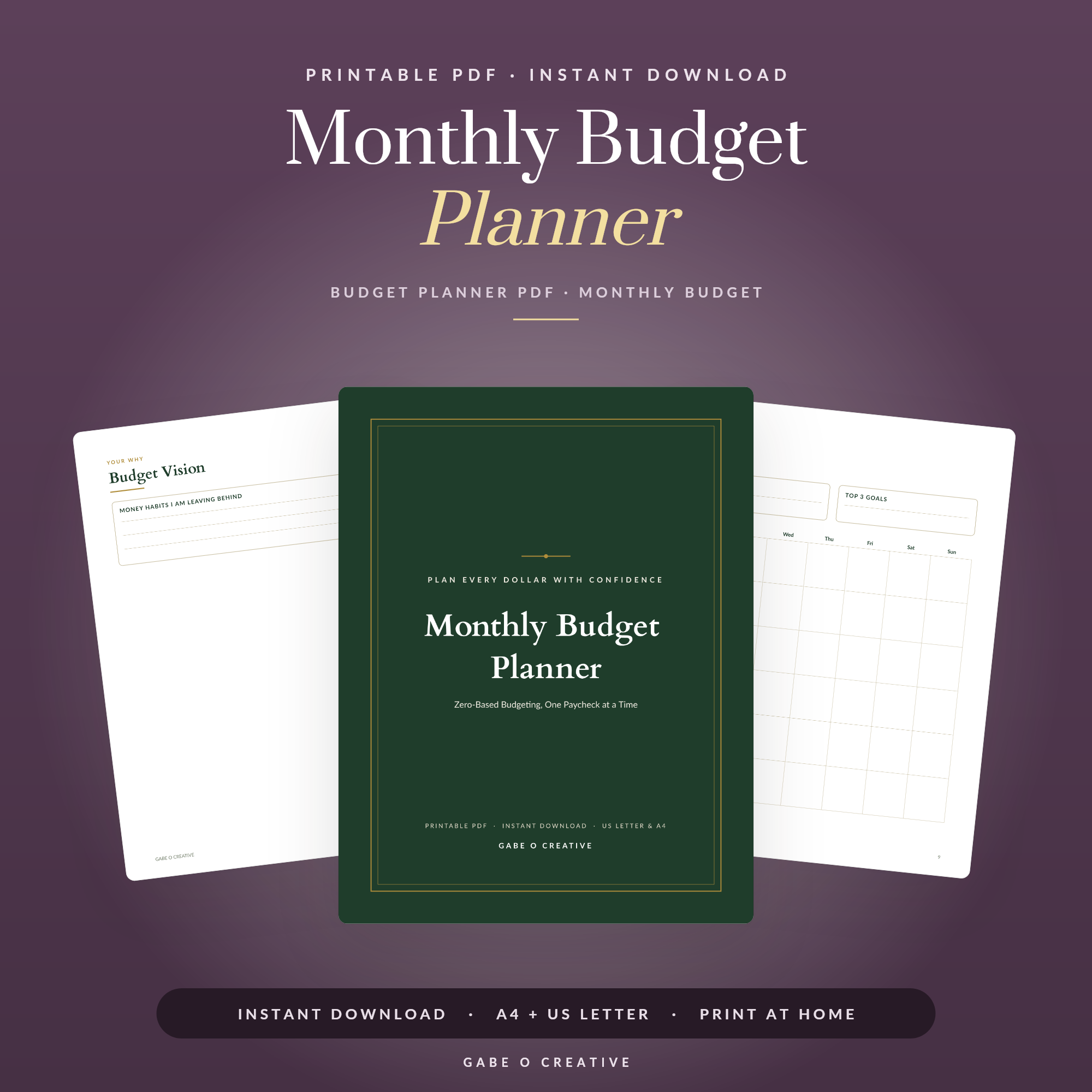 Shop Monthly Budget Planner →
Subscription Tracker FAQs
What is a subscription tracker printable?
It's a print-at-home worksheet where you list every recurring payment—streaming, apps, memberships and direct debits—along with the cost, billing date and renewal date, so nothing slips through unnoticed.
How do I find all my subscriptions?
Scan three months of bank and card statements for repeating charges, check your app store and PayPal for recurring billing, and look through your email for 'your payment was successful' receipts. List every one on your tracker.
How much money do people waste on unused subscriptions?
Most households underestimate their subscription spend by a wide margin because the charges are small and spread out. It's common to find one or two services you'd genuinely forgotten you were paying for once you list them side by side.
How often should I review my subscriptions?
A quick monthly glance keeps you on top of new sign-ups and free trials about to convert, while a deeper review every three months is enough to catch anything you've stopped using.
What's the easiest way to cancel a subscription I forgot about?
Log in to the service and look under account or billing settings for 'cancel' or 'manage plan'. If you can't find it, search the company name plus 'cancel subscription', and as a last resort contact your bank about stopping the recurring payment.
Can I use a subscription tracker on my phone or tablet?
Yes. Load the PDF into an app like GoodNotes or Notability and fill it in with a stylus, so you can update renewal dates and costs anywhere without printing a thing.
Ready to stop paying for things you forgot about? Grab the subscription and bill tracker and list your first charges today, or explore the full Budget & Finance collection to take complete control of your money. Every cancellation puts cash back in your pocket.