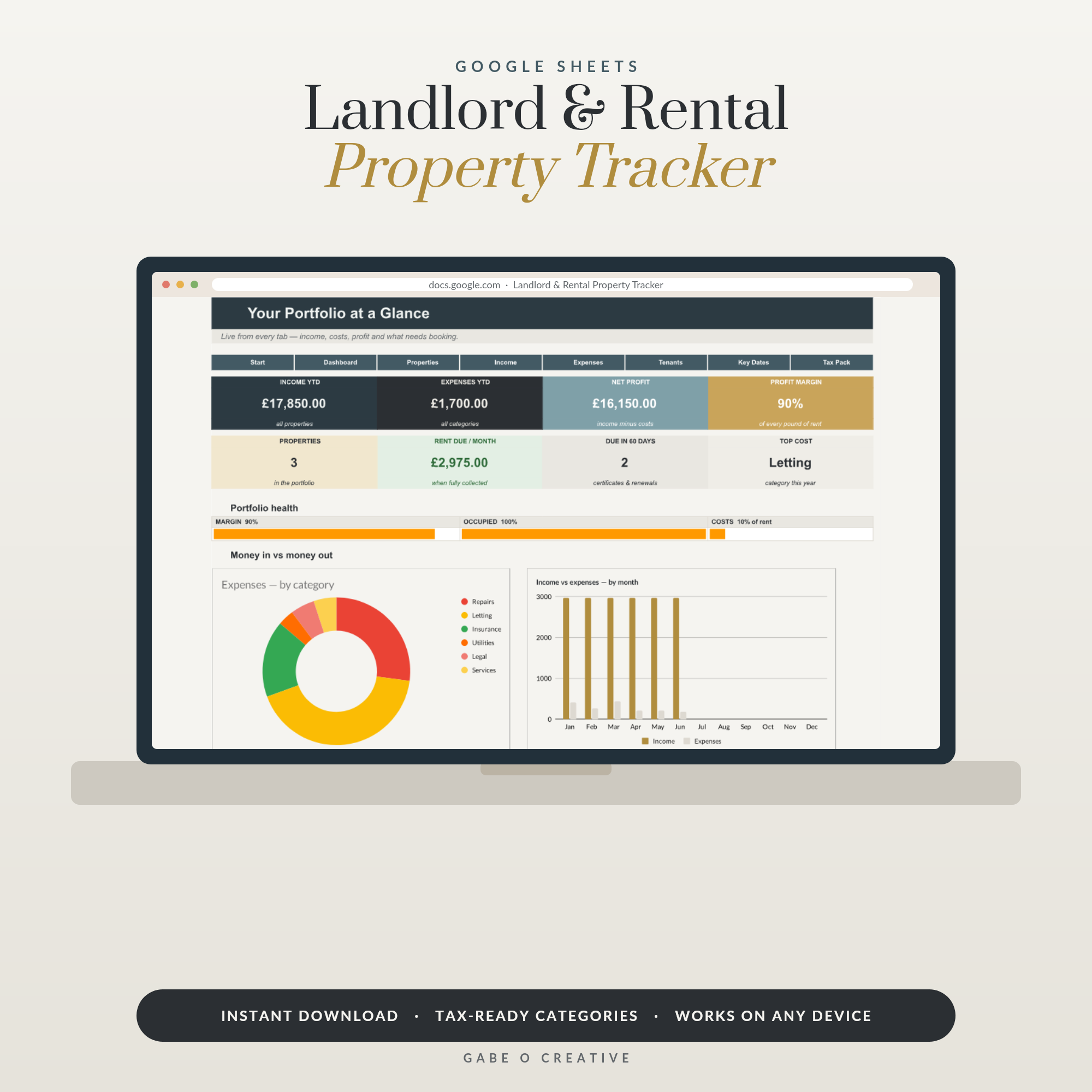
Most landlords run a business without noticing they've started one. Rent arrives (usually), receipts pile up in a drawer, the mortgage leaves on the 1st — and once a year, tax season turns into archaeology. A proper landlord spreadsheet replaces the drawer with a system: every pound in, every pound out, per property, with the tax figures totalling themselves. It's exactly what our Landlord & Rental Property Tracker does in Google Sheets — let's look at what it needs to track and why.
Skip the setup: the Landlord & Rental Property Tracker arrives with the rent log, expense categories, tenancy dates and per-property profit dashboard already wired together.
Why landlords outgrow mental maths so fast
One property feels manageable in your head — until it isn't. A boiler repair here, a void month there, an insurance renewal that quietly went up 30%… and suddenly 'the flat makes about £300 a month' is a guess, not a fact. Multiply by two or three properties and the guessing compounds. The spreadsheet's job is to answer three questions instantly, with evidence: Is each property actually profitable? Has everyone paid? What will HMRC need in January? Get those three under control and being a landlord shrinks back into a part-time job.
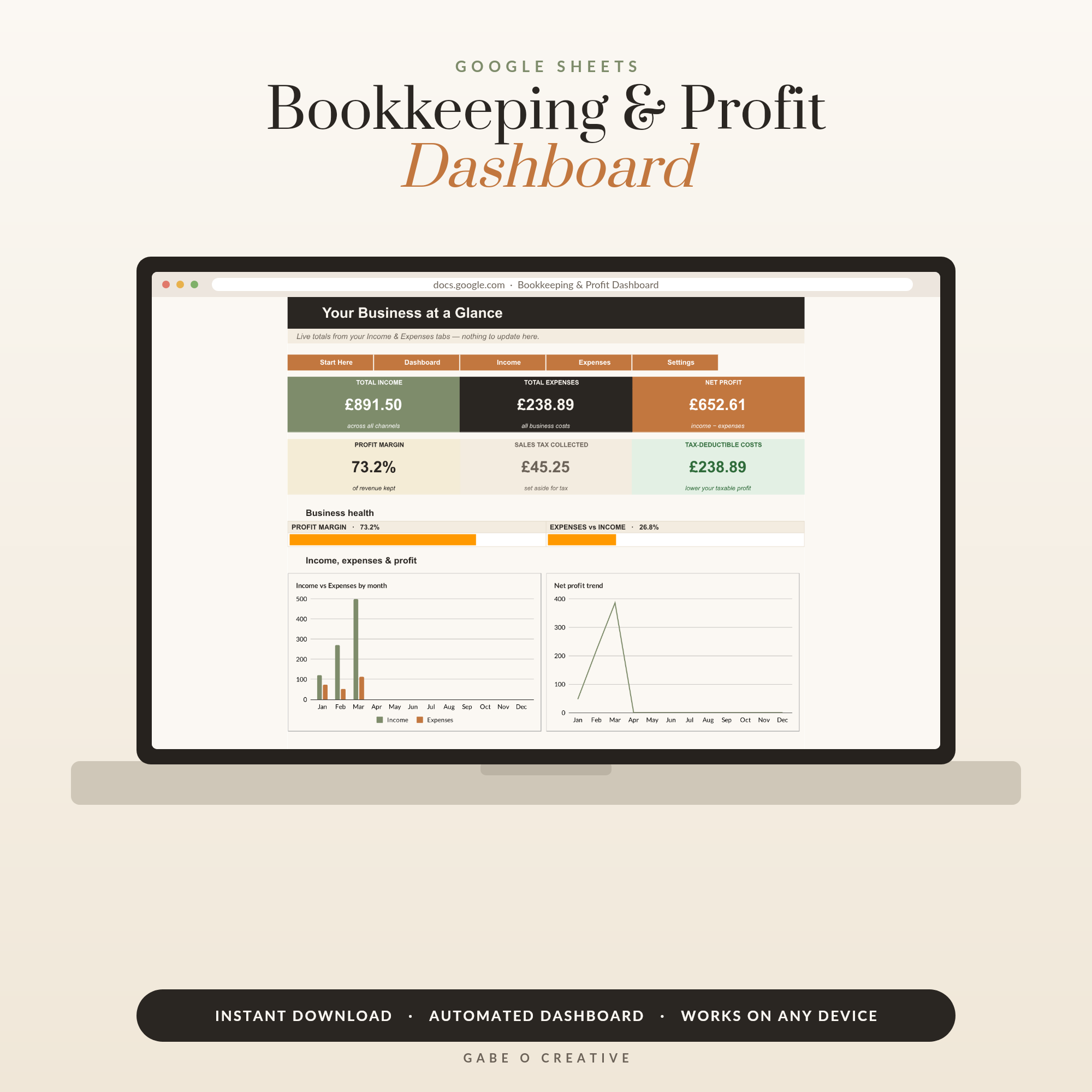 Shop Small Business Bookkeeping & Profit Dashboard, Google Sheets Template, Automated P&L, Income Expense Tracker →
The six things your spreadsheet must track
1. Rent — due vs received. One row per month per tenancy: due date, amount, date it actually arrived. Late patterns become visible in weeks, not years, and 'has everyone paid this month?' takes one glance.
2. Every expense, categorised. Date, property, category, amount, and a note. The categories should mirror the tax return so January is a copy-paste job, not a puzzle (more below).
3. Tenancy details. Names, start and end dates, deposit amount and protection scheme, rent review dates. The tracker should flag renewals before they sneak up.
4. Compliance dates. Gas safety certificate, EICR, EPC, smoke alarm checks, landlord insurance renewal. These carry real penalties when missed — they belong in the same sheet as the money, with expiry warnings.
5. Occupancy and voids. Every empty week costs a specific number of pounds. Tracking voids per property tells you which ones re-let fast and which need attention (or selling).
6. The profit line. Income minus expenses, per property, per month and year to date — calculated for you, not in your head.
The expense categories that match tax time
Here's a starter set that maps cleanly onto a UK self-assessment property page:
| Category | Examples | Usually claimable? |
|---|---|---|
| Repairs & maintenance | Boiler fix, repainting, leaking tap | Yes (repairs, not improvements) |
| Agent & management fees | Letting fees, inventory, rent collection | Yes |
| Insurance | Landlord buildings & contents, rent guarantee | Yes |
| Utilities & council tax (voids) | Bills you cover between tenants | Yes |
| Professional fees | Accountant, legal for tenancy matters | Yes |
| Mortgage interest | Interest portion only | 20% tax credit (UK) |
| Improvements | New extension, first-time luxury kitchen | No — capital, counts at sale |
Rules shift with each Budget, so treat the table as a starting point and confirm with HMRC or an accountant — but do the categorising now, in the spreadsheet, rather than reconstructing a year of bank statements in January. If you also run a side business, the same discipline powers our Bookkeeping & Profit Dashboard, and the bookkeeping guide explains the habit that makes both work: log weekly, never quarterly.
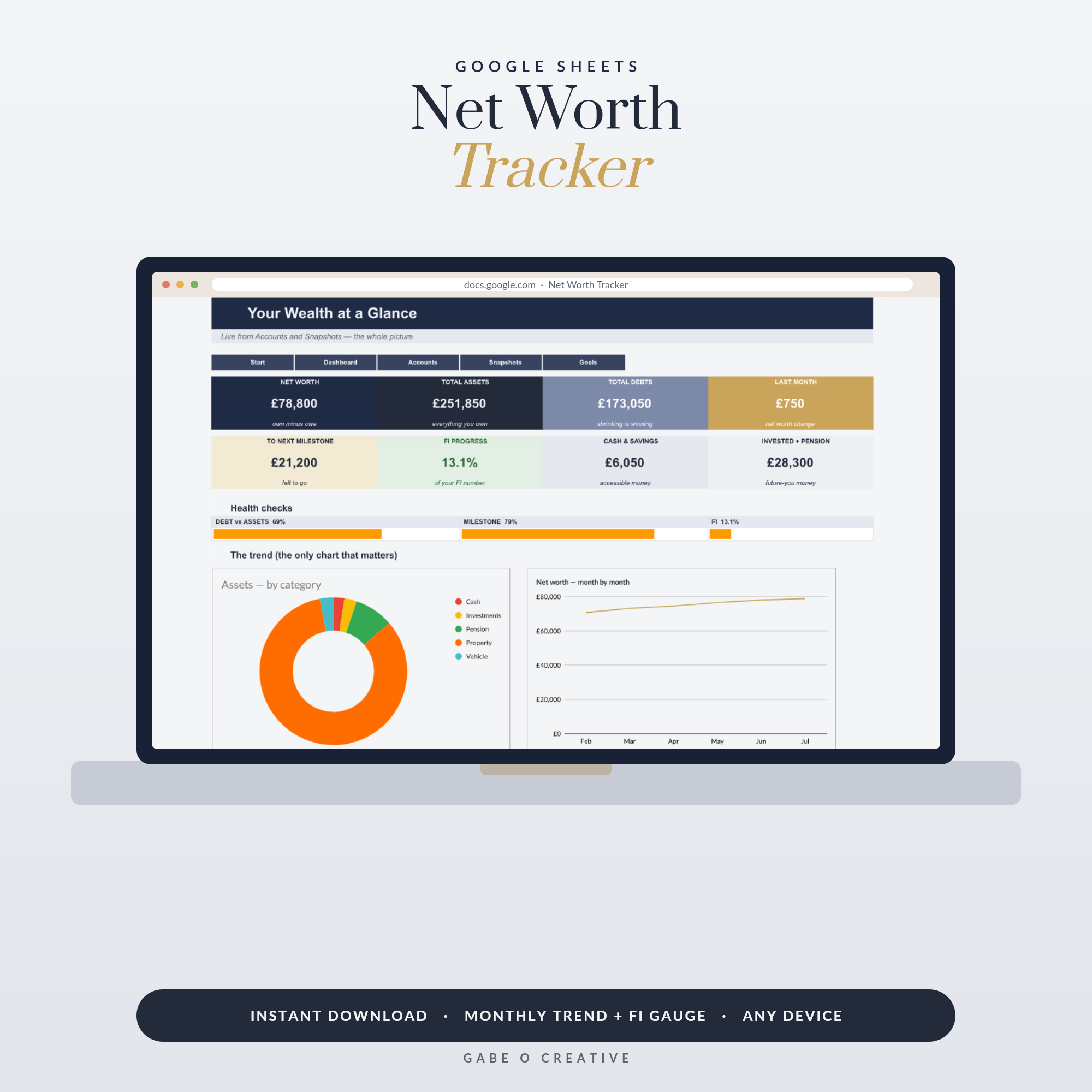 Shop Net Worth Tracker Google Sheets, Personal Finance Dashboard with Monthly Snapshots, Asset & Debt Tracker, FI Progress Spreadsheet →
Reading the numbers: yield, voids and the keeper test
Once the data flows in, three numbers tell you the truth about each property. Net yield — annual rent minus annual costs, divided by property value — reveals whether the flat beats a boring index fund. Void rate — empty weeks per year — shows which properties re-let effortlessly. And the 12-month profit line answers the keeper test: if you wouldn't buy this property again today at its current numbers, why are you keeping it? Landlords with dashboards make these calls with data; landlords with shoeboxes make them with vibes.
Your rentals are also usually your biggest wealth line outside a pension — worth watching alongside everything else on the Net Worth Tracker (here's why tracking net worth monthly changes behaviour), with the day-to-day money on the All-in-One Finance Dashboard.
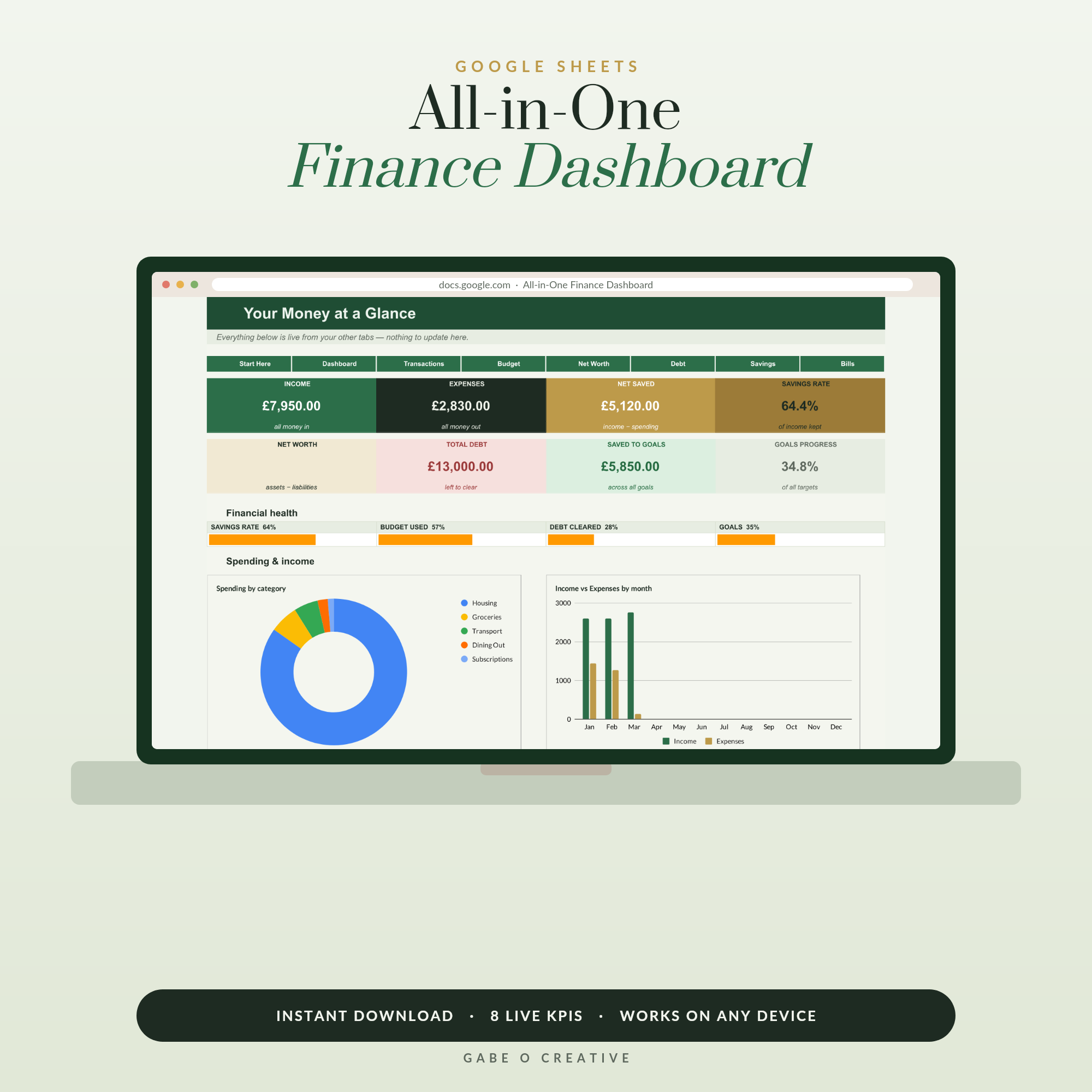 Shop All-in-One Personal Finance Dashboard, Google Sheets Budget Template, Net Worth, Debt Payoff & Savings Goal Tracker →
Two habits that make the spreadsheet honest
First, log the ugly months too. The temptation is to skip recording the £900 boiler month because it 'wasn't typical' — but voids and repairs ARE typical, just lumpy. A property's real profit only shows over twelve honest months, and lenders, accountants and future-you all need the true picture, not the flattering one.
Second, reconcile against the bank once a month. Five minutes scanning the statement against the sheet catches the missed rent, the double-charged insurance, and the subscription you forgot the agent added. Small leaks in property finances tend to run for years precisely because nobody is looking — the spreadsheet only protects you if it matches reality.
Set it up once, run it in minutes
The weekly routine, once the sheet exists: mark rent received (10 seconds), log any expenses with a photo of the receipt (a minute each), glance at the compliance panel for anything amber. That's it — five minutes a week, and January becomes 'copy four totals into the return'. Build it yourself if you enjoy spreadsheet plumbing, or make a copy of the Landlord & Rental Property Tracker and have the whole system — rent log, categories, tenancies, certificates, per-property dashboard — working before the kettle's boiled. It's also inside the Complete Collection if you want every dashboard we make.
Frequently asked questions
What should a landlord spreadsheet track?
Six things per property: rent due vs rent received, every expense by category (mortgage interest, repairs, insurance, agent fees…), tenancy details and renewal dates, safety certificate expiries, occupancy, and the running profit. If it also totals your tax-return figures, tax season becomes an afternoon instead of a fortnight.
Do I really need software, or is a spreadsheet enough?
For most landlords with one to ten properties, a well-built landlord accounting spreadsheet does everything the subscription software does — minus the monthly fee. Dedicated property accounting software earns its keep on large portfolios or full agency management, where the volume justifies it. Start with the spreadsheet; you will know soon enough if you outgrow it.
Which expenses can UK landlords usually claim?
Common allowable costs include repairs and maintenance (not improvements), letting agent fees, landlord insurance, ground rent and service charges, accountancy, advertising for tenants, and replacement of domestic items. Mortgage interest gets a 20% tax credit rather than a full deduction. Rules change — confirm with HMRC or an accountant.
How do I work out rental yield?
Gross yield = annual rent ÷ property value × 100. Net yield uses annual rent minus annual costs instead. A £950/month flat worth £180,000 grosses 6.3%; after £3,000 of costs it nets about 4.7%. Tracking it per property shows you which ones actually earn their keep.
How should I organise receipts for tax time?
Log every expense in the spreadsheet the week it happens, with date, property, category and amount — then photograph the receipt into one folder per tax year. The spreadsheet becomes the index, the folder the evidence. Your future self (or accountant) will be grateful.
Can one spreadsheet handle multiple properties?
Yes — that's the point. Keep one income/expense log with a property column, then let a dashboard total each property separately and the portfolio overall. That's exactly how our Landlord & Rental Property Tracker is built, so per-property profit is always one glance away.
Retire the shoebox: make your copy of the Landlord & Rental Property Tracker and know each property's real profit — and your January tax figures — at a glance, all year long.