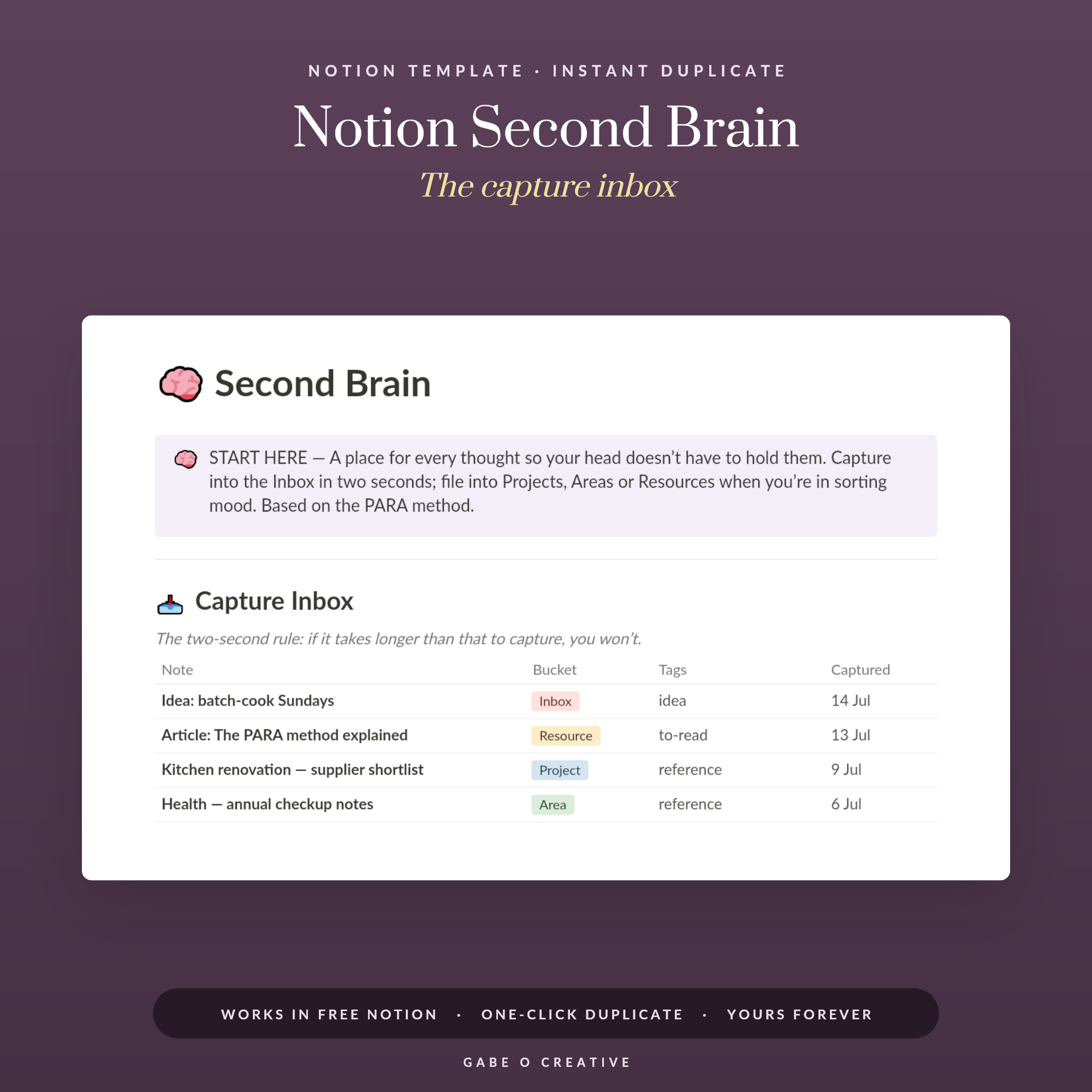
A Notion second brain is meant to be the place where nothing gets lost: every idea, link, note and half-formed plan, captured in one system you trust. The reality for most people is a beautiful dashboard that goes quiet by the third week. The problem is almost never Notion itself. It is that the setup asked for more effort than the thought was worth, so capture stopped, and a system nobody feeds is just a very tidy empty room. The fix is a structure simple enough to survive a bad day, which is exactly what the Notion Second Brain template is built around.
Want the whole structure ready to use? The Notion Second Brain comes with a two-second capture inbox, PARA folders and a weekly review already wired together — duplicate it and start capturing today.
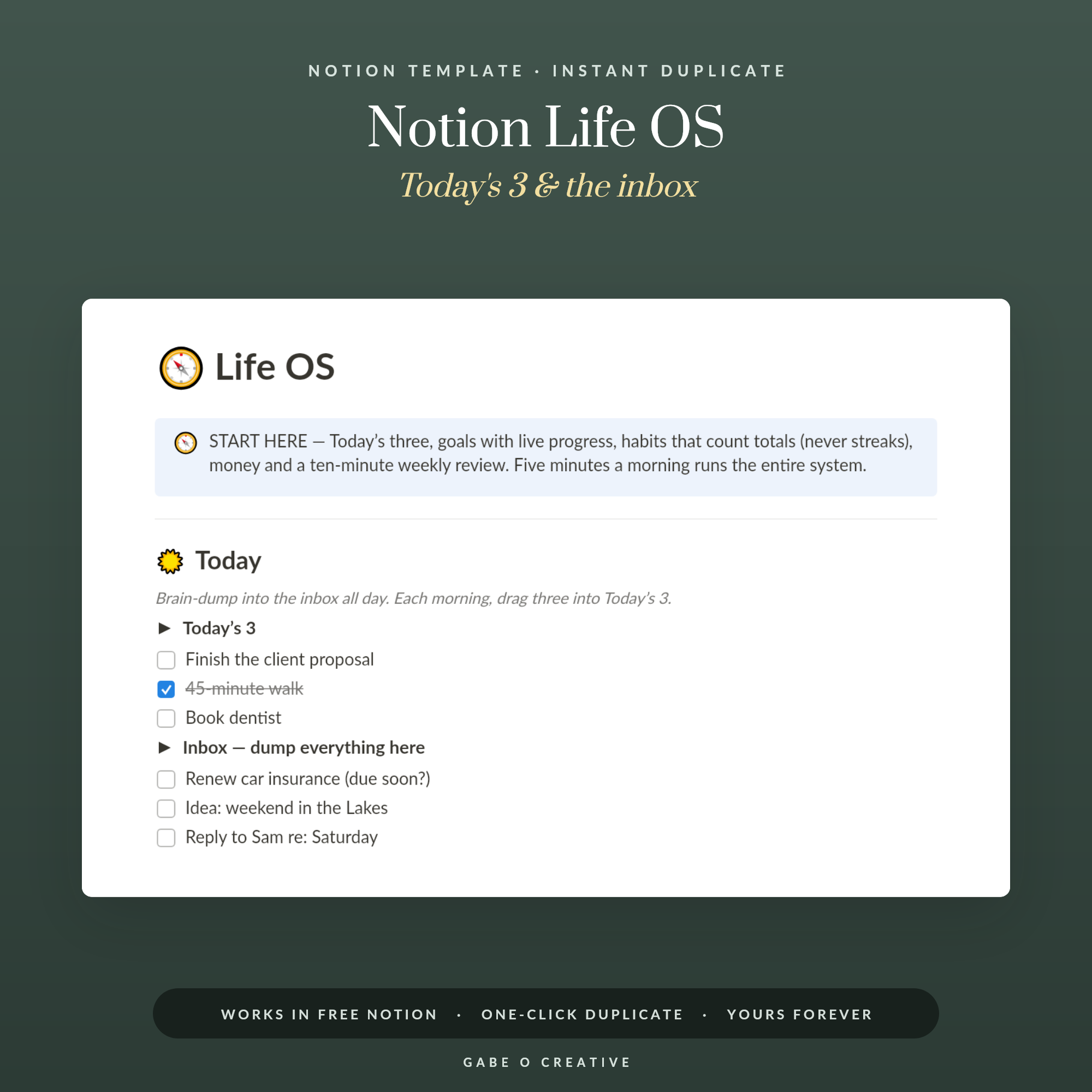 Shop Notion Life OS — All-in-One Life Dashboard Template for Notion: Today's 3, Goals with Progress, Habit Totals, Money Tracker & Weekly Review →
What a Second Brain Actually Is
A second brain is an external store for the thinking you cannot hold in your head. Your mind is superb at having ideas and dreadful at keeping them, so the job of the system is simply to catch and return. Nothing more mystical than that. In practice it means three things must be effortless: getting something in, finding it again, and knowing what to do next.
Notice what is missing from that list. It does not need to be pretty, it does not need rollups and formulas, and it certainly does not need eleven interlinked databases. Every feature you add is a small tax charged every time you use the system. Keep the tax low and the habit survives.
The one rule that decides everything
Capture must be faster than the thought. If saving a link takes longer than the five seconds you can spare while walking to the kitchen, you will keep it in your head instead, and then you will lose it. One inbox, one click, no required fields. Sorting can happen later, when you have a calm ten minutes; capture cannot.
Why Most Notion Second Brains Collapse
Three failure patterns account for nearly all of them. The first is building instead of using: a whole Sunday spent on database relations and icon sets, which feels productive and produces nothing. The second is organising by subject, so you end up with forty topic folders and no idea which of them matters this week. The third is the great migration, where you decide the system only counts once every old note is inside it, and burn out somewhere around the 2023 archive.
The antidote to all three is the same: start empty, start today, and let the system earn its structure. If a folder never gets used, it never needed to exist.
The PARA Method in Plain English
PARA, popularised by Tiago Forte, sorts everything by how actionable it is rather than what it is about. Four buckets, and everything you own fits one of them.
| Bucket | What lives there | Example |
|---|---|---|
| Projects | Anything with a finish line and a deadline | Redecorate the spare room |
| Areas | Standards you maintain with no end date | Health, finances, the house |
| Resources | Reference you might want one day | Recipes, saved articles, courses |
| Archive | Anything finished, dormant or abandoned | Last year's projects |
Why this beats topic folders
Subject folders answer 'what is this about'. PARA answers 'does this need me right now', which is the question you actually have when you open the system on a Tuesday morning. A note about pensions might be a Project this month while you switch providers, an Area next year, and a Resource after that — same note, different bucket, and the bucket tells you how much attention it deserves.
The Archive is the quiet hero. Instead of deleting, you archive, so your active view stays short and honest while nothing is ever truly lost. A second brain with twelve visible projects is usable; one with sixty is wallpaper.
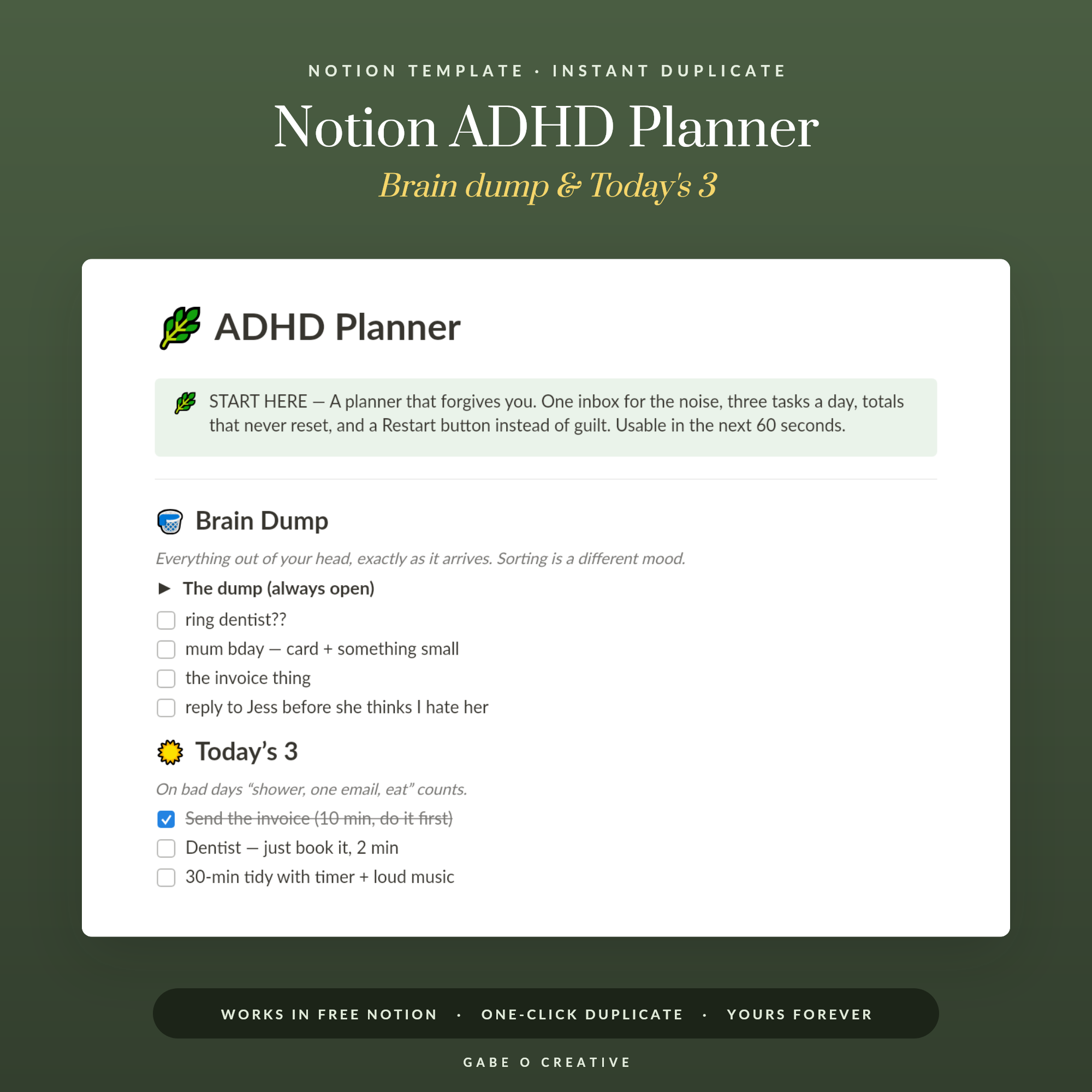 Shop Notion ADHD Planner — ADHD-Friendly Template for Notion: Brain Dump Inbox, Today's 3, Energy-Labelled Task Shelf, Wins Jar & No-Guilt Restart →
Setting It Up in an Afternoon
Here is the whole build, and it genuinely does not take longer than an afternoon:
- Create one Inbox database with a single title field. Nothing else. Add the Notion web clipper to your browser and the app to your phone home screen.
- Create the four PARA pages as a database with a select field for Project, Area, Resource or Archive.
- Add a Next Action field to projects. One line of plain text. A project without a next action is where systems go to stall.
- Build two views only: Active Projects and Inbox. Everything else is a filter you can add the day you miss it.
- Put a recurring 15-minute review in your calendar for the same slot each week, ideally Friday afternoon or Sunday evening.
That is a complete second brain. If it feels too plain, resist the urge to decorate for a fortnight. Structure added after real use fits the way you actually work; structure added before it is guesswork.
The Weekly Review That Keeps It Alive
The review is the system. Everything else is storage. Fifteen minutes, three passes: empty the Inbox by moving each item into a PARA bucket or binning it, walk your active projects and give each one a next action, then archive anything finished. That is it. No scoring, no reflection prompts, nothing that turns a habit into a chore.
If your inbox is regularly overflowing, that is information rather than failure — it usually means you are capturing far more than you can process, and the answer is to be choosier at the point of capture. If you find yourself dreading the review, shorten it. A five-minute review you do every week beats a thorough one you abandon in March.
Once the core habit is steady, the same structure extends naturally. The Notion Life OS adds goals, habits and a money tracker on top of it, the Notion ADHD Planner trades structure for a lower-friction brain dump and energy-labelled tasks, and students can lift the whole approach into the Notion Student OS with assignments and grade tracking built in. If you like getting thoughts out of your head on paper first, our brain dump guide pairs well with the digital inbox, ADHD-friendly planning covers what to do when standard systems feel impossible, and 90-day goals gives your Projects bucket something meaningful to point at.
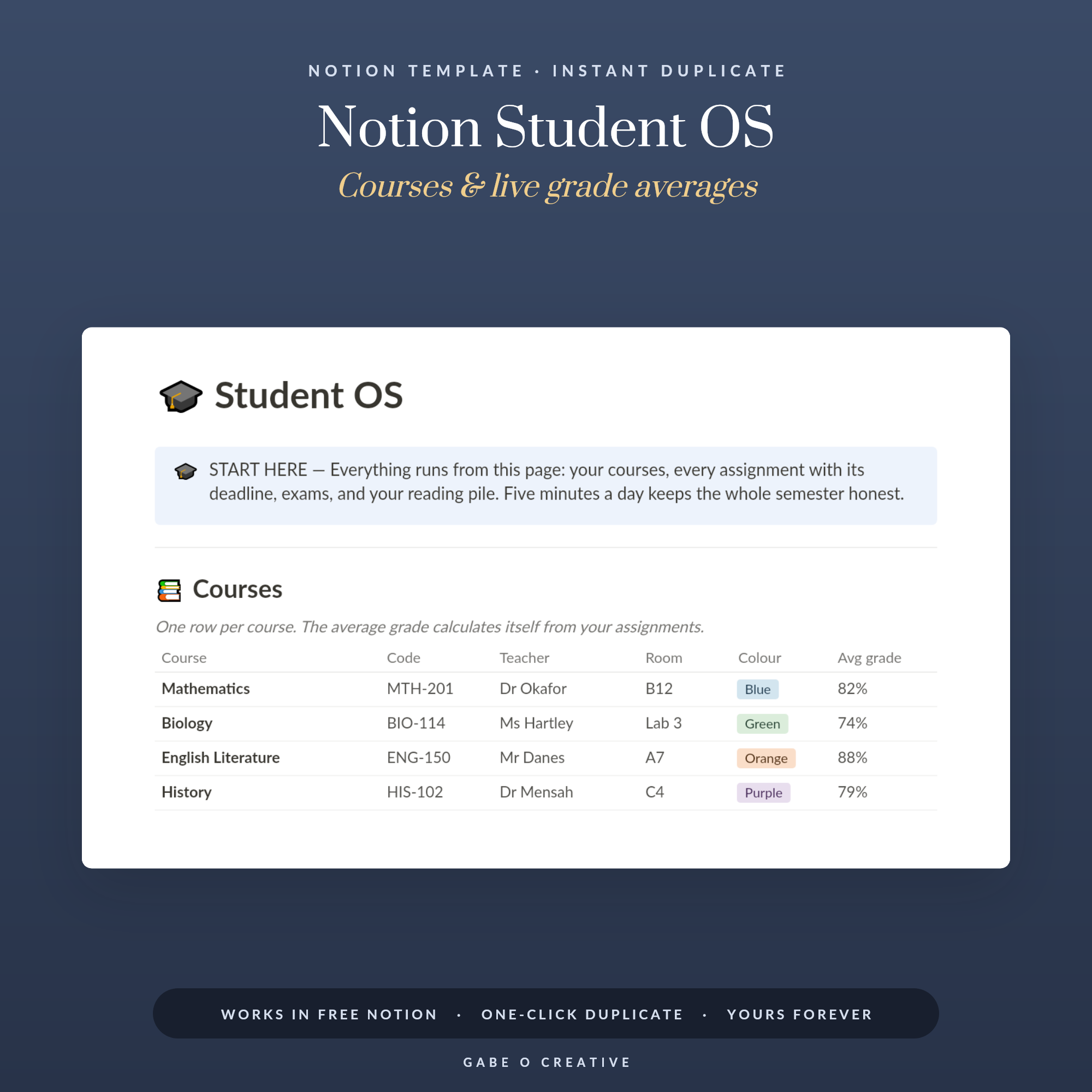 Shop Notion Student OS — Student Planner Template for Notion: Assignment Tracker with Deadlines, Auto Grade Averages, Exam Countdown, Reading List & Weekly Planner →
Notion Second Brain FAQs
What is a Notion second brain?
It is a single place in Notion where you capture notes, links, ideas and tasks, then organise them so you can find them later. The point is to stop holding everything in your head and to trust that anything you saved can be retrieved in seconds.
What is the PARA method?
PARA sorts everything into four buckets: Projects with a finish line, Areas you maintain forever, Resources you might want later, and an Archive for anything finished or dormant. You organise by how actionable something is, not by subject.
Why do most Notion setups fail after a few weeks?
Because they are built for the pleasure of building. Too many databases, too many required fields and too many relations mean capturing a thought becomes work, so you stop capturing. A system that asks for one click survives; one that asks for six does not.
Should I move all my old notes into Notion first?
No. Start with today and let the system fill forward. Migrating years of notes takes a weekend, buries the new setup and mostly imports things you will never open. Move old notes across only at the moment you actually need one.
How long does the weekly review take?
Fifteen to twenty minutes once you are used to it. You clear the inbox, check each active project has a next action, and archive anything that has finished. That single habit is what separates a living second brain from a graveyard.
Do I need the paid version of Notion for this?
No. The free personal plan handles unlimited pages and databases for one person, which covers everything a second brain needs. Paid plans matter for team collaboration and version history rather than for personal use.
Start with capture, not construction. Duplicate the Notion Second Brain today, throw your first ten thoughts at the inbox, and run one review on Friday — or browse the full Notion Templates collection to find the setup that fits your week.