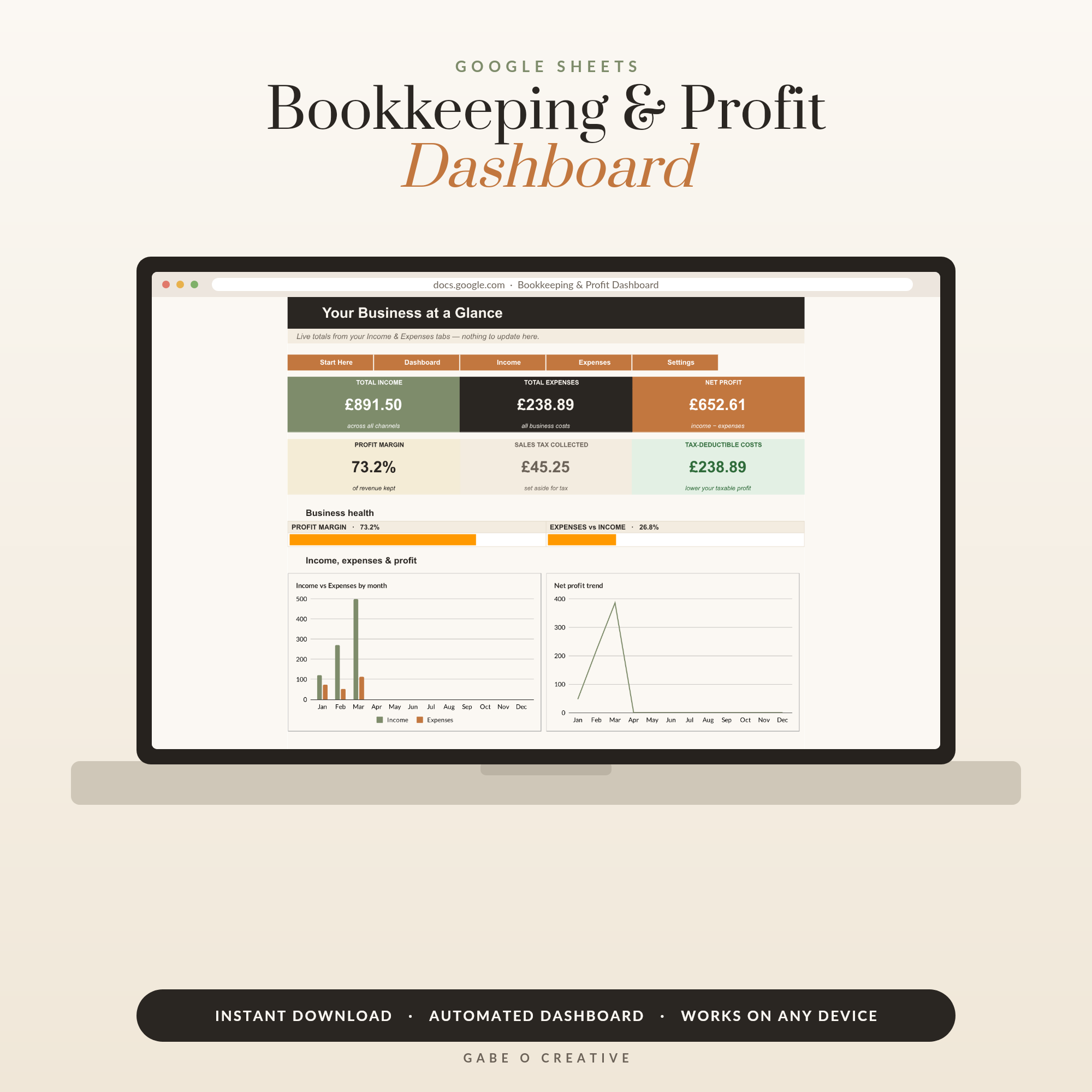
Add up the starter stack a new business is told to buy — accounting software, a CRM, an order system, an invoicing tool — and you're £60+ a month lighter before you've sold a thing. Here's the quiet truth: Google Sheets for small business covers all four jobs, free, until you're genuinely big enough to outgrow it. The trick is structure, and a ready-built system like the Bookkeeping & Profit Dashboard gives you that structure the day you start.
Want the flagship set up today? The Bookkeeping & Profit Dashboard is a Google Sheets system with automated monthly P&L, KPI cards and charts — log income and expenses, and profit calculates itself.
The four sheets that run a business
Almost every micro business — handmade seller, freelancer, service provider — runs on the same four information jobs. Each one is a sheet:
- Bookkeeping — every pound in and out, categorised. The one with legal weight at tax time.
- CRM — who's interested, who's quoted, who owes you a reply. Memory is not a system.
- Orders / projects — what's promised, to whom, by when, at what margin.
- Price list — your true costs and margins per product or service, so pricing stops being vibes.
Start with bookkeeping. It's the only one HMRC will ever ask about, and it's the one that tells you whether the business is actually working.
Bookkeeping: one row per transaction, categories do the rest
The entire method: one row per transaction — date, description, category, amount — split across an Income tab and an Expenses tab. The category column is where the magic lives, because SUMIF totals every category automatically: your materials, postage, software, fees and travel roll into a tax-ready summary without you ever touching a calculator. Two habits make it bulletproof: enter transactions weekly (five minutes with a coffee, not a January archaeology dig), and photograph every receipt into a Drive folder named by month. A non-VAT sole trader who hands their accountant a clean categorised sheet at year end is their favourite kind of client. The Bookkeeping & Profit Dashboard is this exact structure with the dashboard already wired — monthly P&L, margin gauges and charts that update as you type. If you're a freelancer with lumpy income, the Freelancer Budget & Tax Vault adds the piece that saves careers: an automatic set-aside for the tax bill.
What the software subscriptions cost vs the sheet
| Job | Typical software | Cost / year | Sheets equivalent |
|---|---|---|---|
| Bookkeeping | QuickBooks, Xero | £120–£400 | Income + expenses tabs with SUMIF dashboard |
| CRM | HubSpot paid tiers, Pipedrive | £180–£600 | Contacts + pipeline tabs with status dropdowns |
| Orders & inventory | Craftybase, Katana | £200–£600 | Orders tab with ship-by dates and stock counts |
| Invoicing | FreshBooks etc. | £100–£300 | Invoice template, duplicated per client, saved as PDF |
That's £600–£1,900 a year for jobs a well-built spreadsheet does free at micro-business scale. The honest caveats: once you're VAT-registered, UK Making Tax Digital rules mean you'll need compliant software or bridging tools; and past a few hundred transactions a month, manual entry stops being charming. Until then, the sheet wins — and everything you learn transfers.
The CRM and orders layer: stop running the business from memory
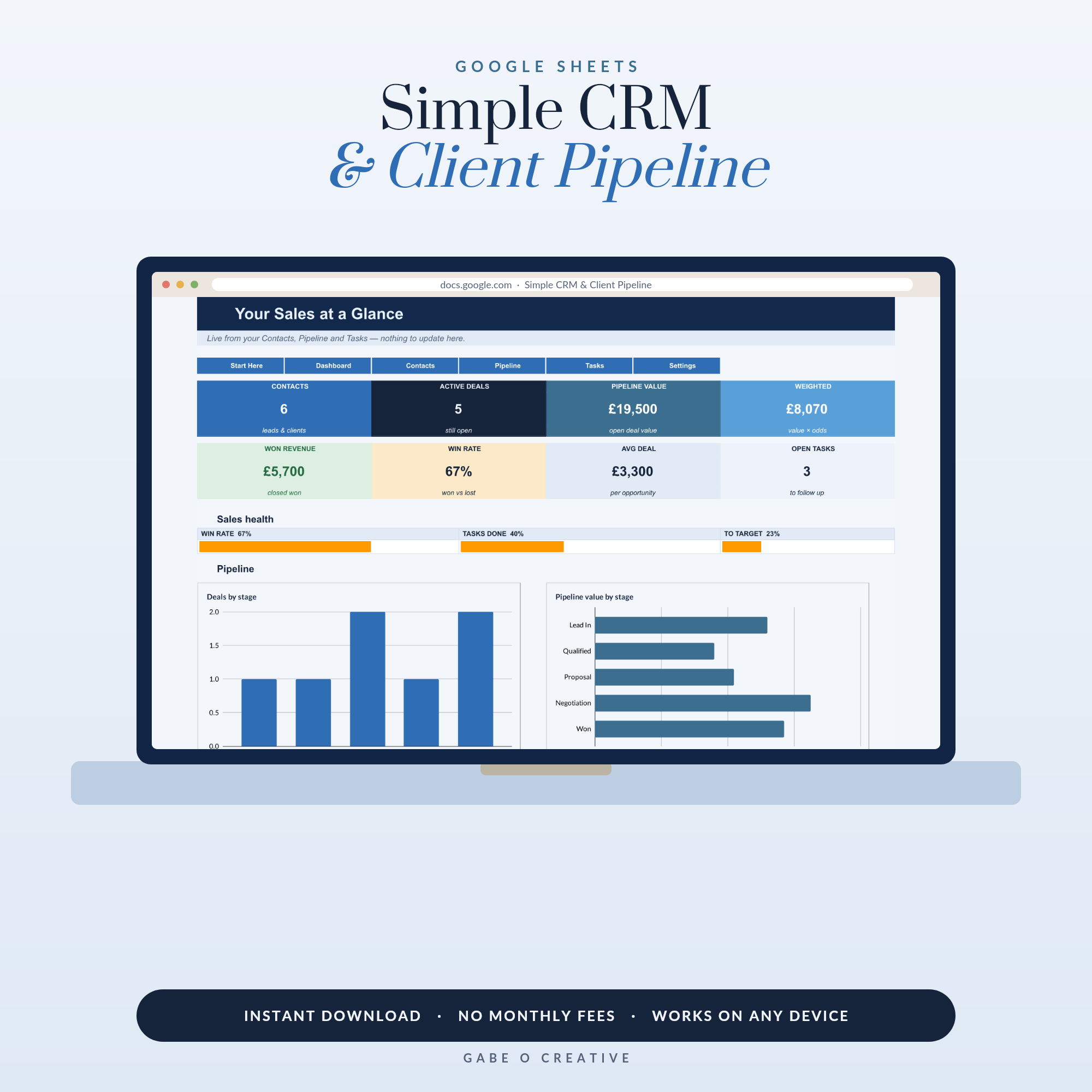
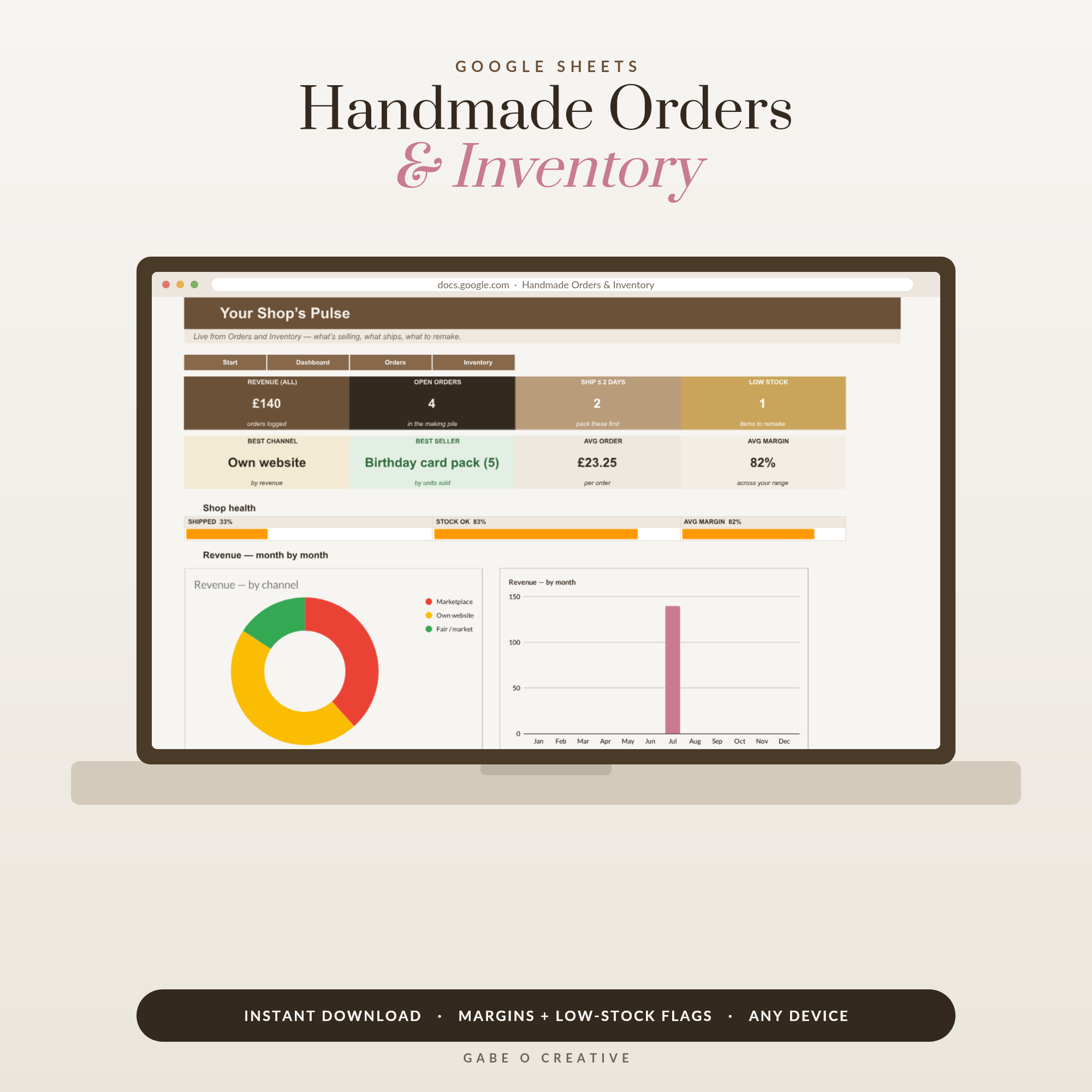
The moment you have more than five customers, your head stops being a reliable database. A simple CRM sheet — name, contact, where they found you, status dropdown (enquiry → quoted → won → repeat), last-contact date — turns "I must reply to that lady from the market" into a system that never forgets a warm lead. The Simple CRM & Client Pipeline adds the pipeline view and follow-up nudges. Makers should look at the Handmade Orders & Inventory tracker instead — it merges the orders and stock jobs, with ship-by countdowns and true per-item margins that tell you which products actually pay for your time.
Make the habit effortless: phone, bank export, Sunday five minutes
Systems fail at the entry step, so remove the friction. Install the Google Sheets app and pin your bookkeeping sheet — an expense typed at the till or in the van actually gets recorded, unlike the receipt destined for a coat pocket. Once a month, download your business account statement as CSV and reconcile against the sheet: anything in the statement but not the sheet is a missed entry, anything in the sheet but not the statement is a typo — a ten-minute cross-check that keeps the whole system honest. And protect one recurring slot (Sunday evening works for most makers) for the weekly once-over: enter the stragglers, glance at the dashboard, note who owes you money. A business that looks at its numbers weekly makes different — better — decisions than one that meets them once a year in a tax panic.
The paper layer: look established from order one
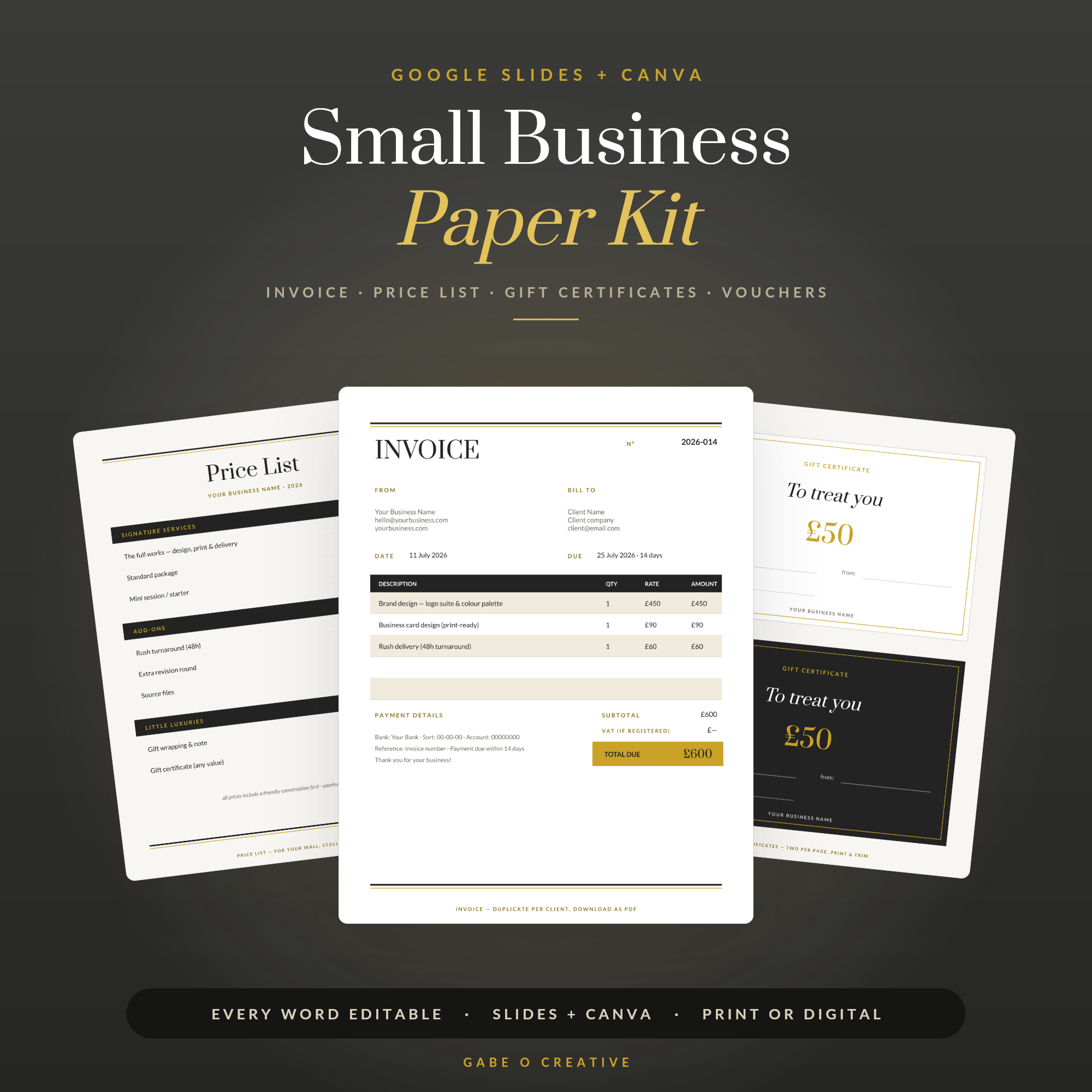
Sheets run the inside of the business; customers see the outside. A matching set of invoice, price list, thank-you cards and comeback vouchers does more for repeat business than most ads — the parcel that arrives with a beautiful care card and a 10%-off voucher is the parcel that gets reordered. Our Small Business Paper Kit covers that whole customer-facing layer (editable in Google Slides or Canva), and pairs with the bookkeeping sheet: professional out front, organised out back.
Tracking rental income as well? Our landlord spreadsheet guide shows a simple way to log income and expenses ready for tax.
Your questions, answered
Can I really run a small business on Google Sheets?
For most sole traders and micro businesses, yes — bookkeeping, client tracking, orders, inventory and quoting all fit comfortably in Sheets until well past your first serious revenue. The natural upgrade points come later: VAT registration, employees, or transaction volume that makes manual entry painful.
Is Google Sheets good enough for bookkeeping and taxes?
For a non-VAT sole trader, a well-structured income and expenses sheet organised by category is exactly what an accountant wants to see at year end — many prefer a clean spreadsheet to a messy software export. Once you're VAT-registered, UK Making Tax Digital rules apply and you'll need bridging software or a full package.
What spreadsheets does a small business actually need?
Four cover almost everything: a bookkeeping sheet (income, expenses, profit by month), a simple CRM (who's interested, who owes a reply), an orders or projects tracker (what's promised and when), and a price list with your true costs and margins. Start with bookkeeping — it's the one with legal weight.
Why use Google Sheets instead of Excel for business?
It's free, it lives in the cloud (no lost laptop disasters), it's on your phone at the market stall or client visit, and sharing with an accountant or partner is a link rather than an email attachment saga. Formulas are near-identical, so nothing you learn is wasted either way.
How should I track business expenses in Google Sheets?
One row per expense with date, supplier, category and amount — the category column is the magic, because SUMIF formulas then total each category automatically for your tax return. Do it weekly (five minutes) rather than in a January panic, and photograph receipts into a Drive folder as you go.
Can Google Sheets calculate my profit automatically?
Yes — that's the whole point of a dashboard sheet. With income and expenses logged, formulas like SUMIFS roll everything into monthly totals, profit margins and running year figures that update the moment you add a row. Ready-made dashboards arrive with the charts and formulas already wired.
Going deeper? Read our guides to bookkeeping for Etsy sellers, building a CRM in Google Sheets and Google Sheets budget templates.
Skip the subscription stack. Copy the Bookkeeping & Profit Dashboard and know your real profit by tonight — then add the CRM, orders and paper kit as the business grows.